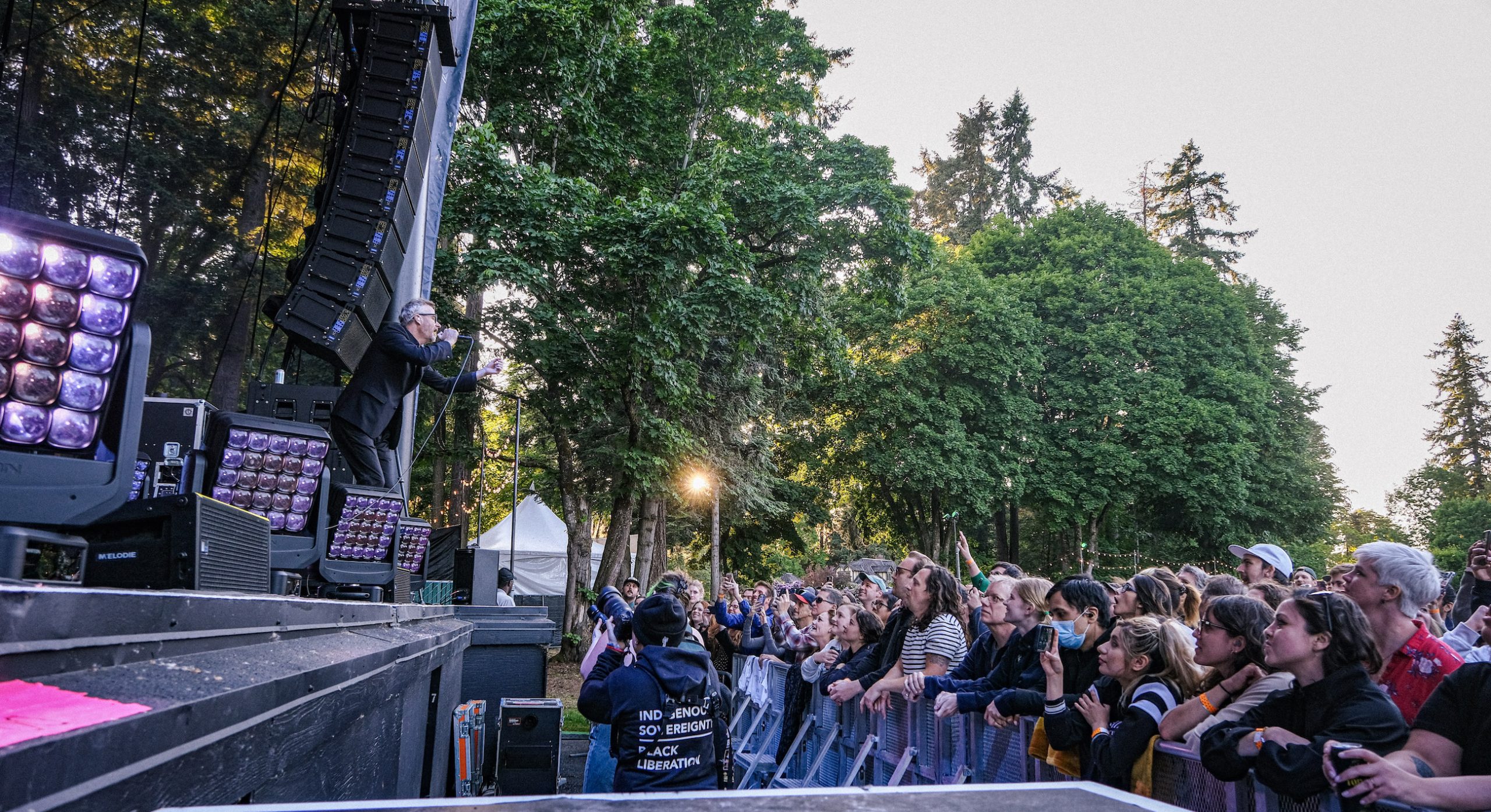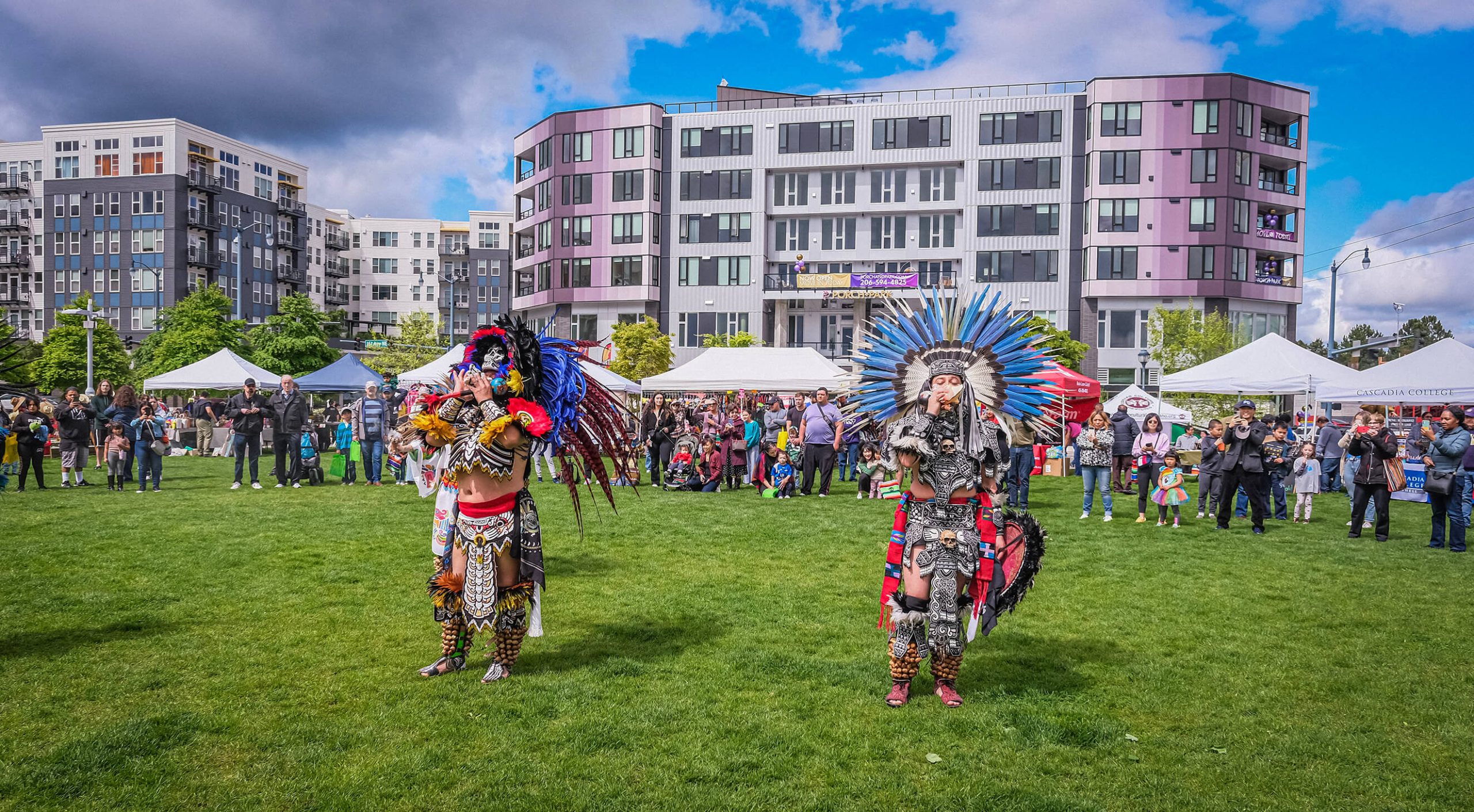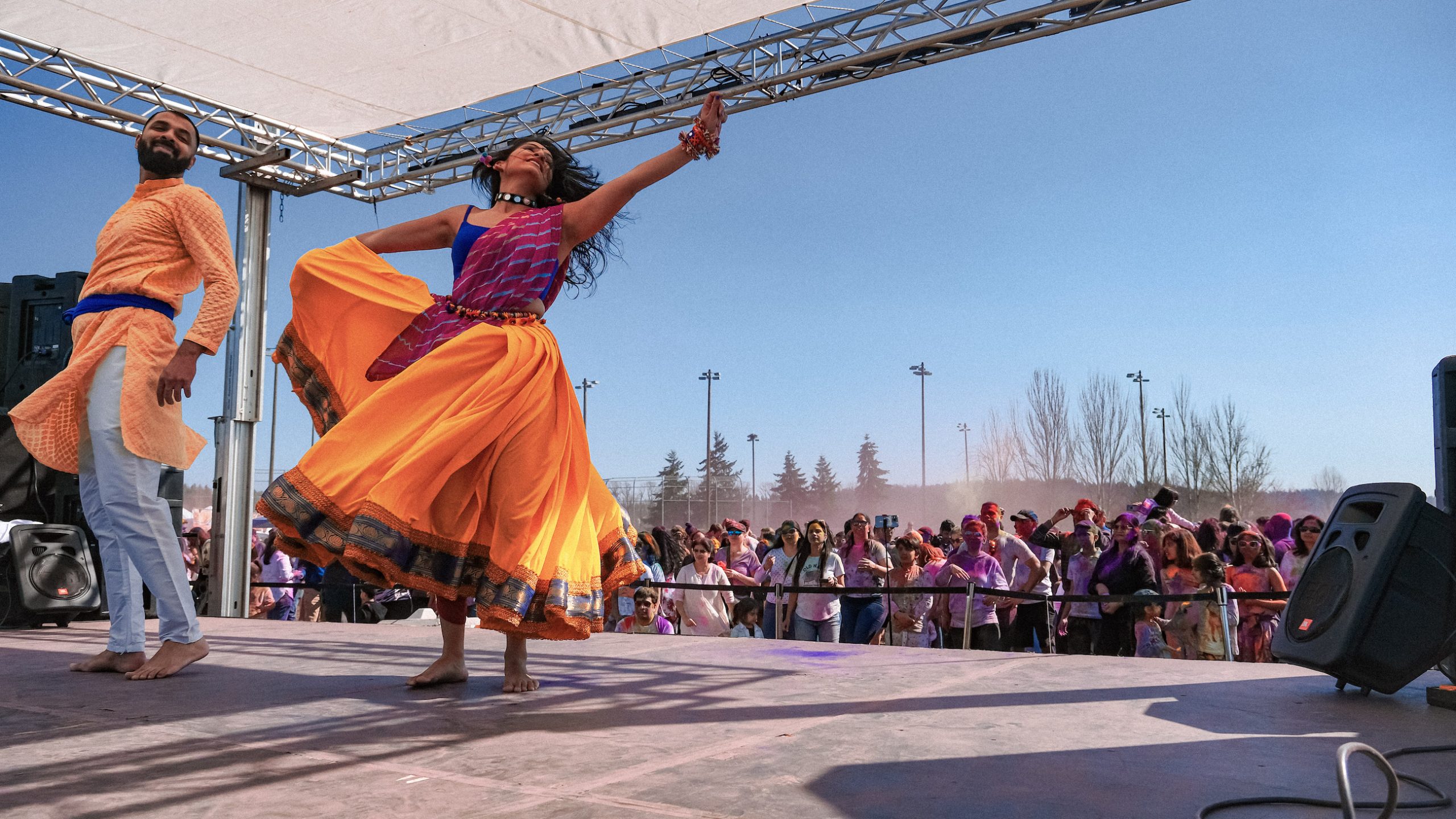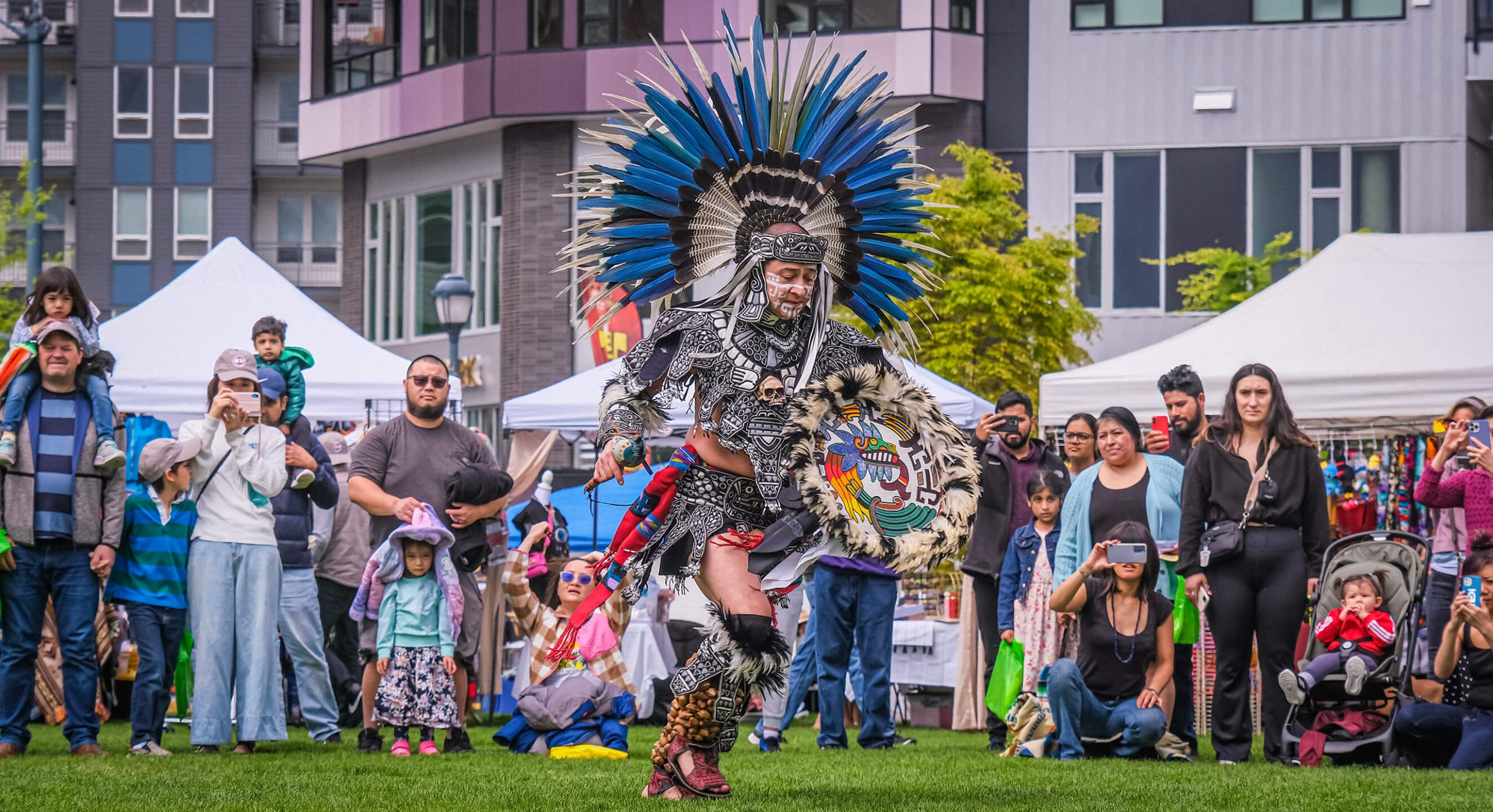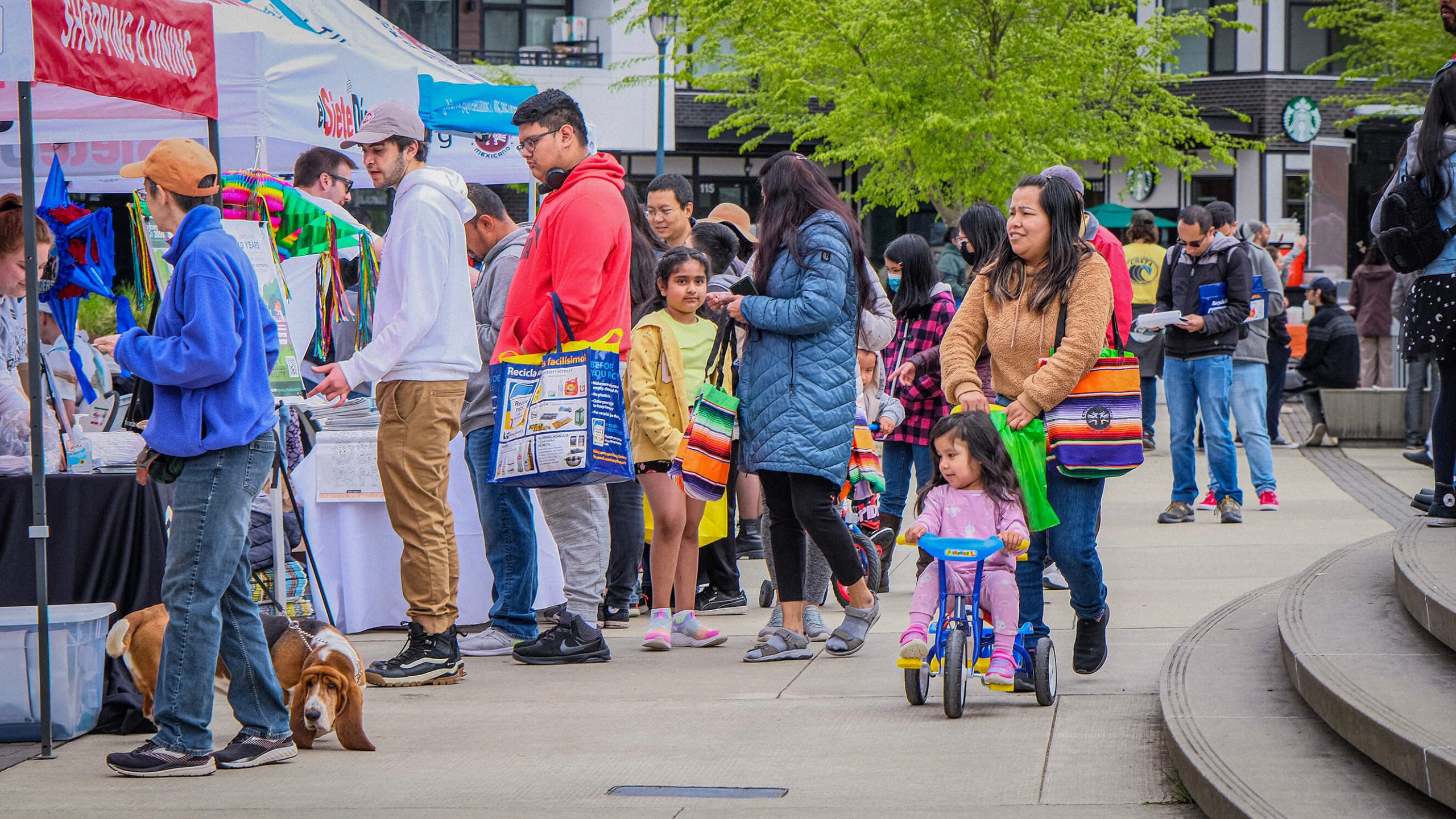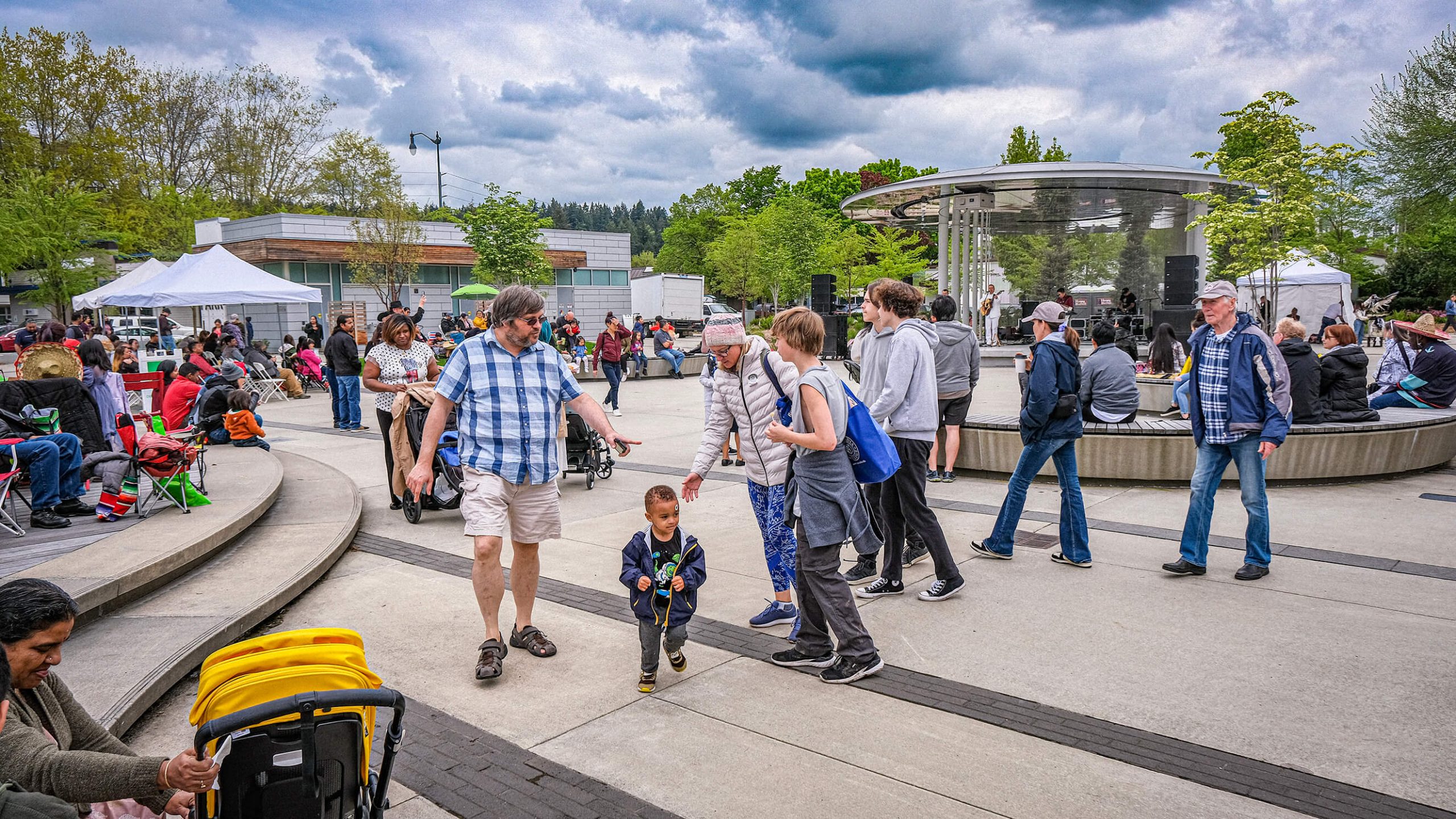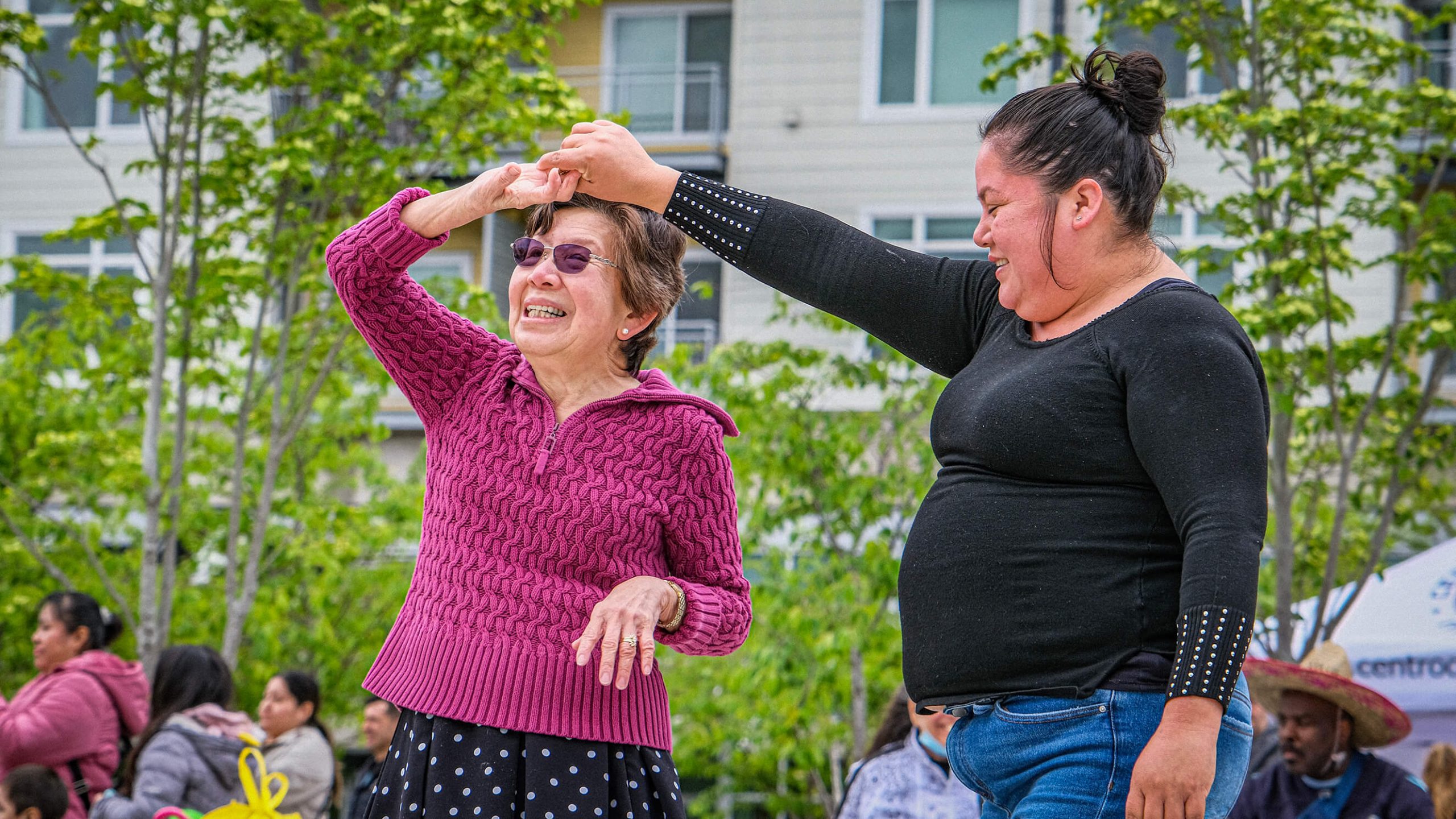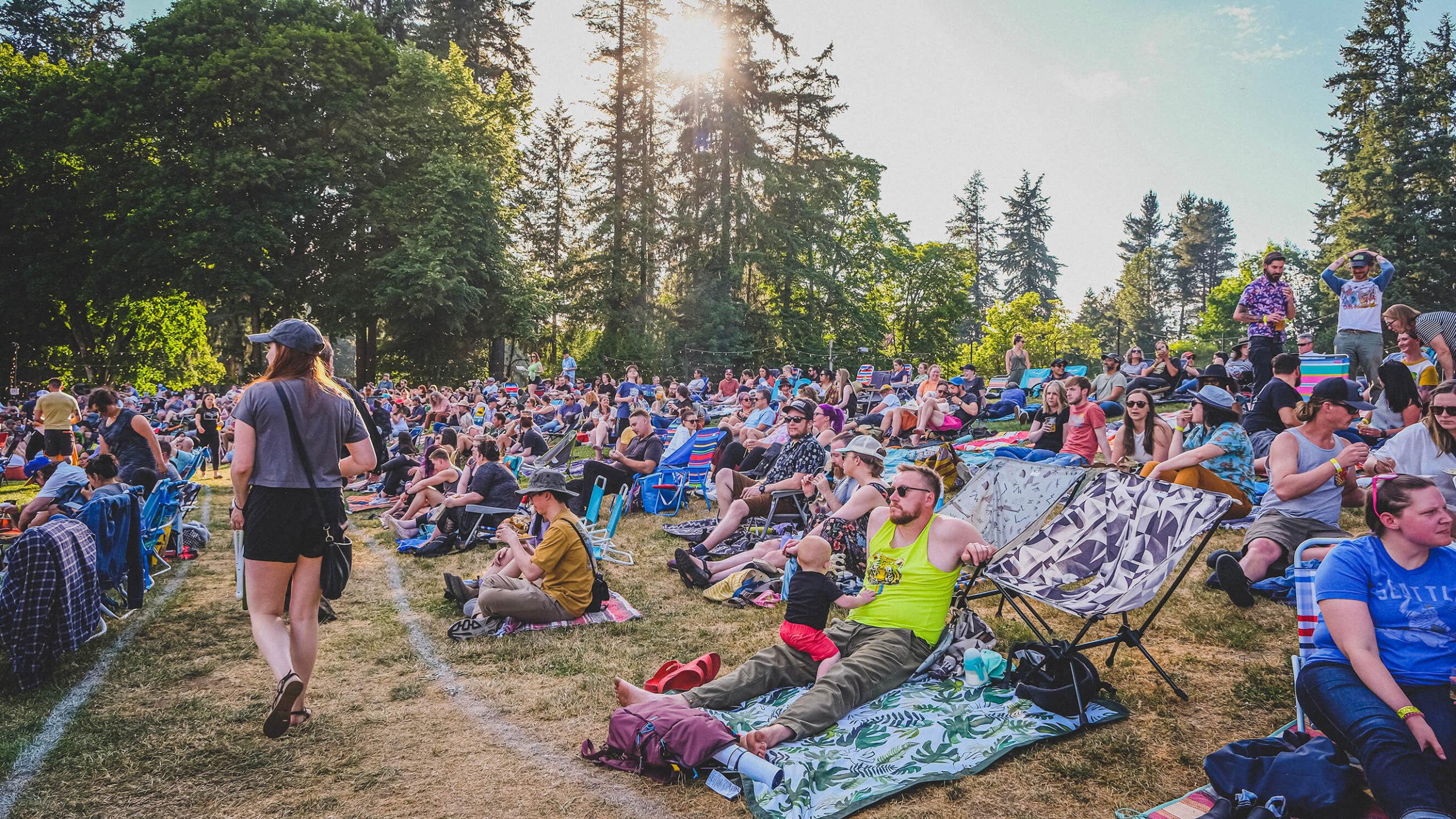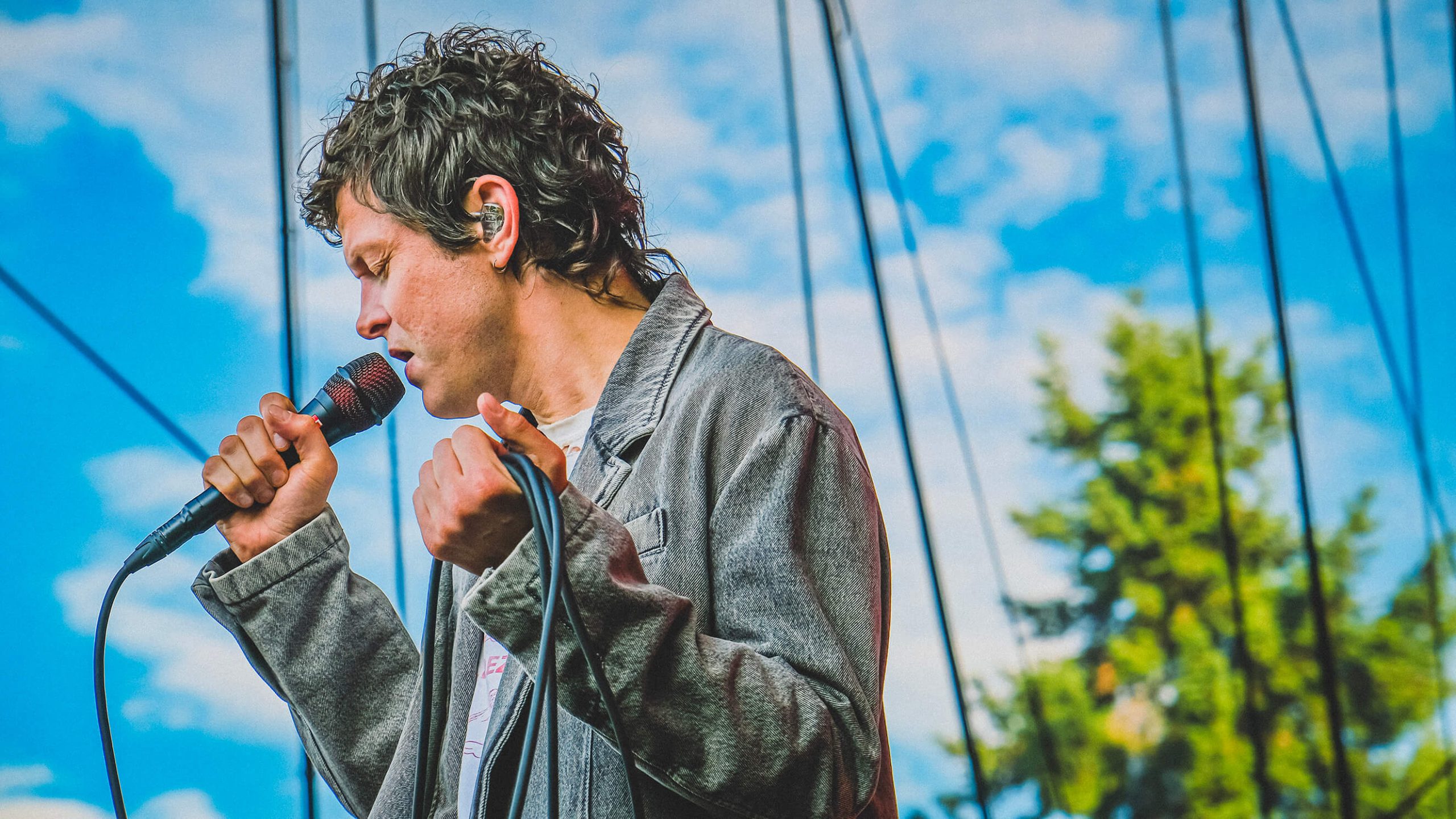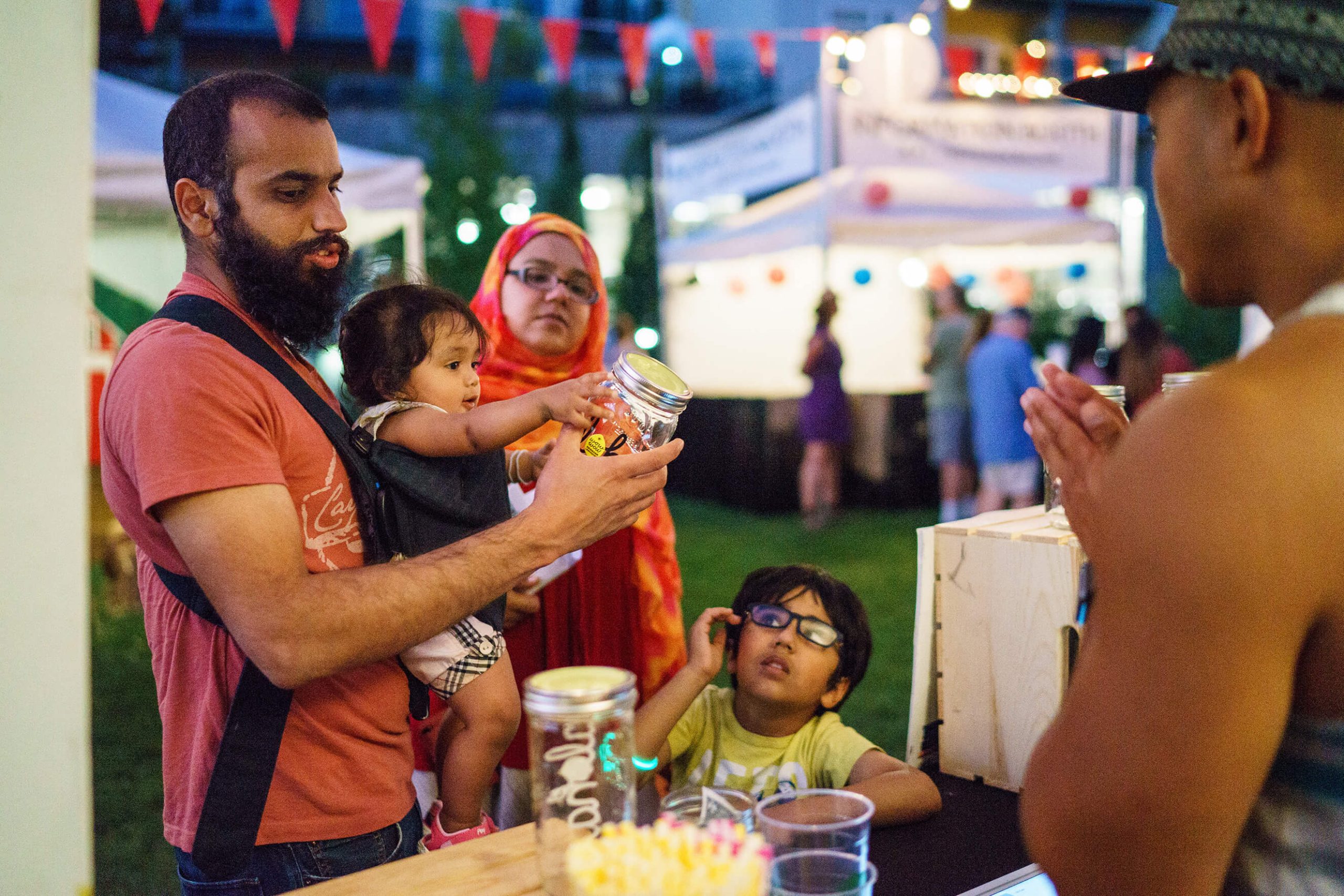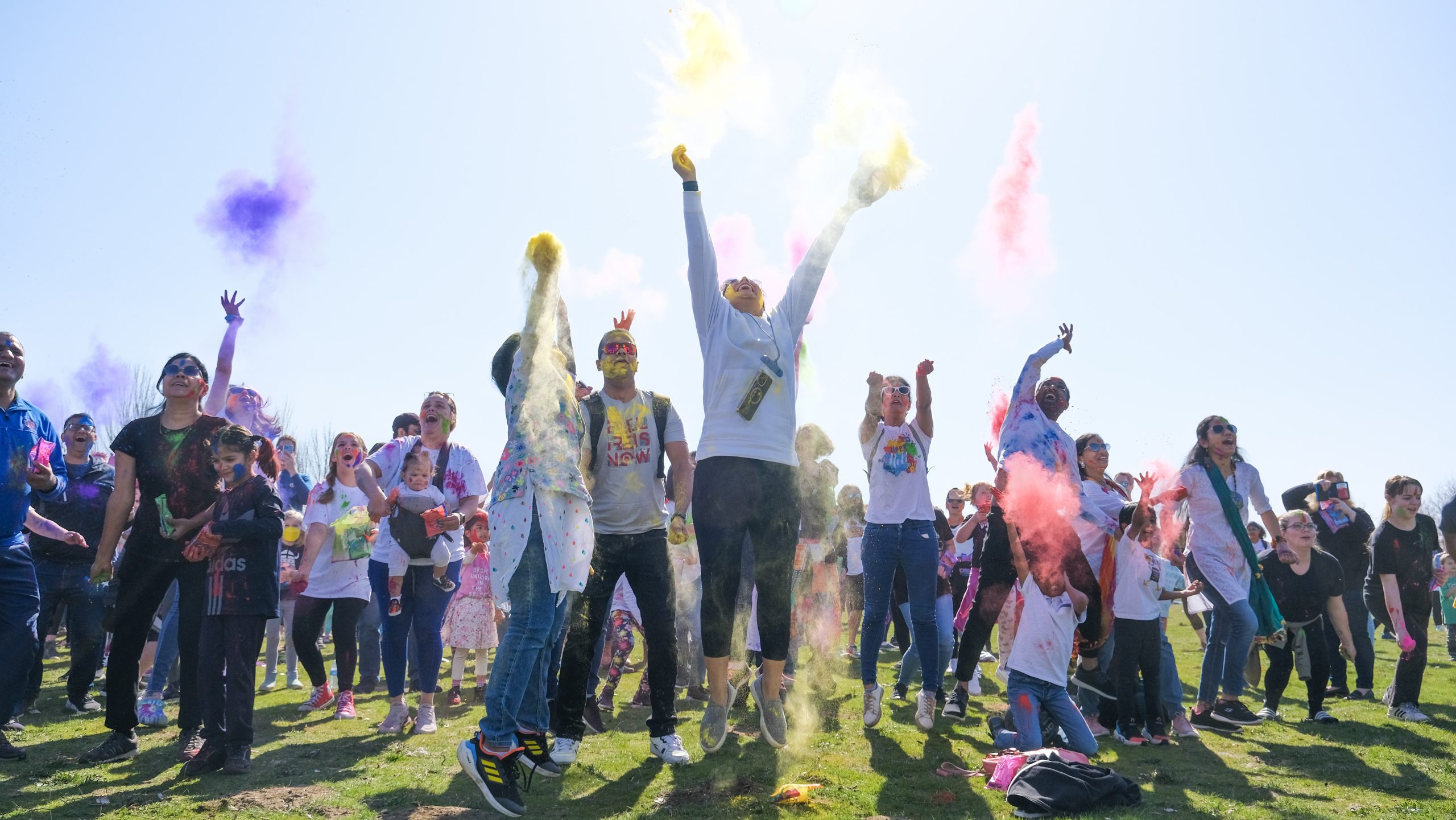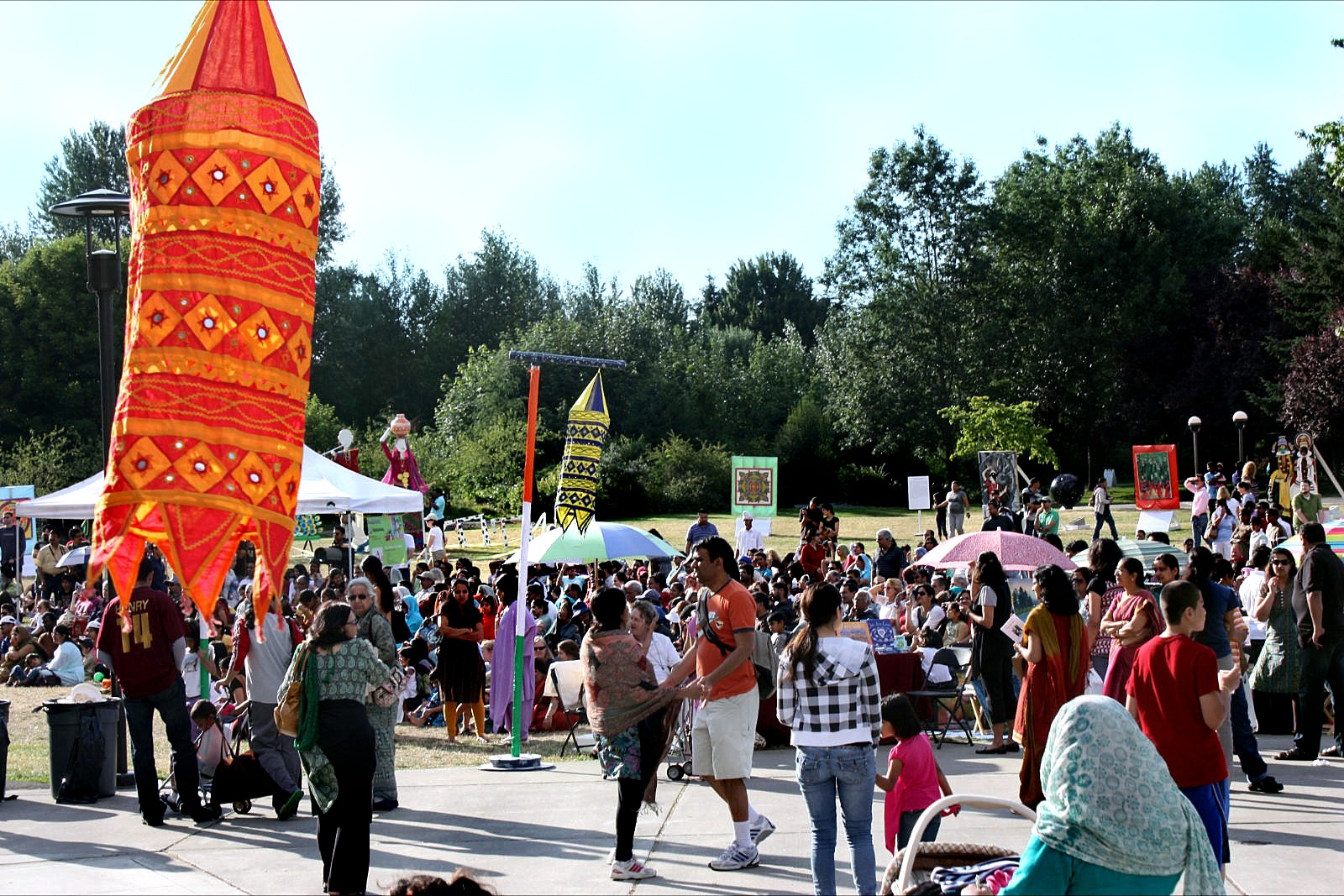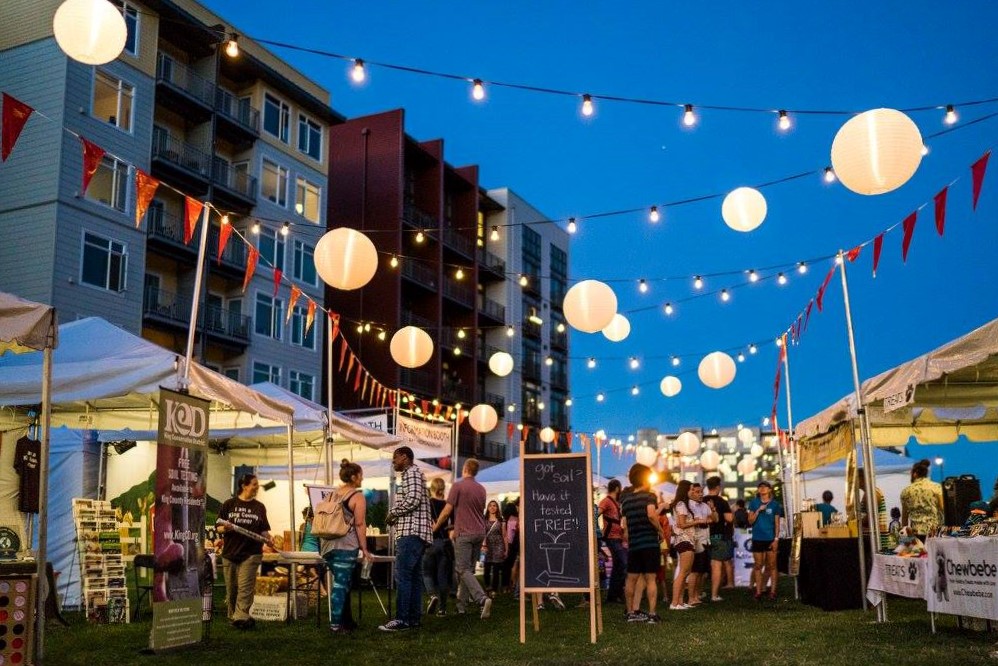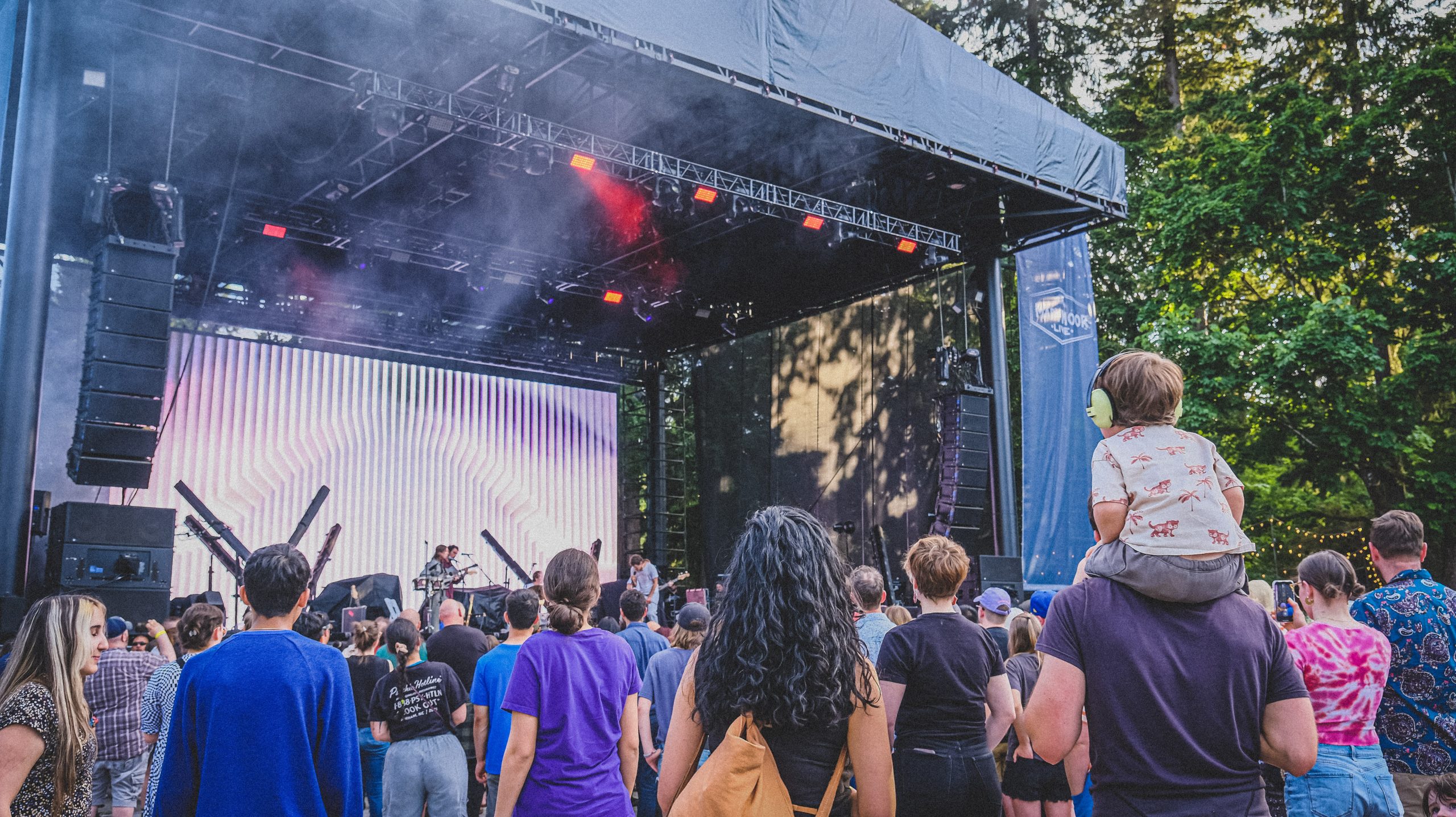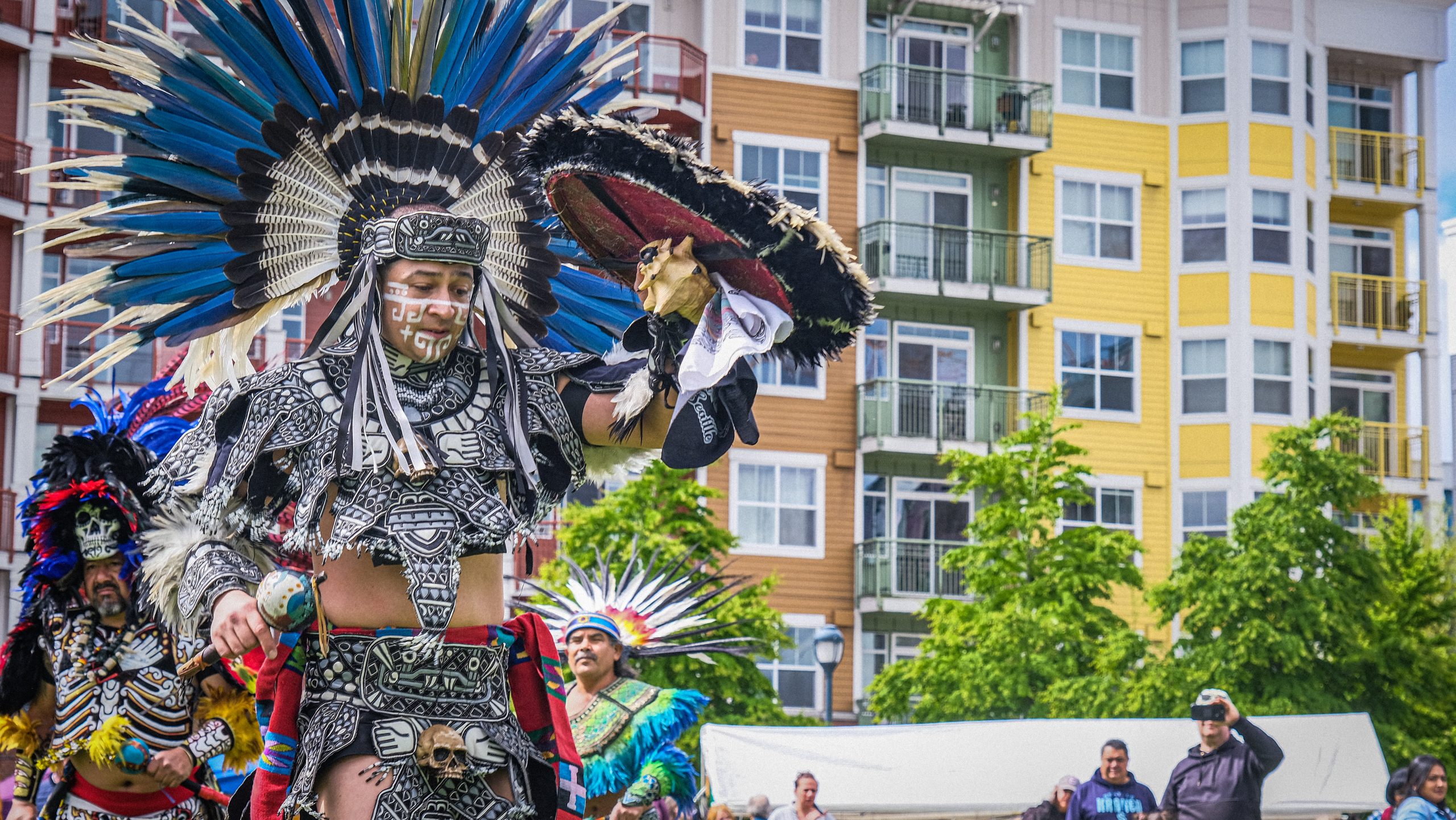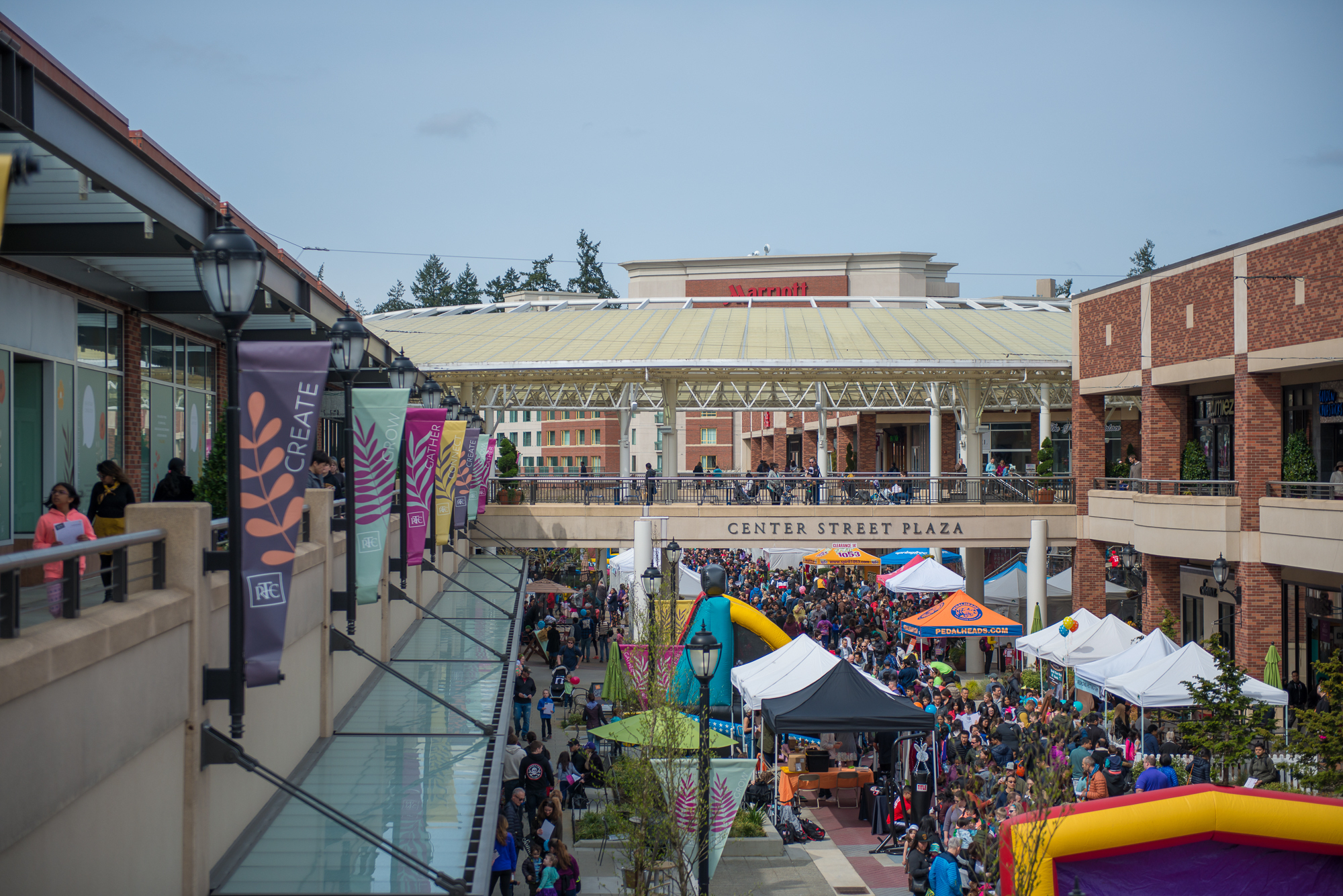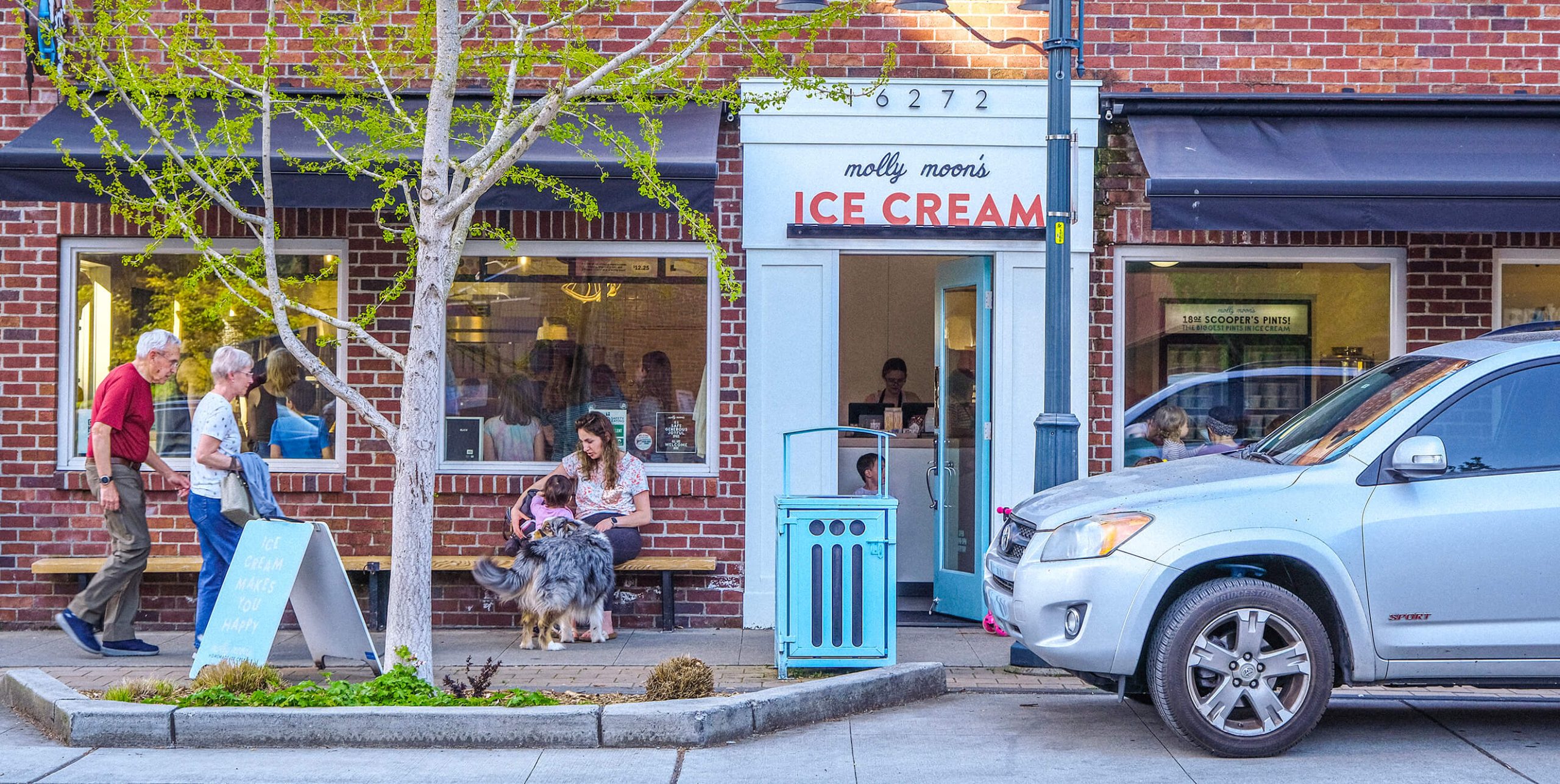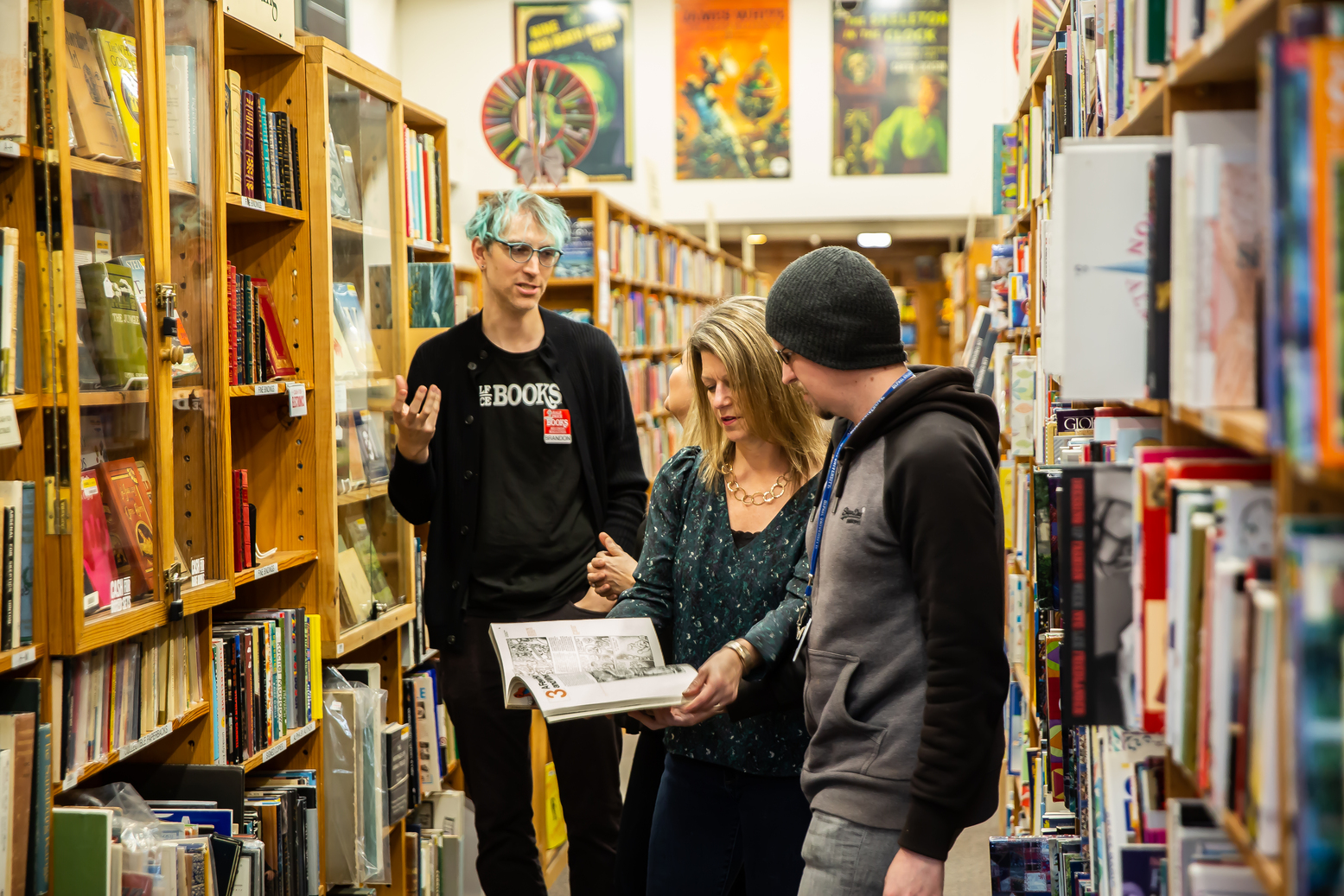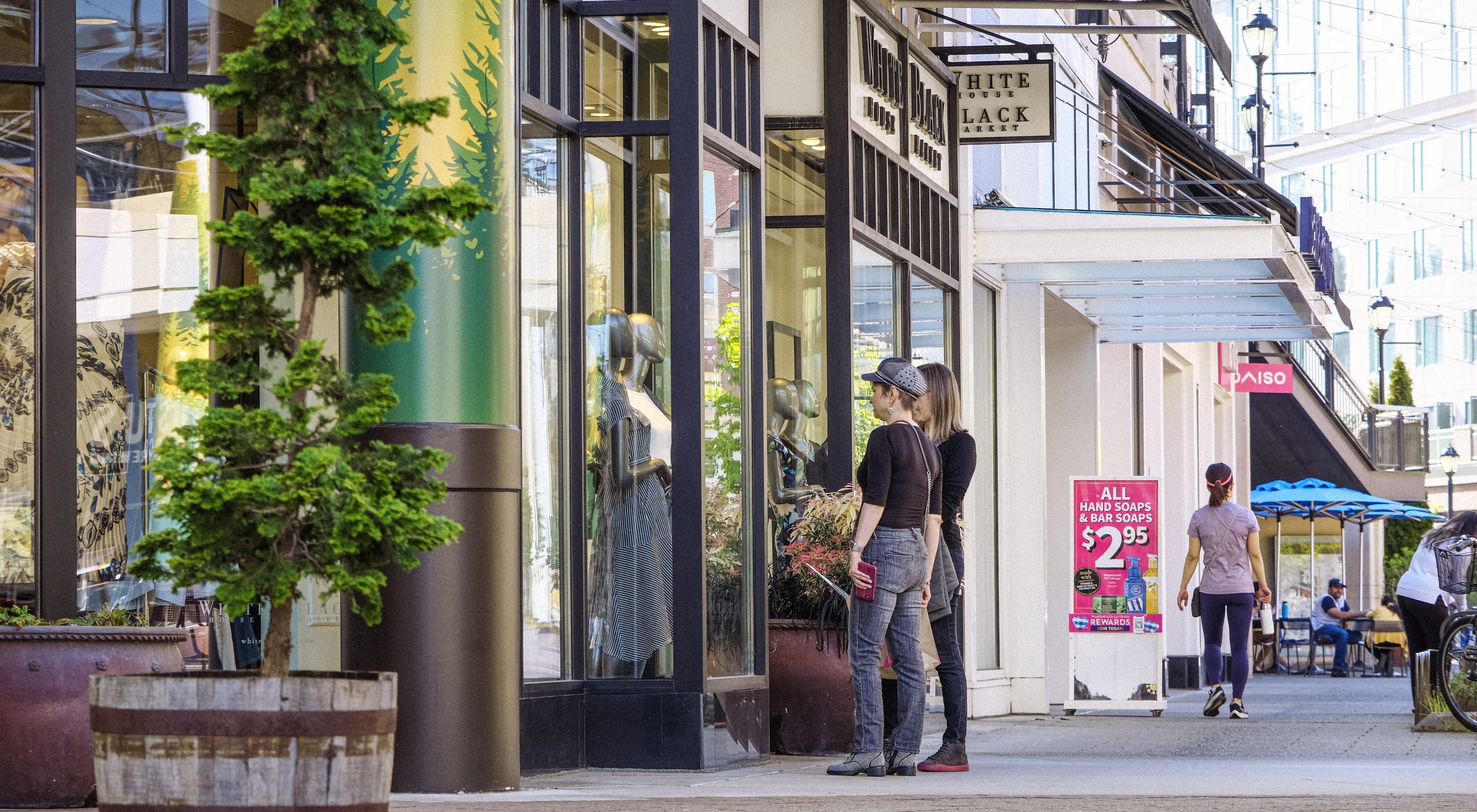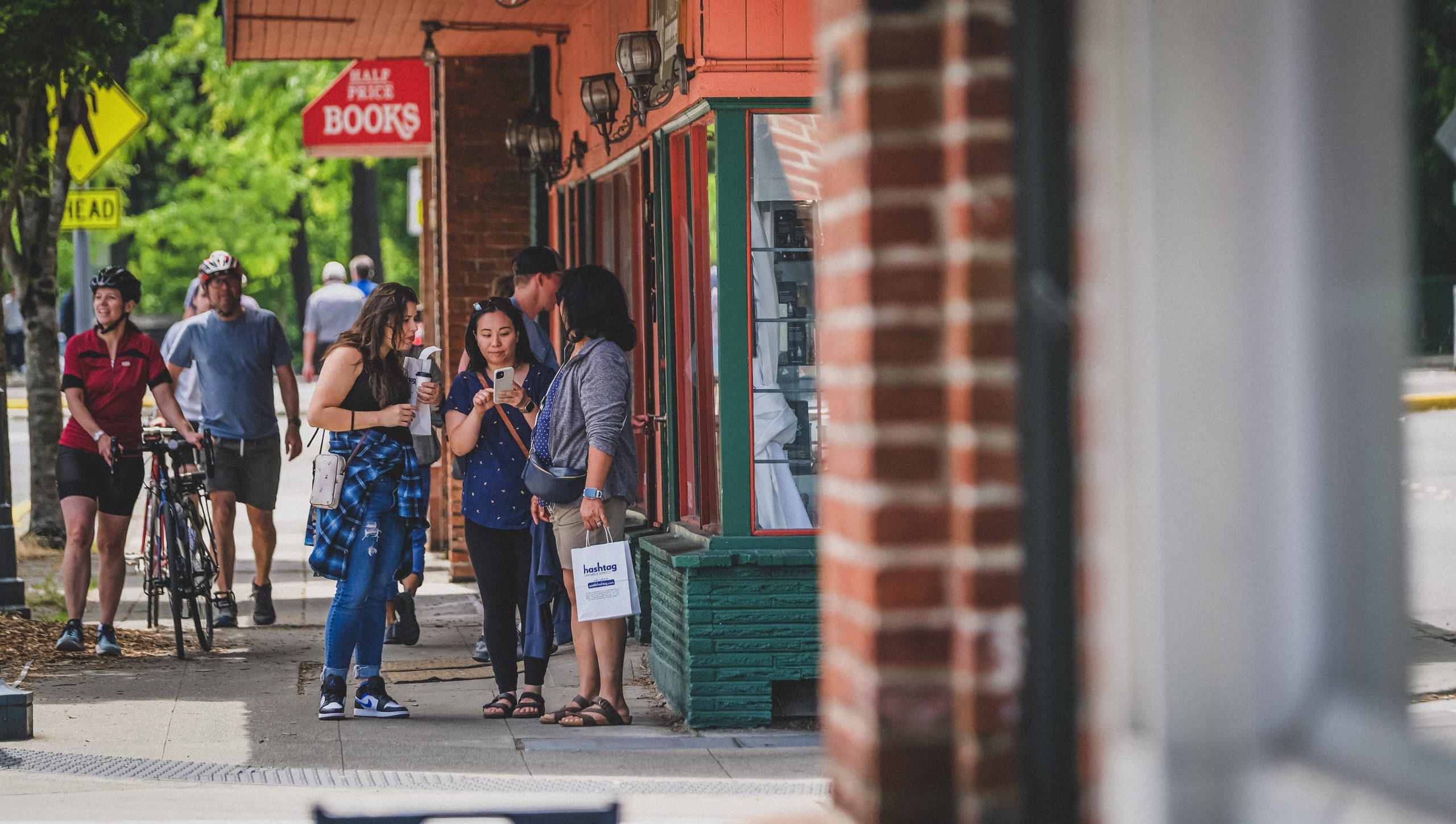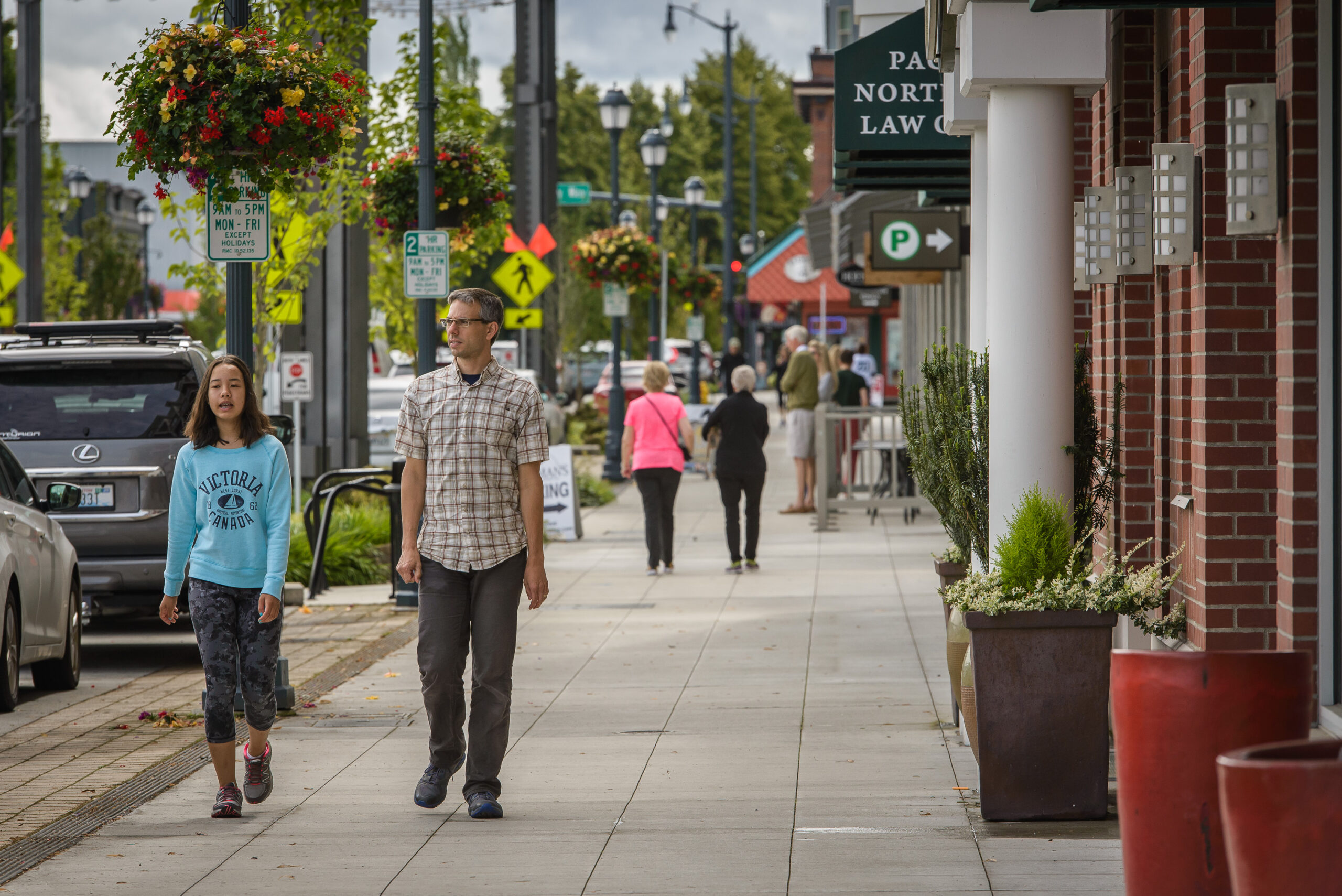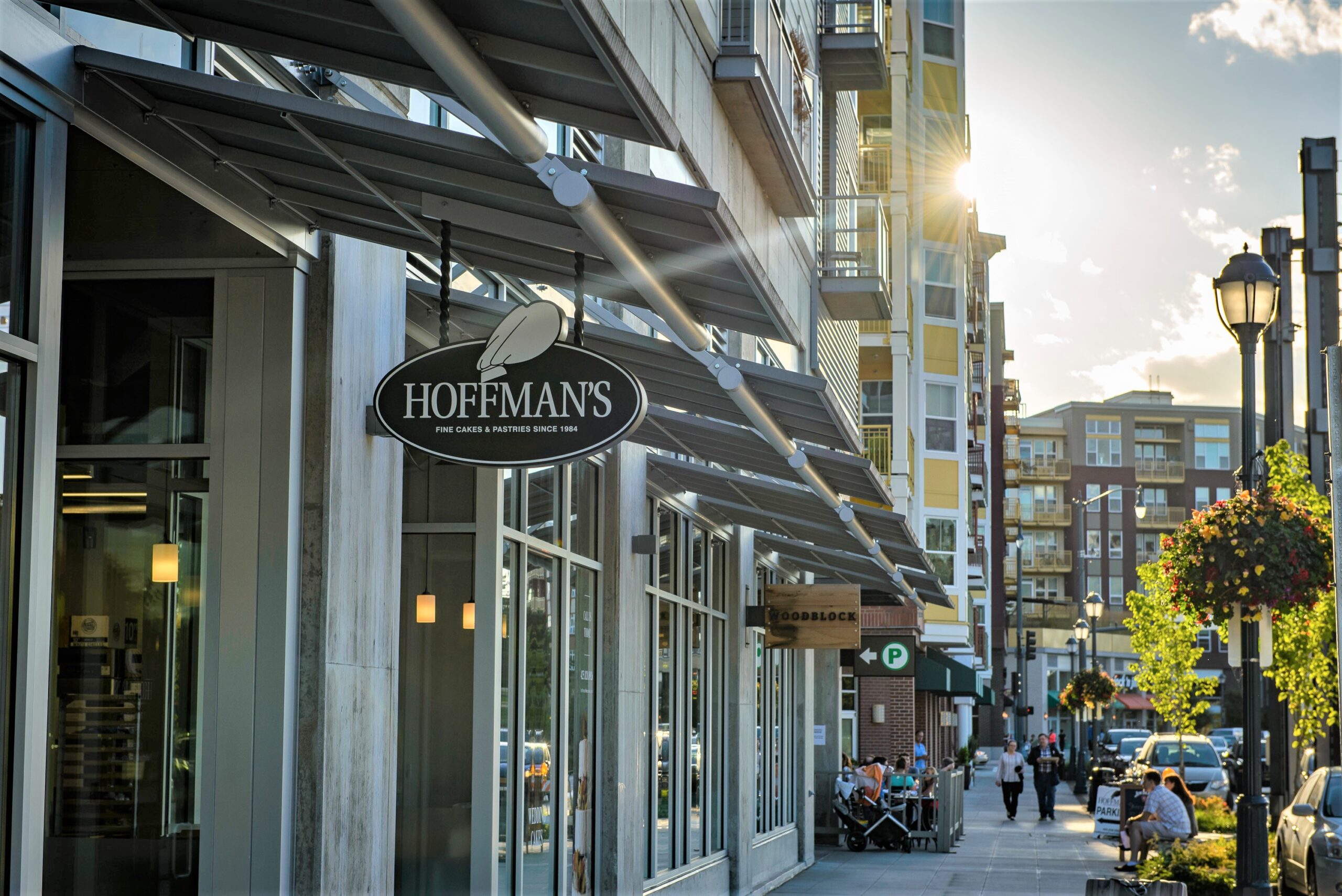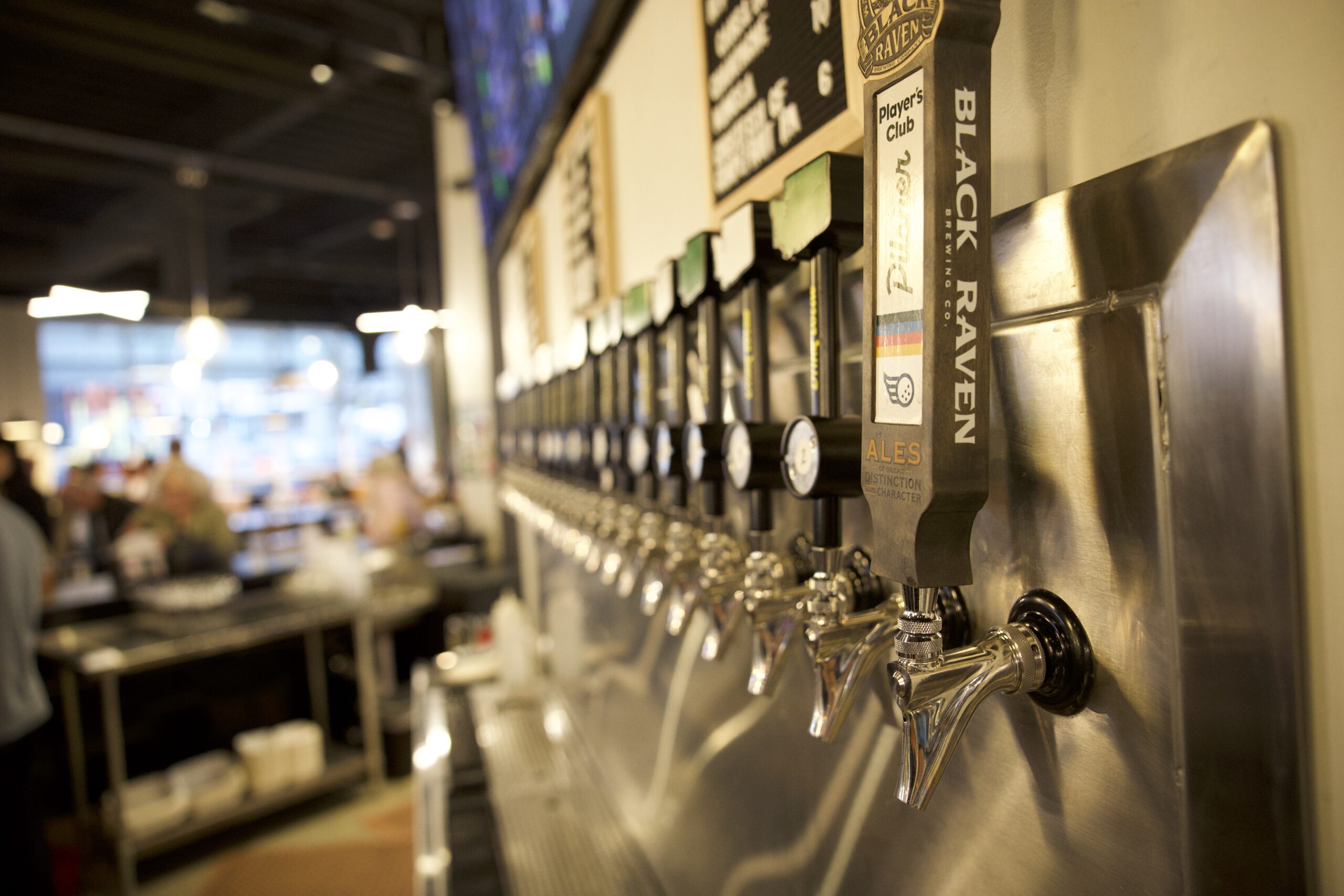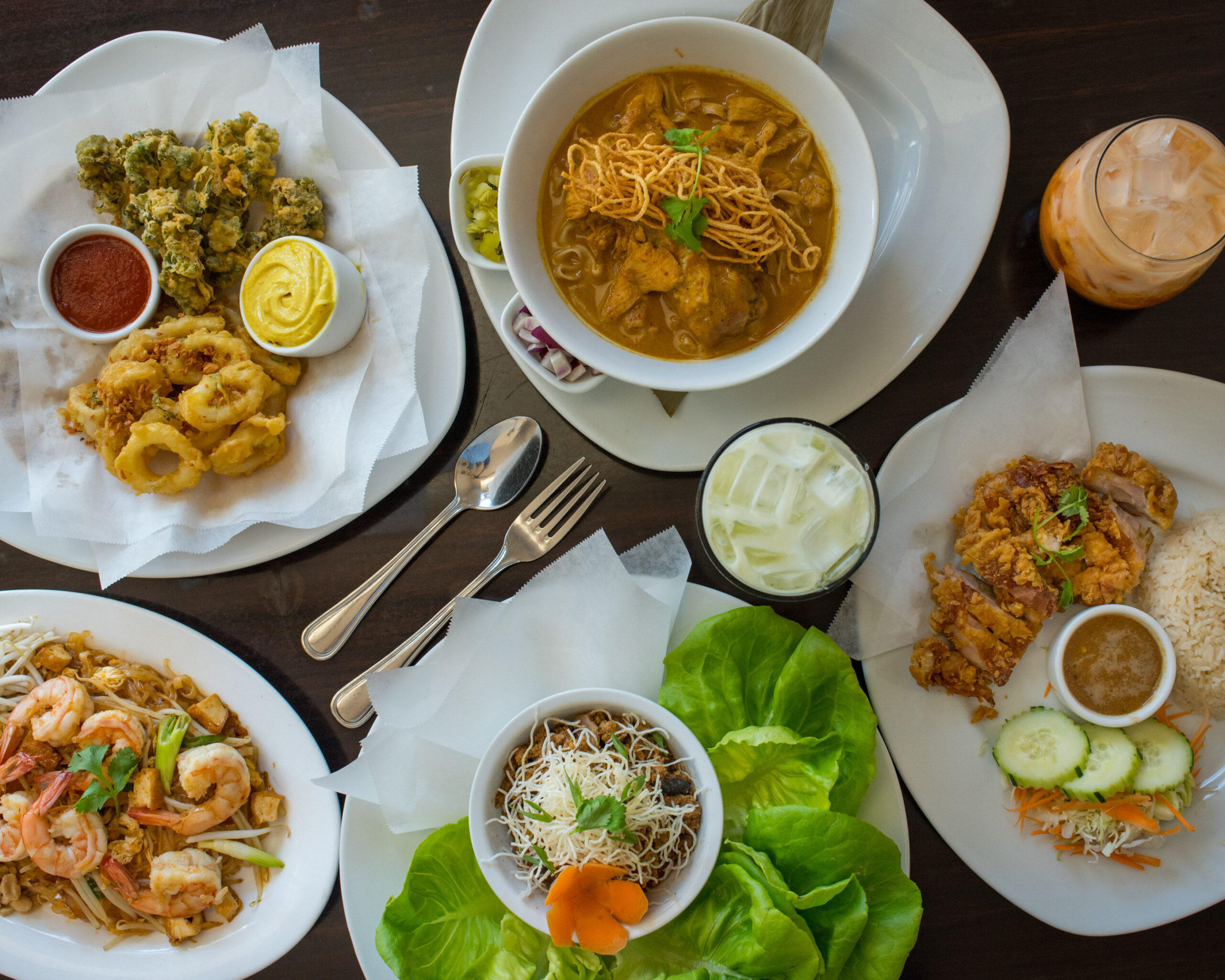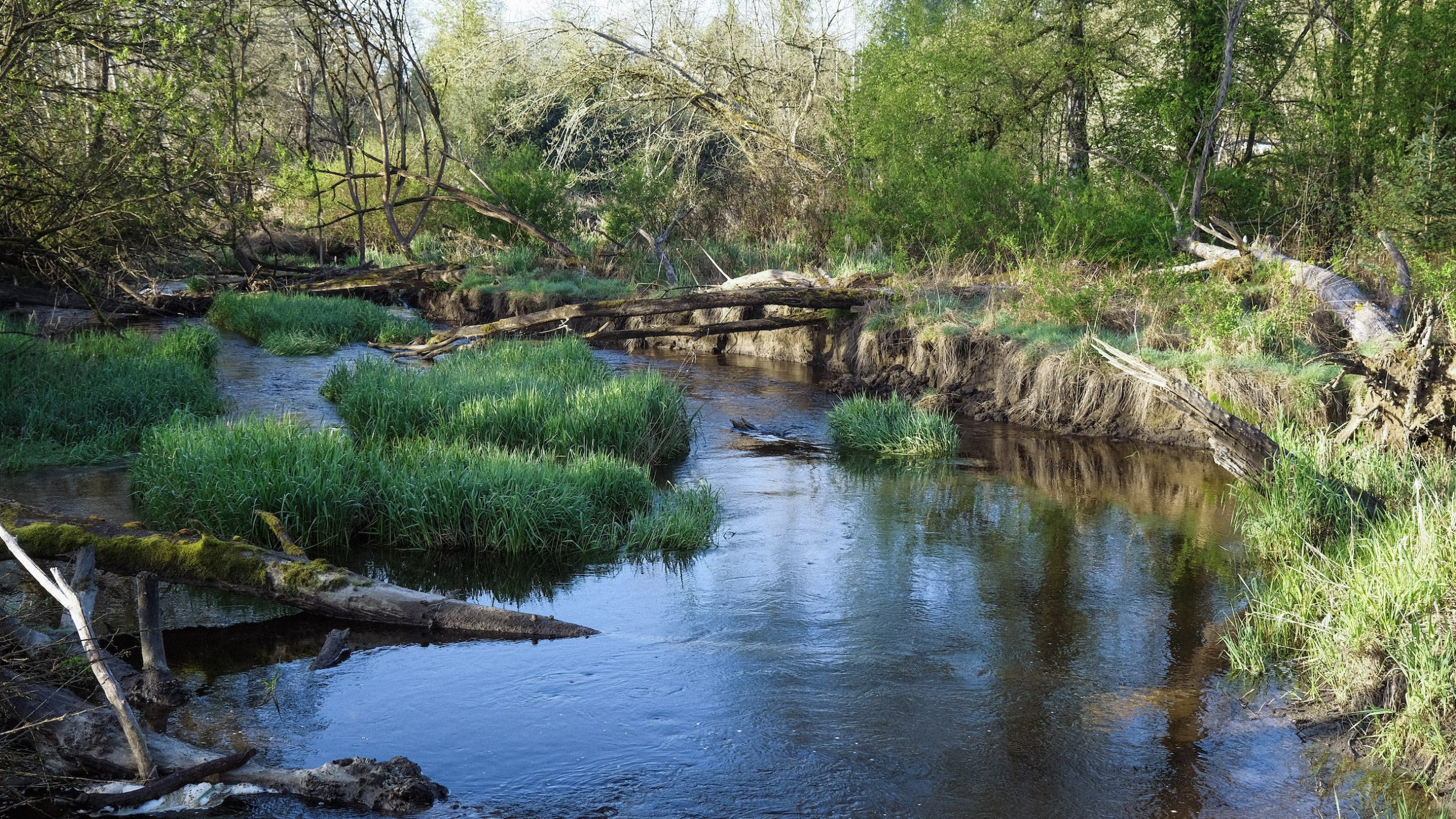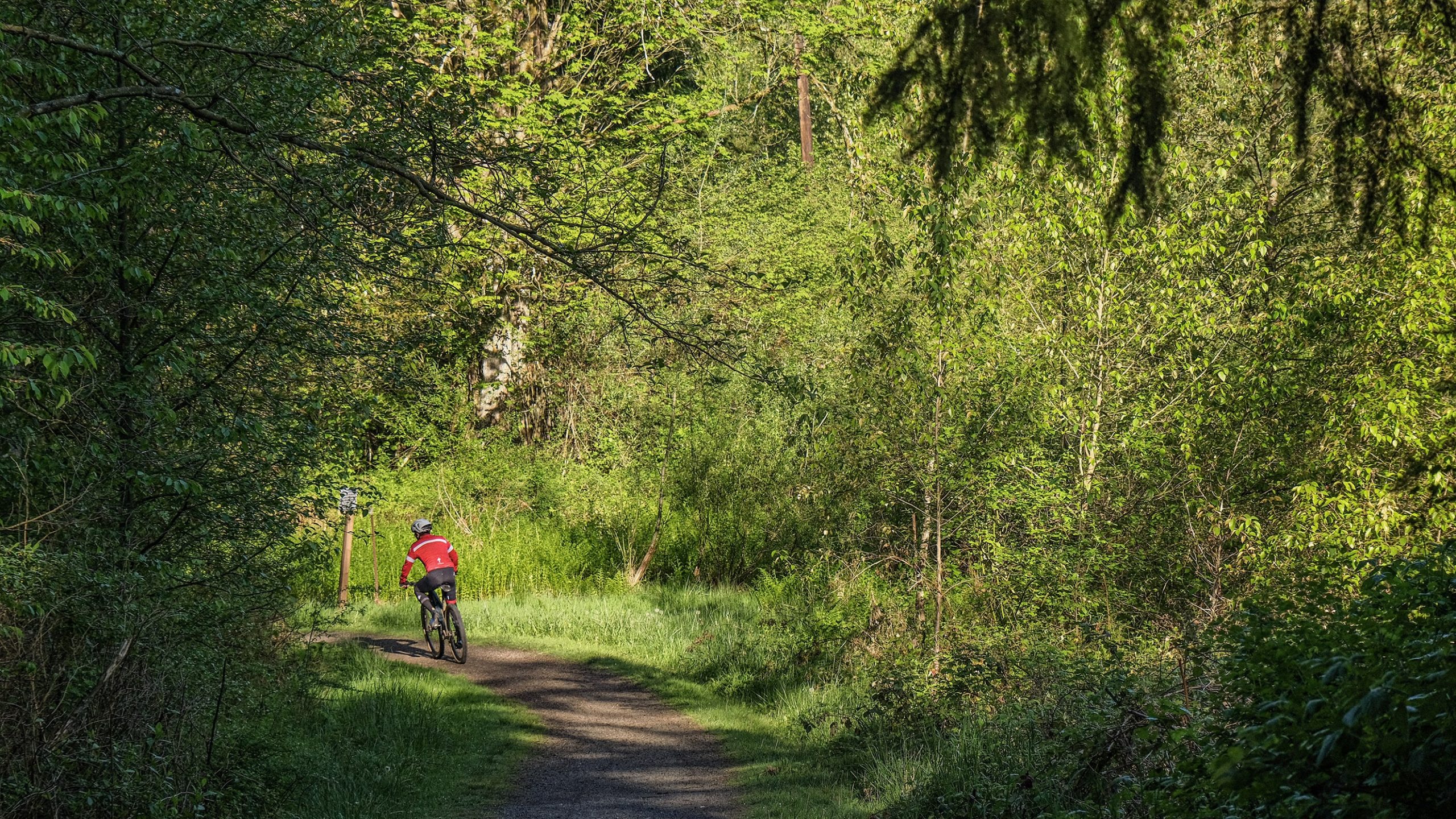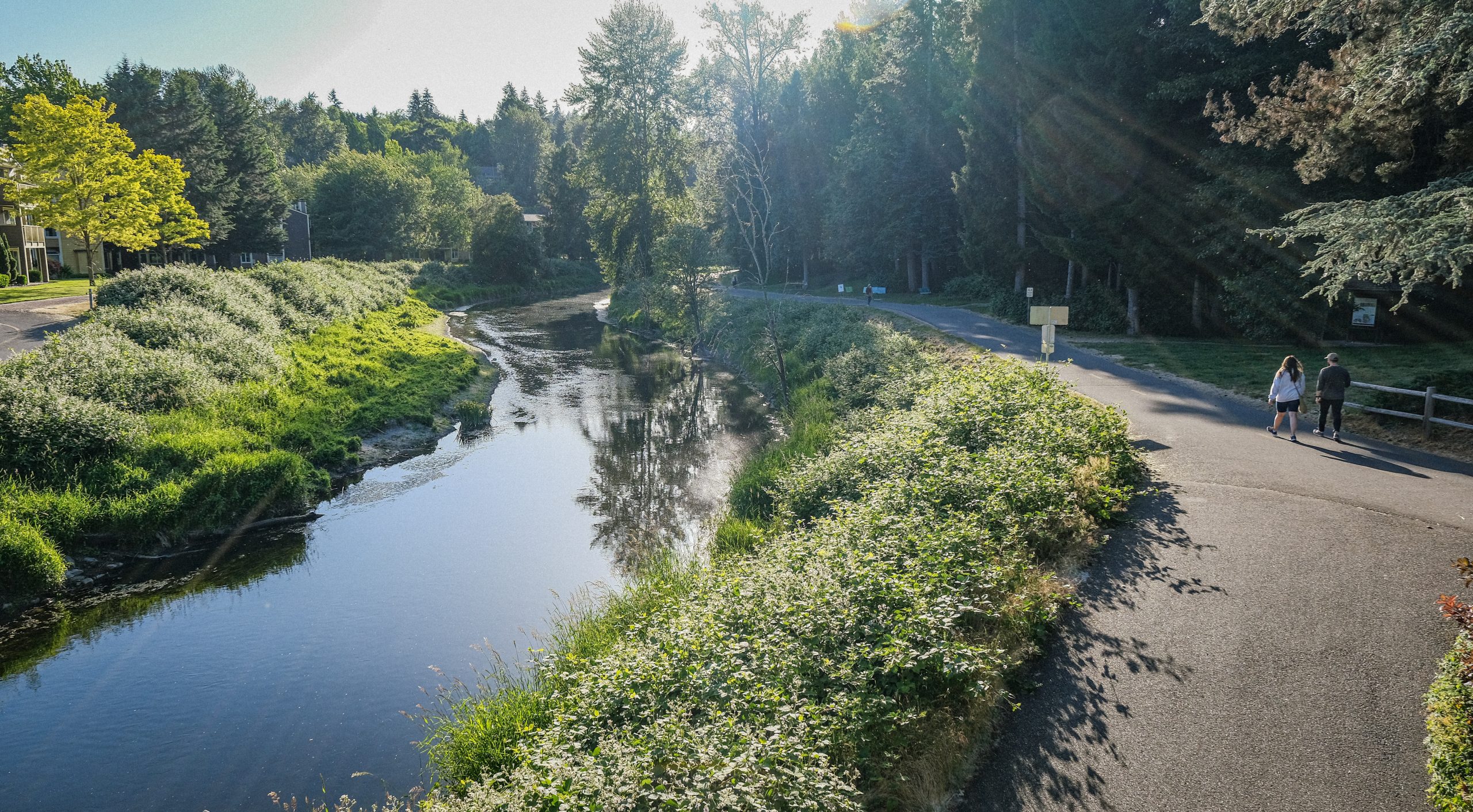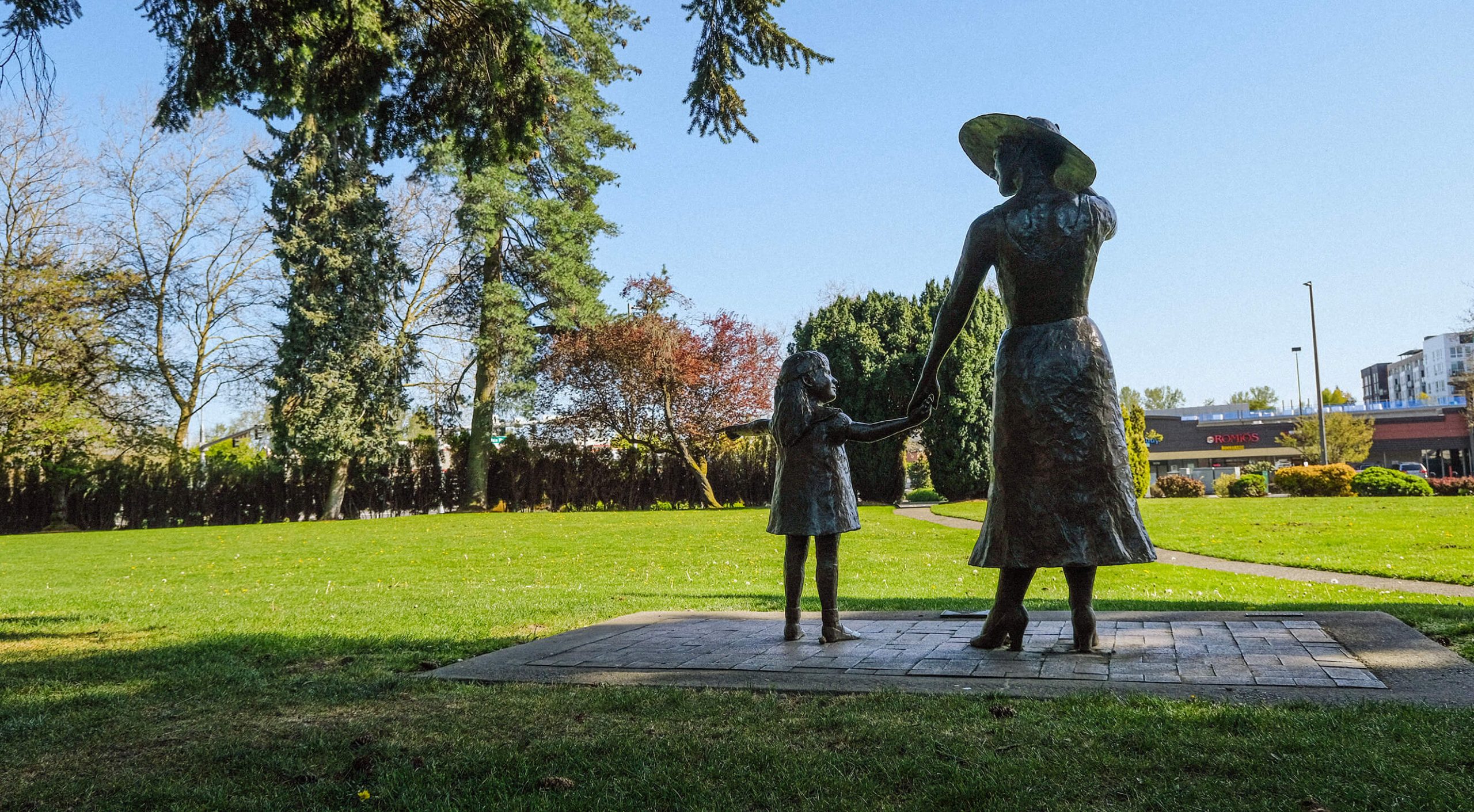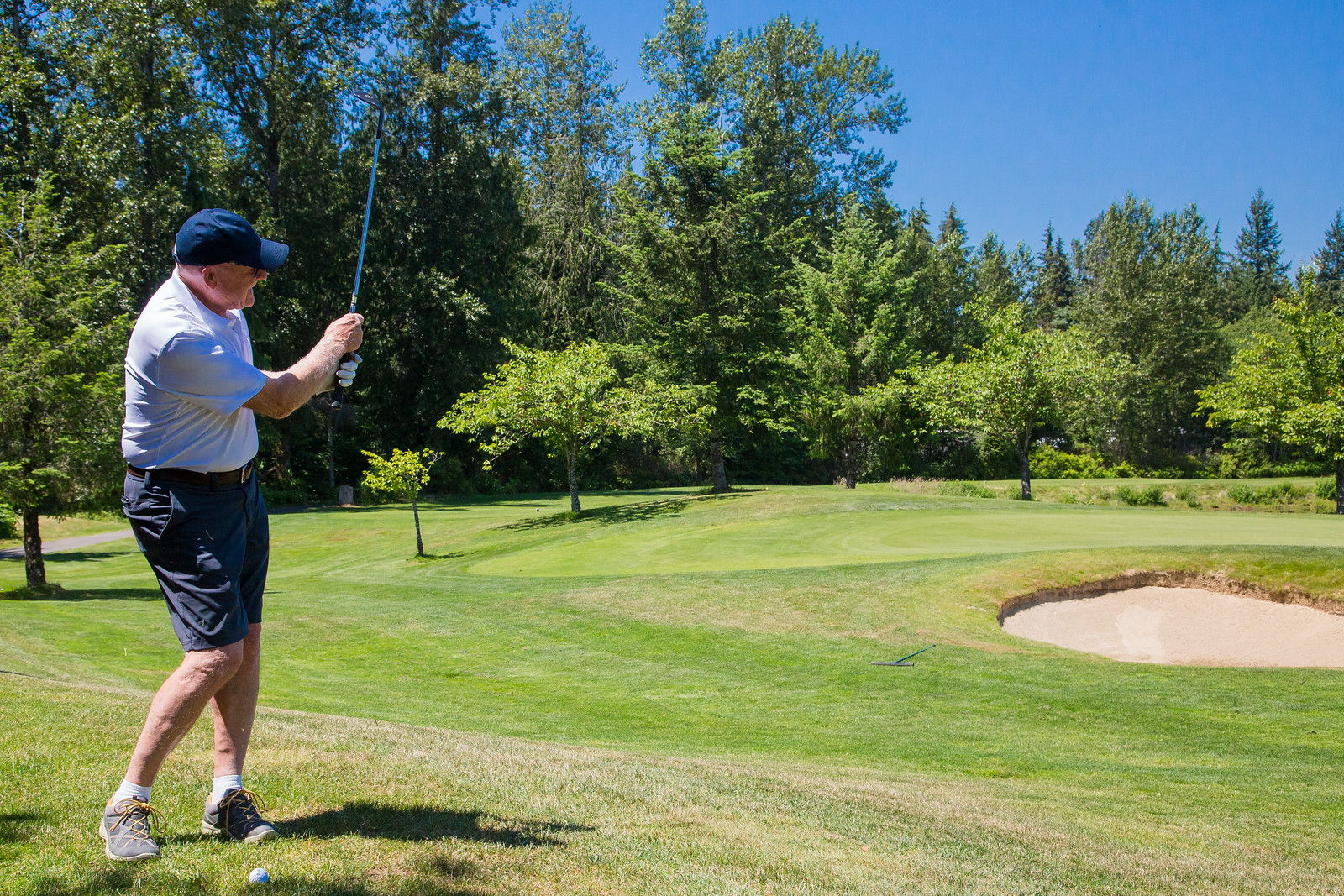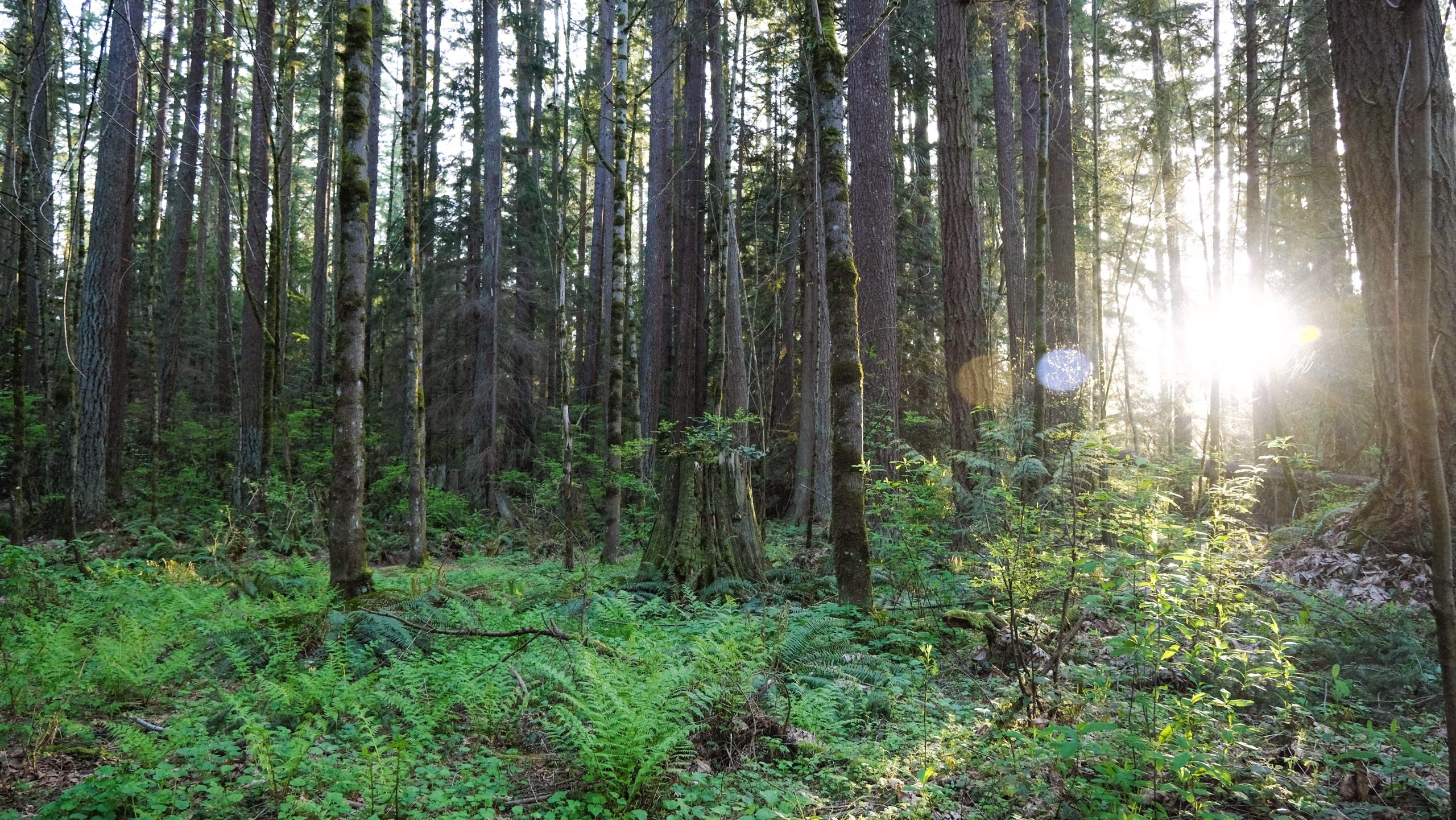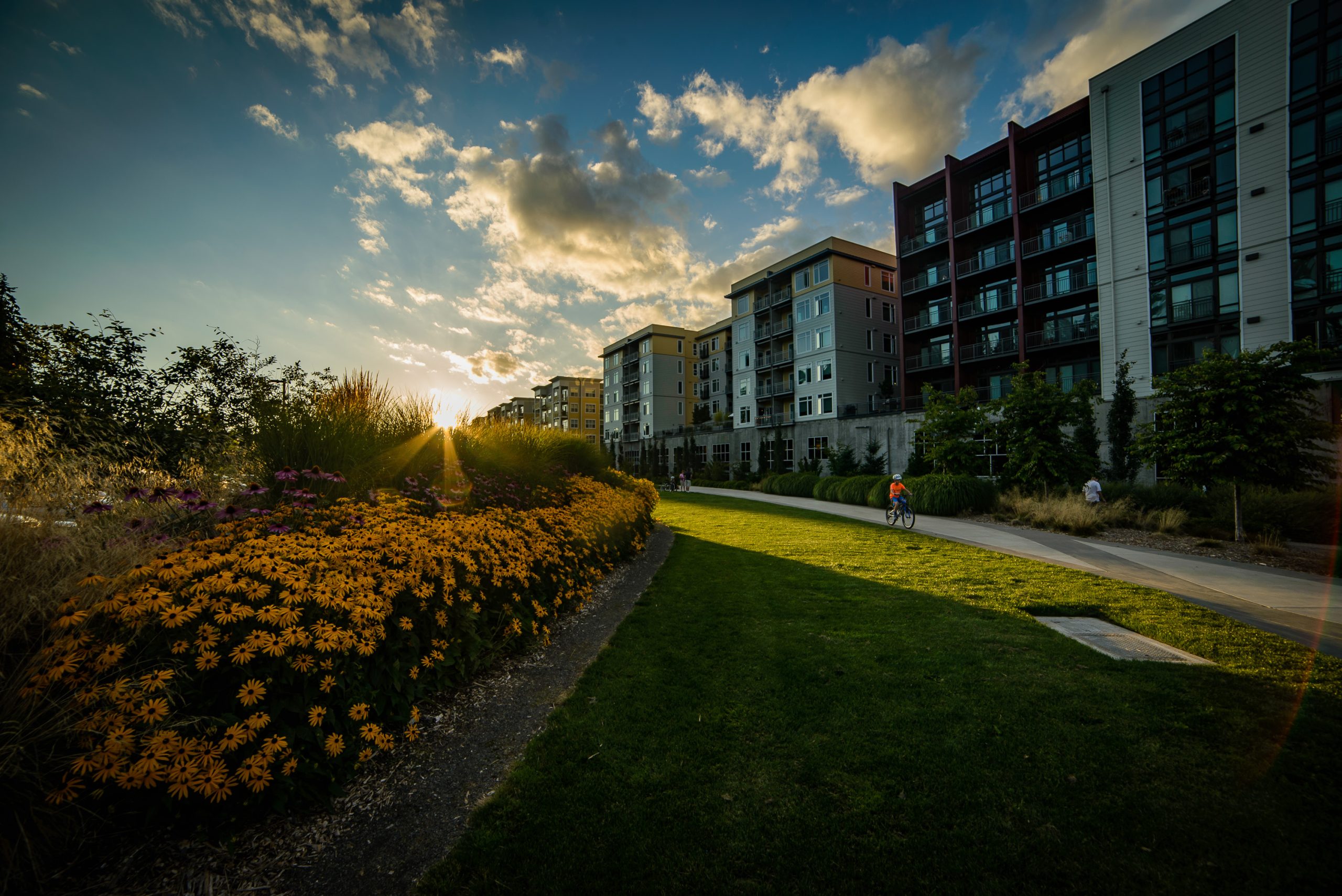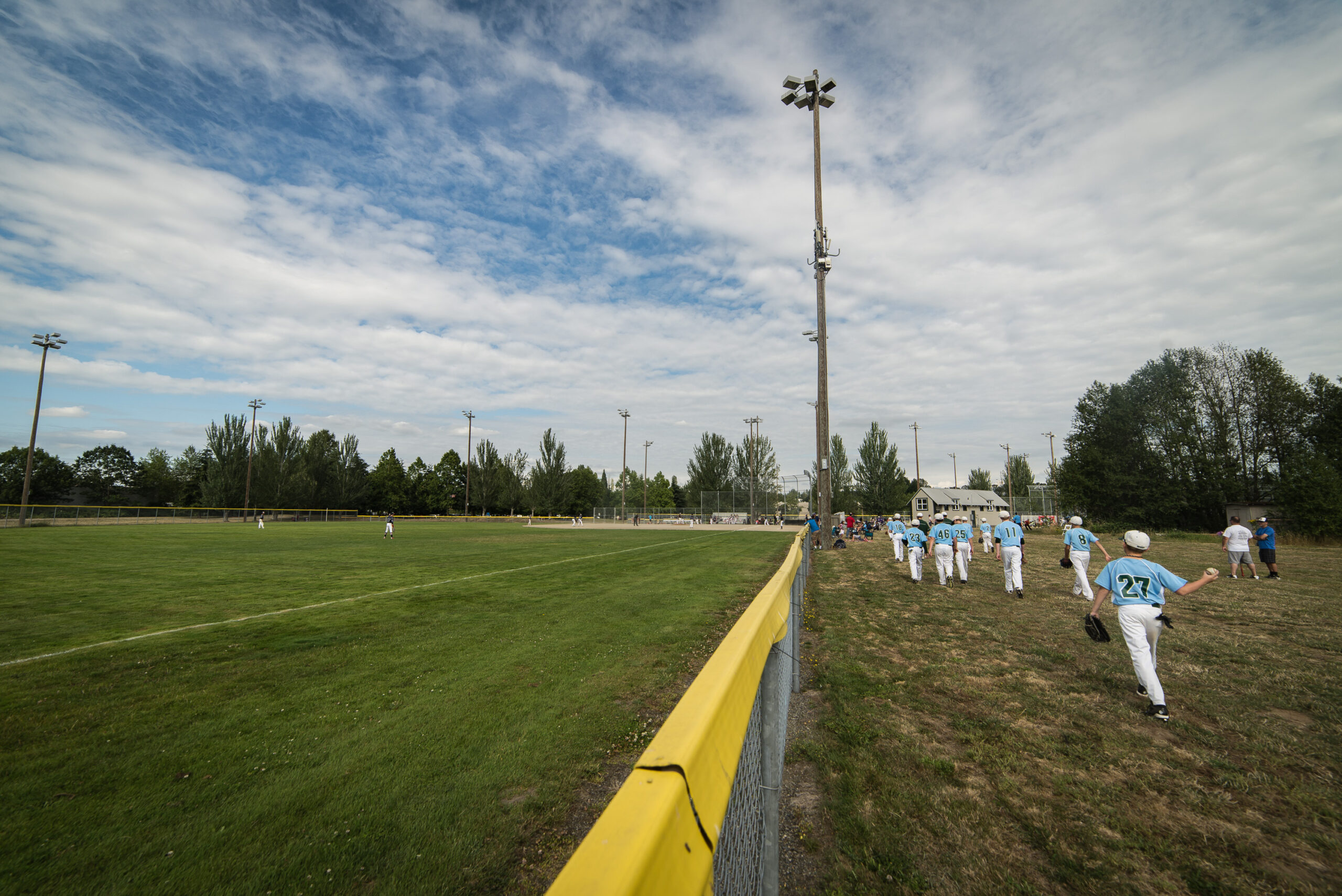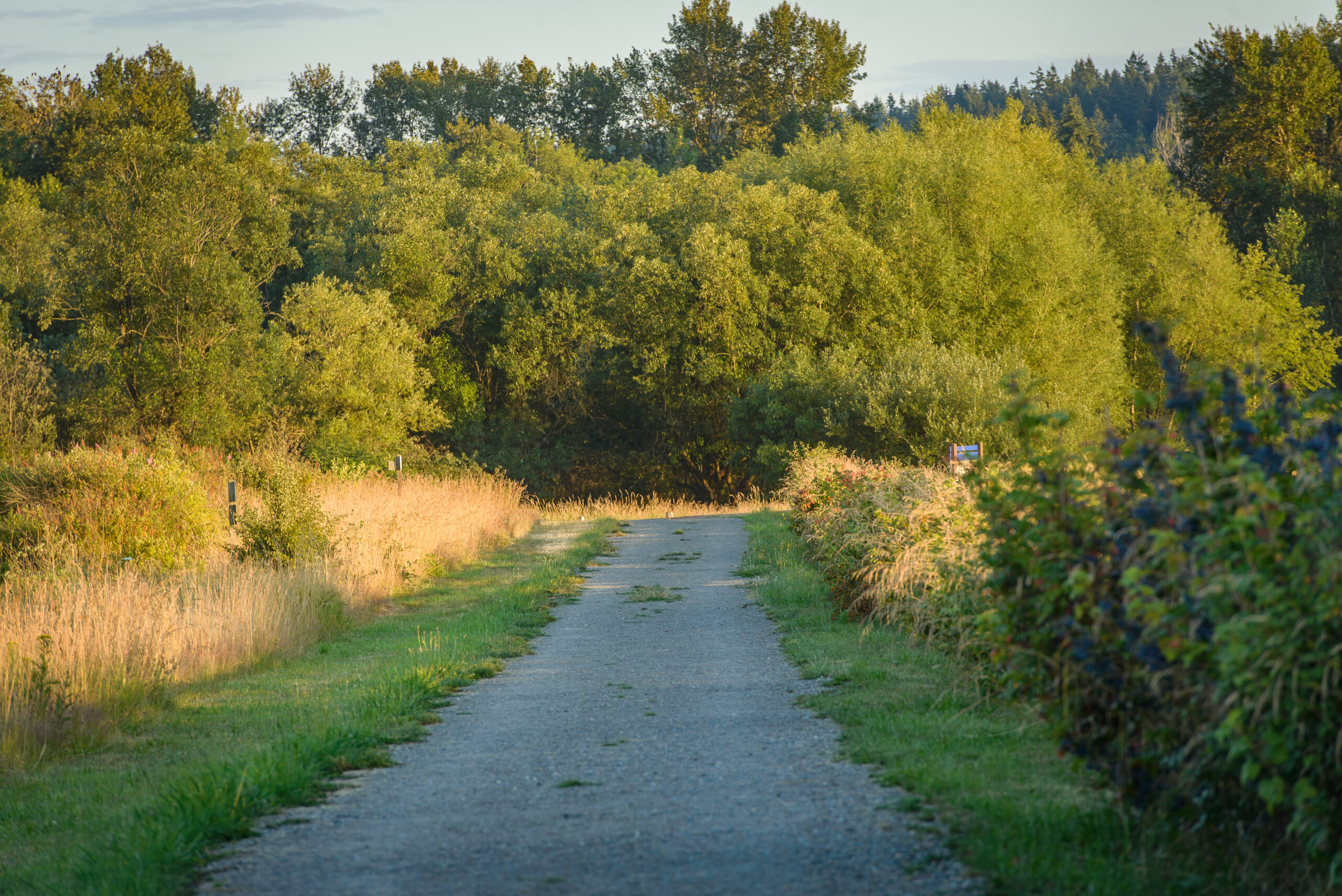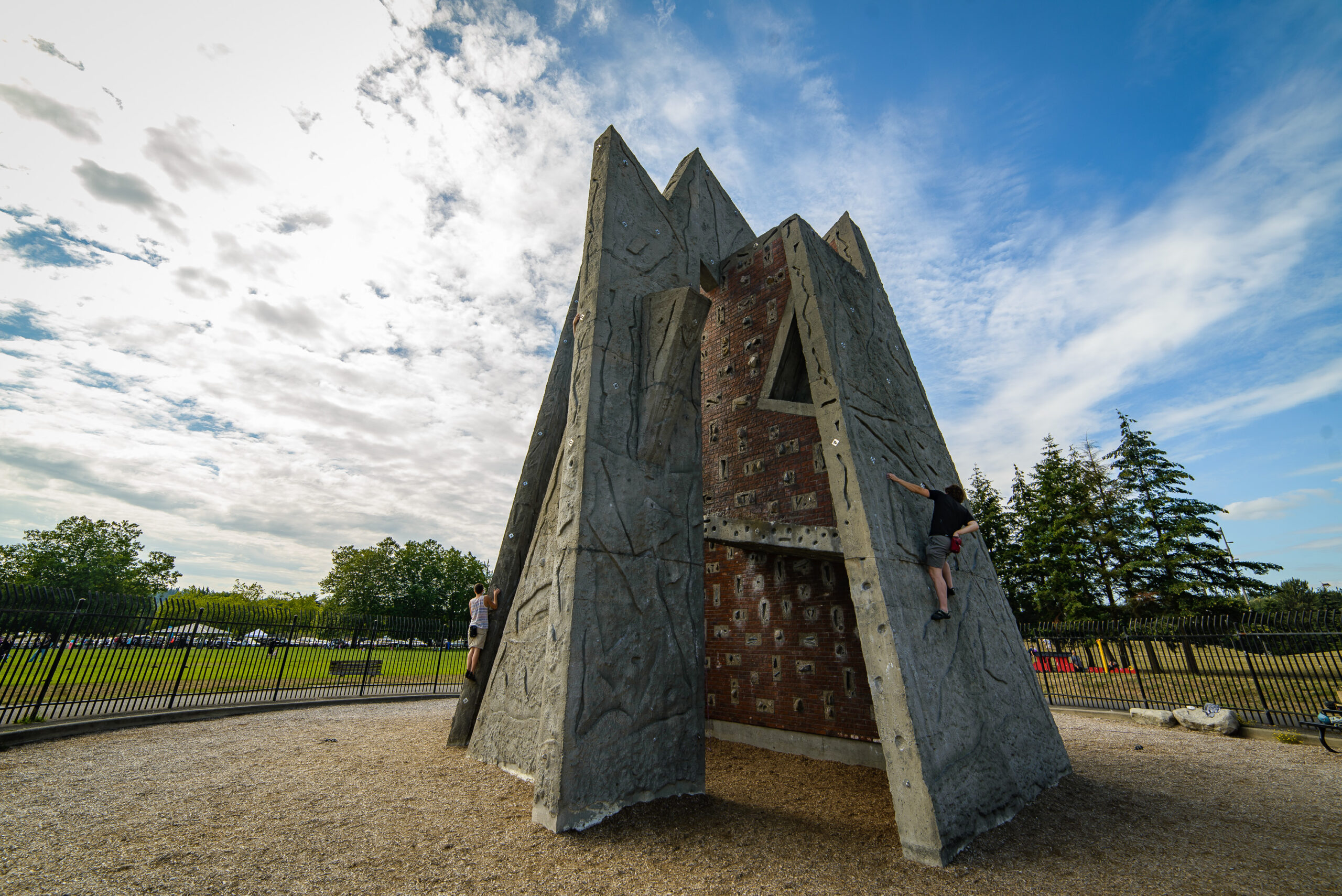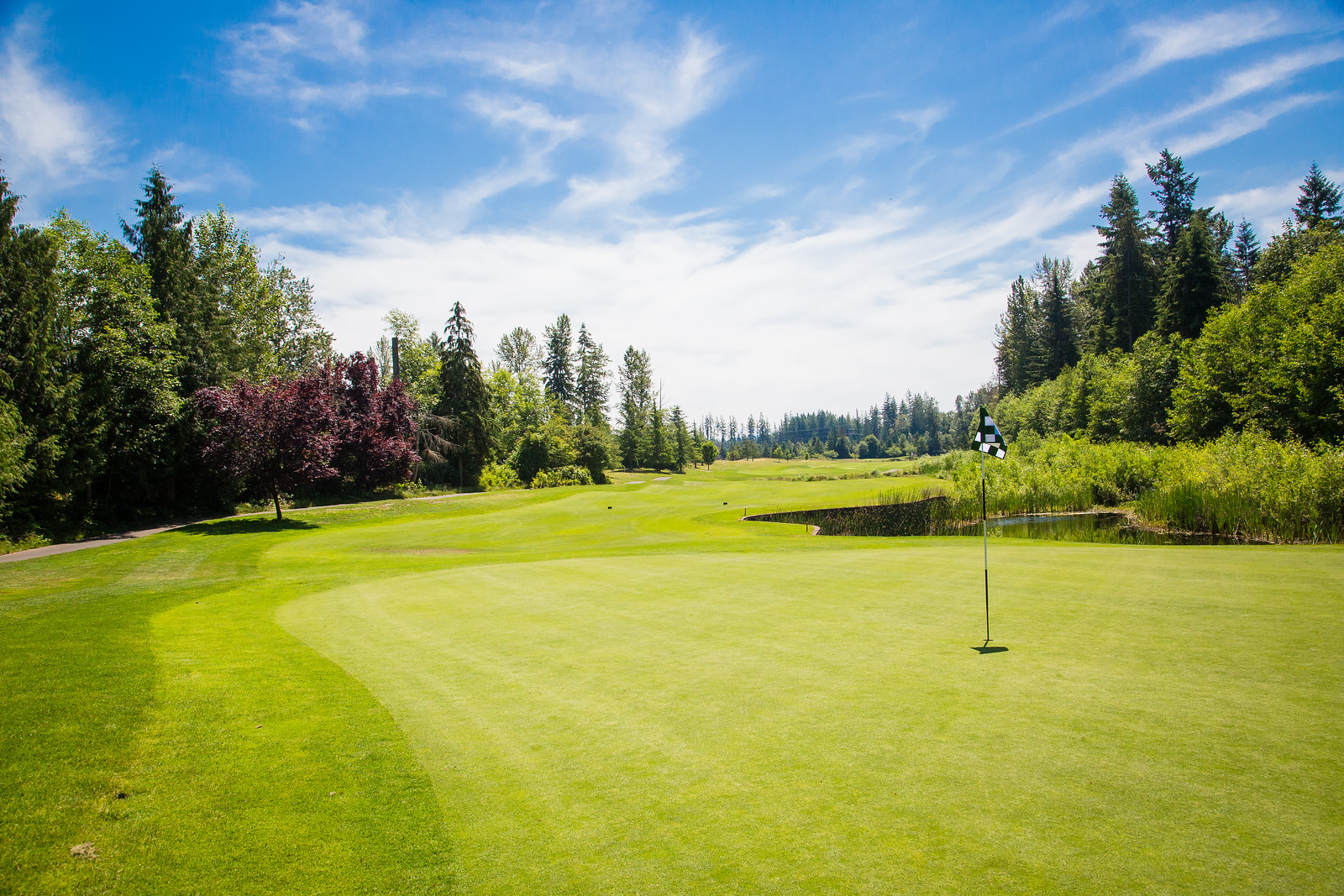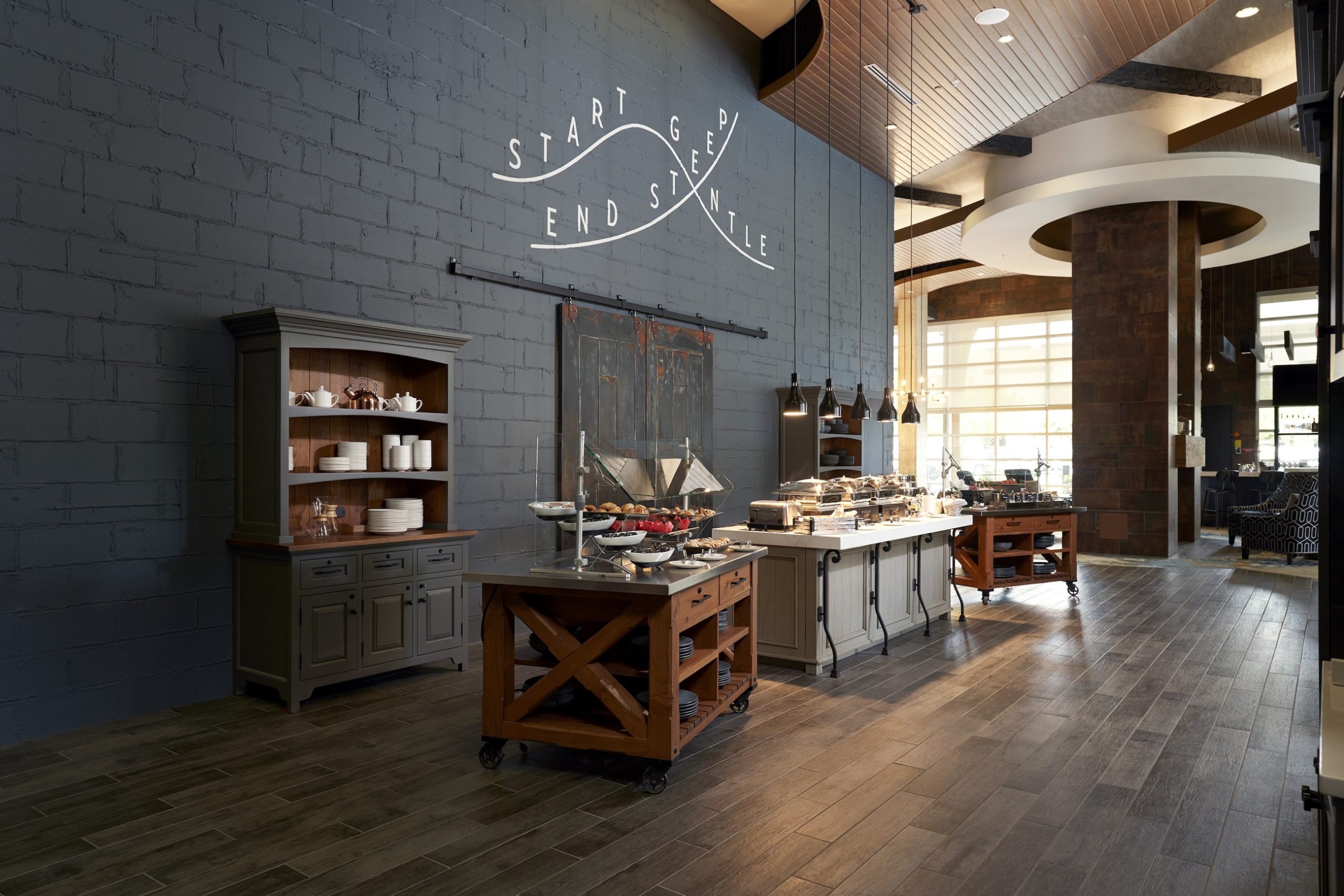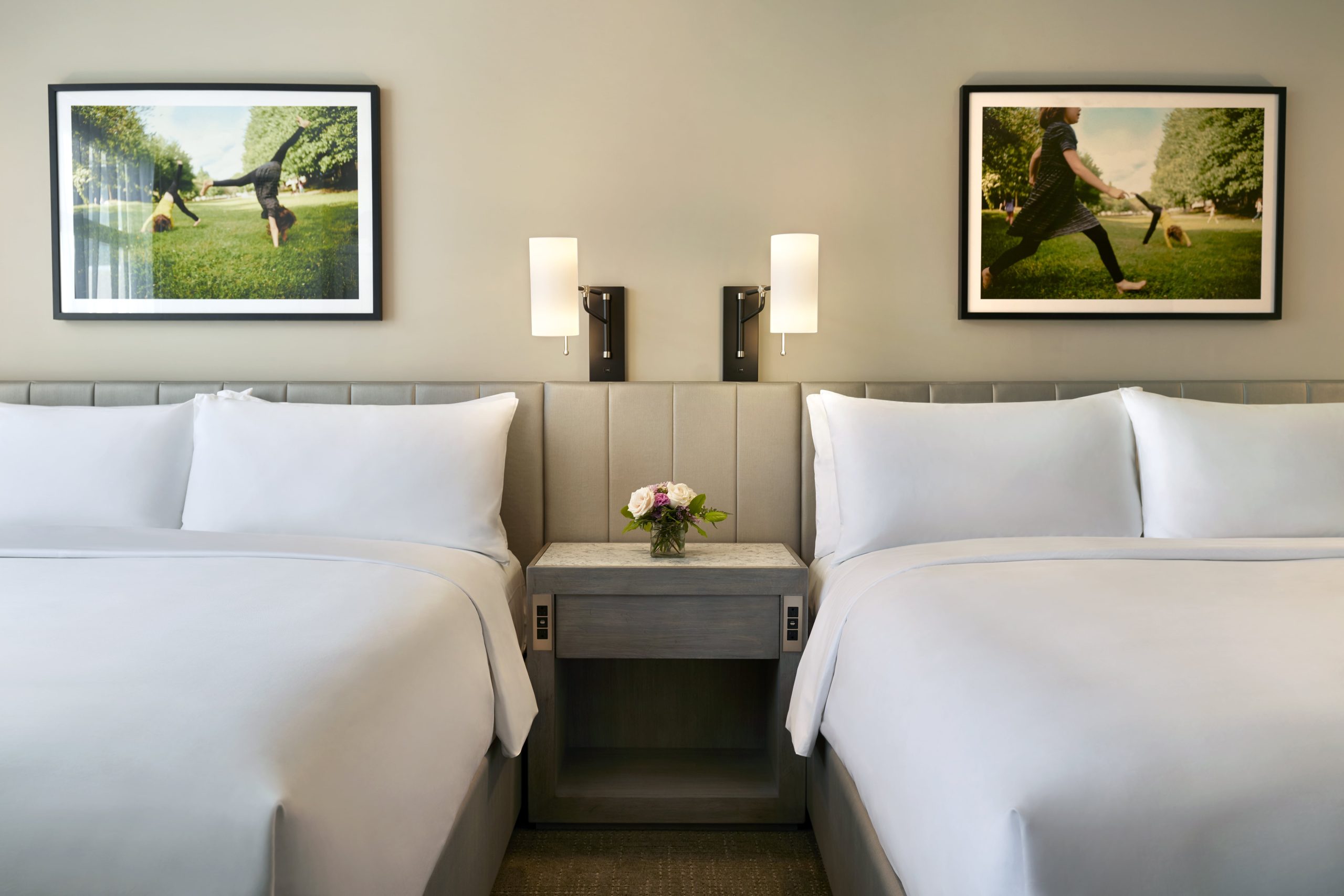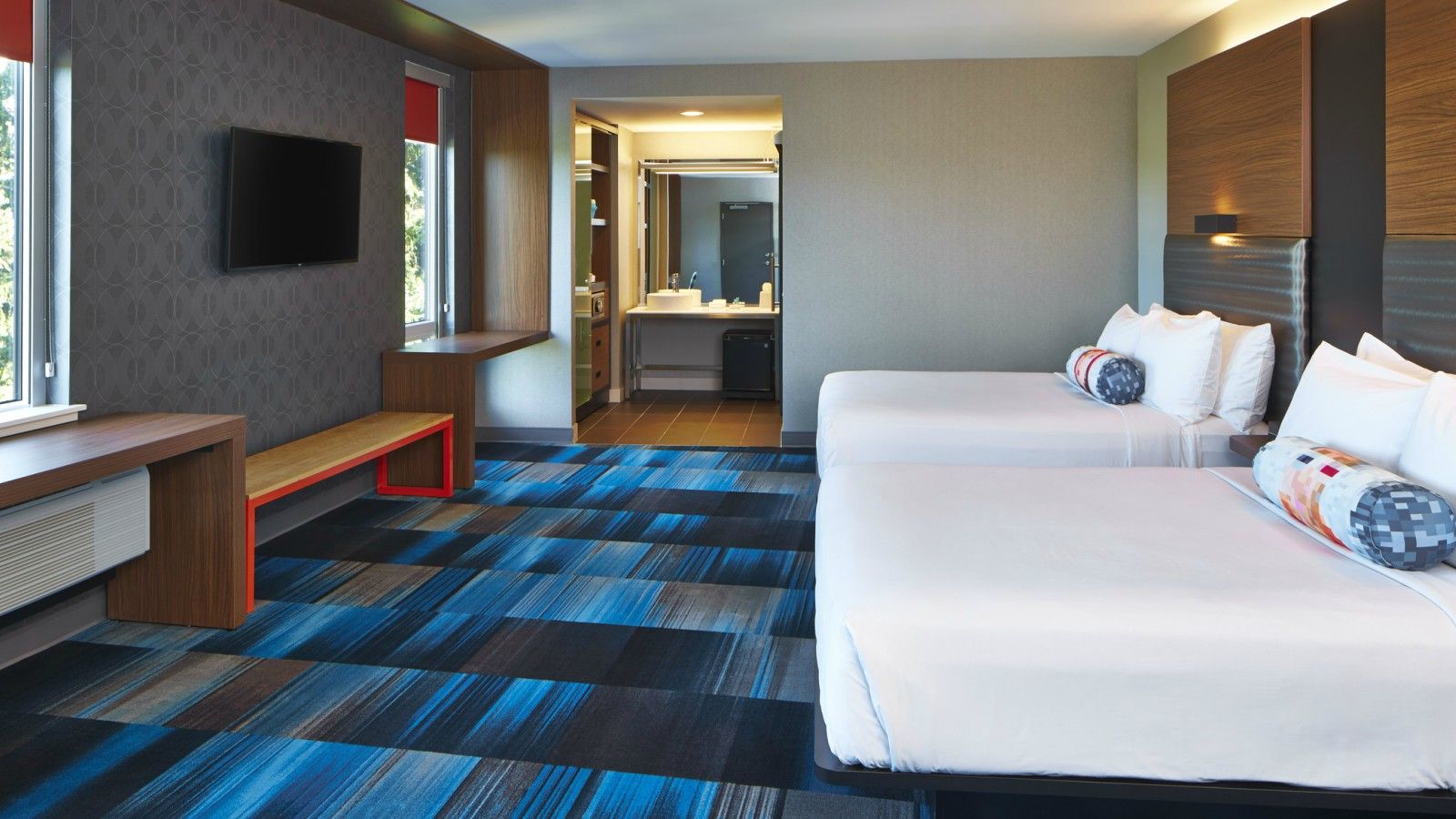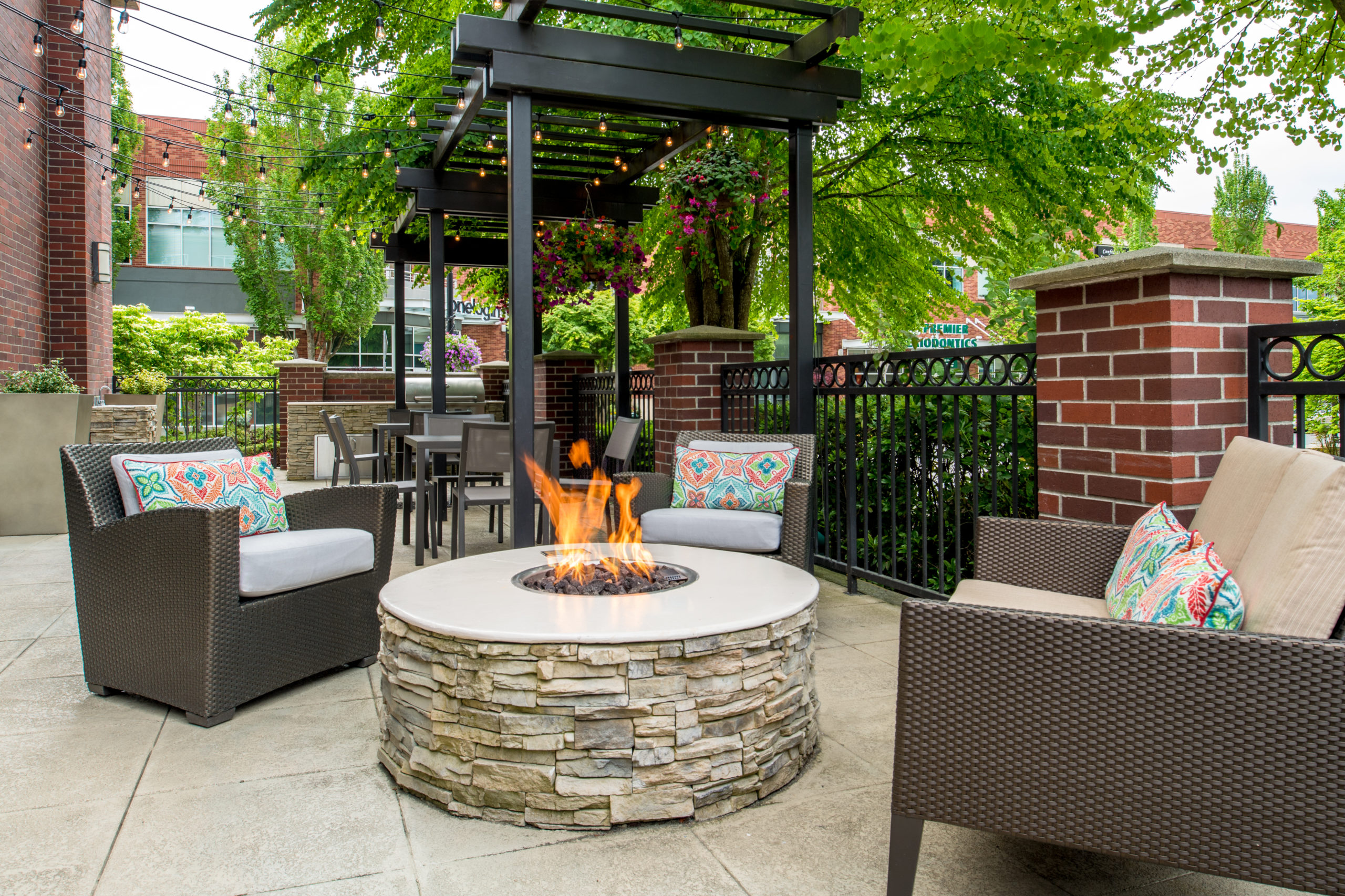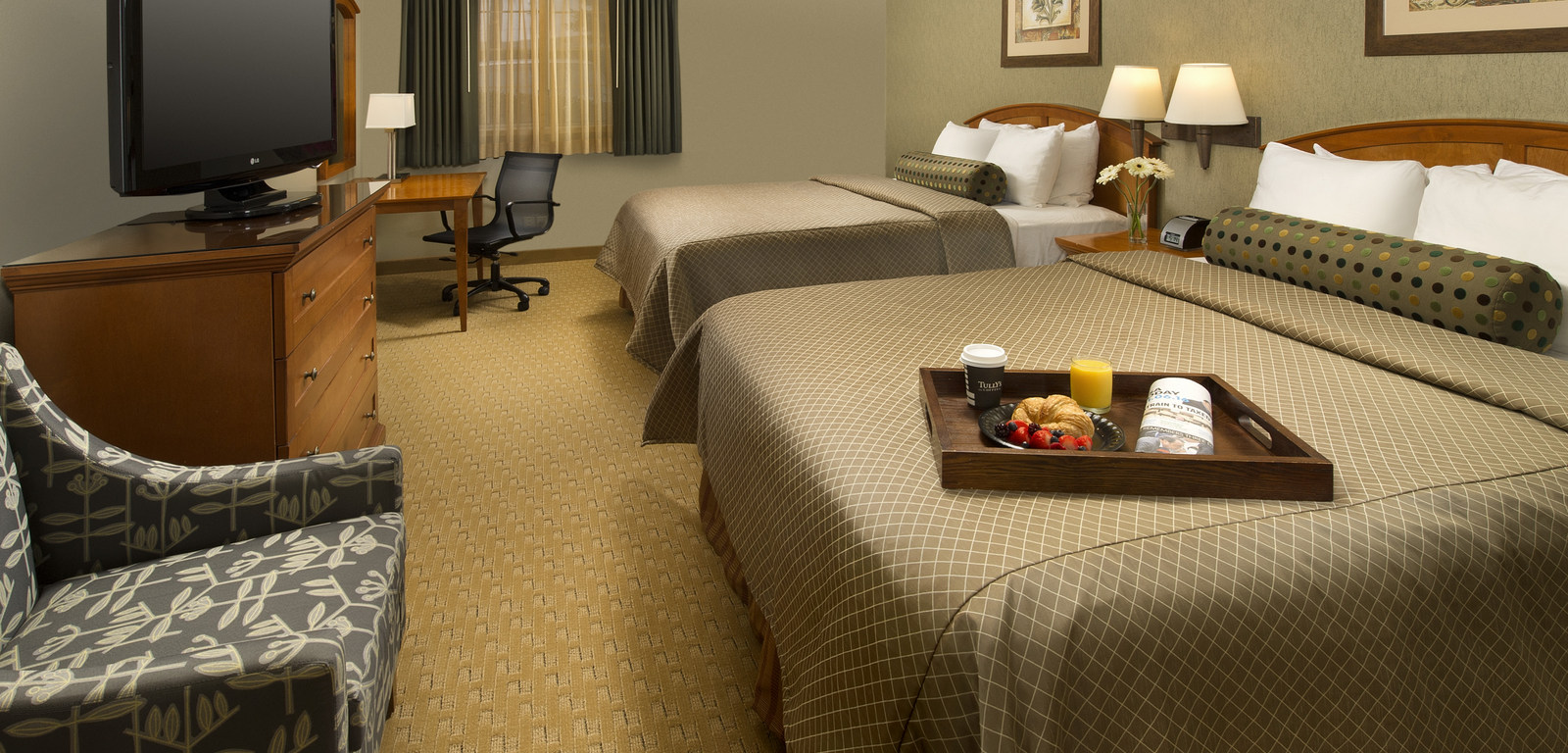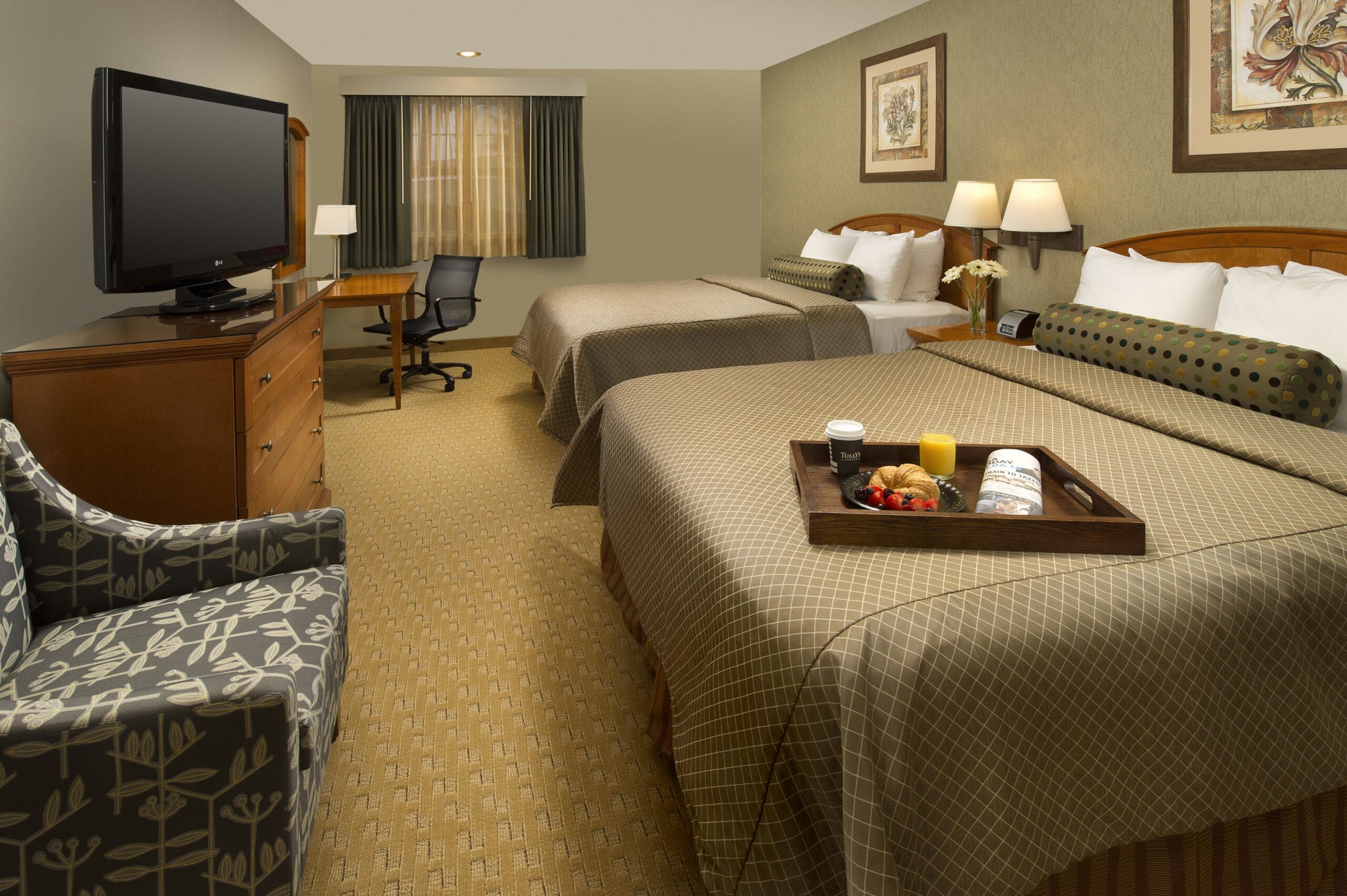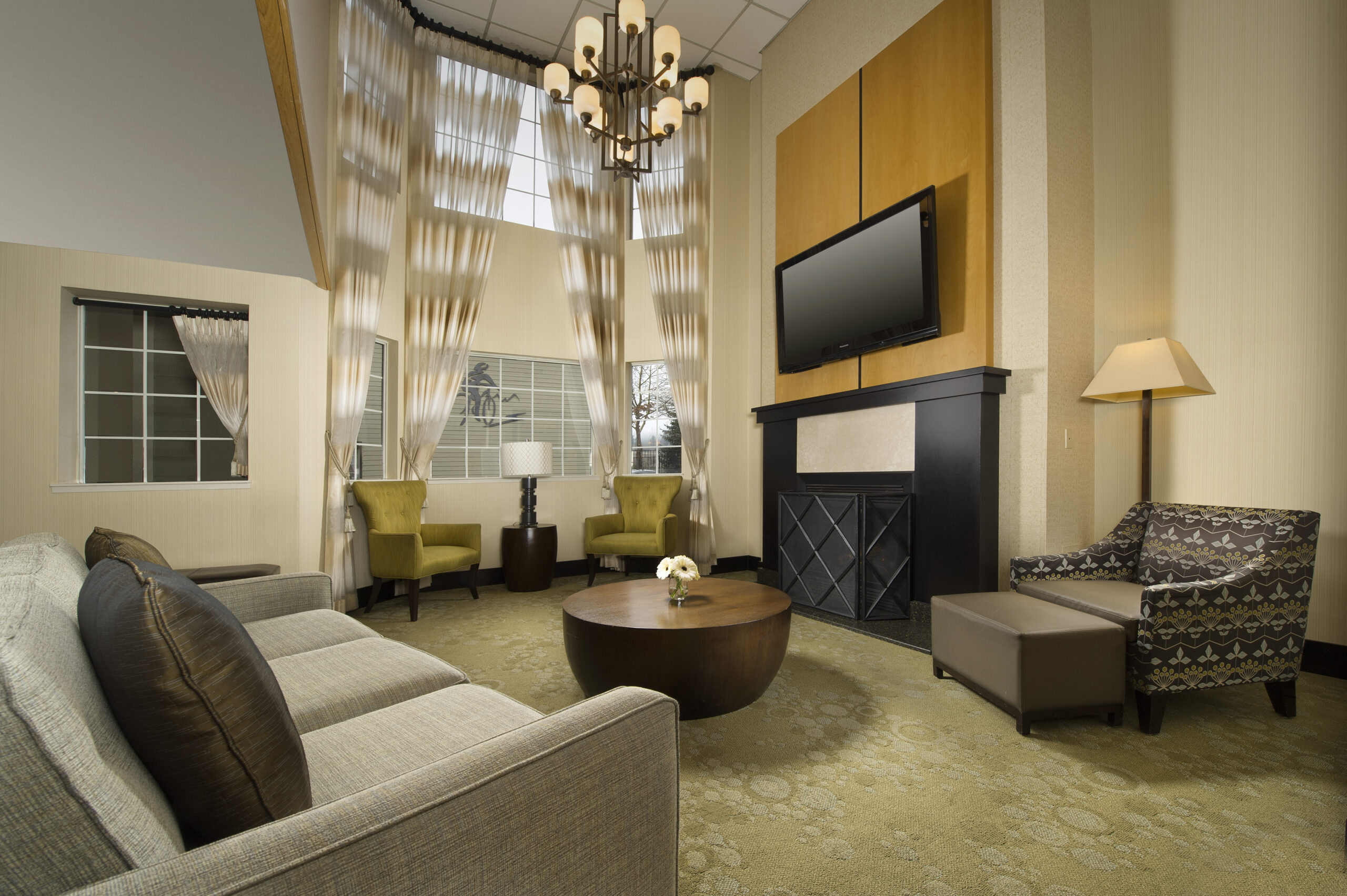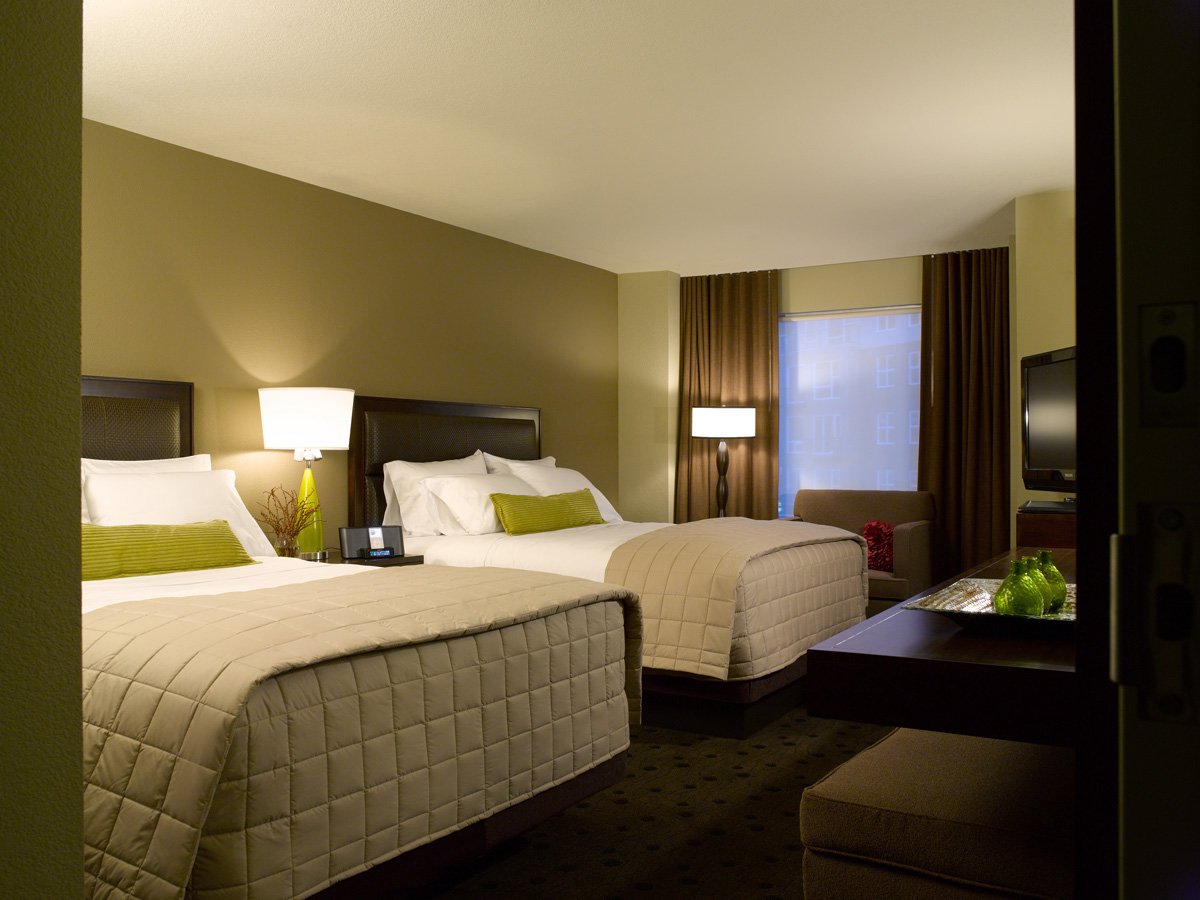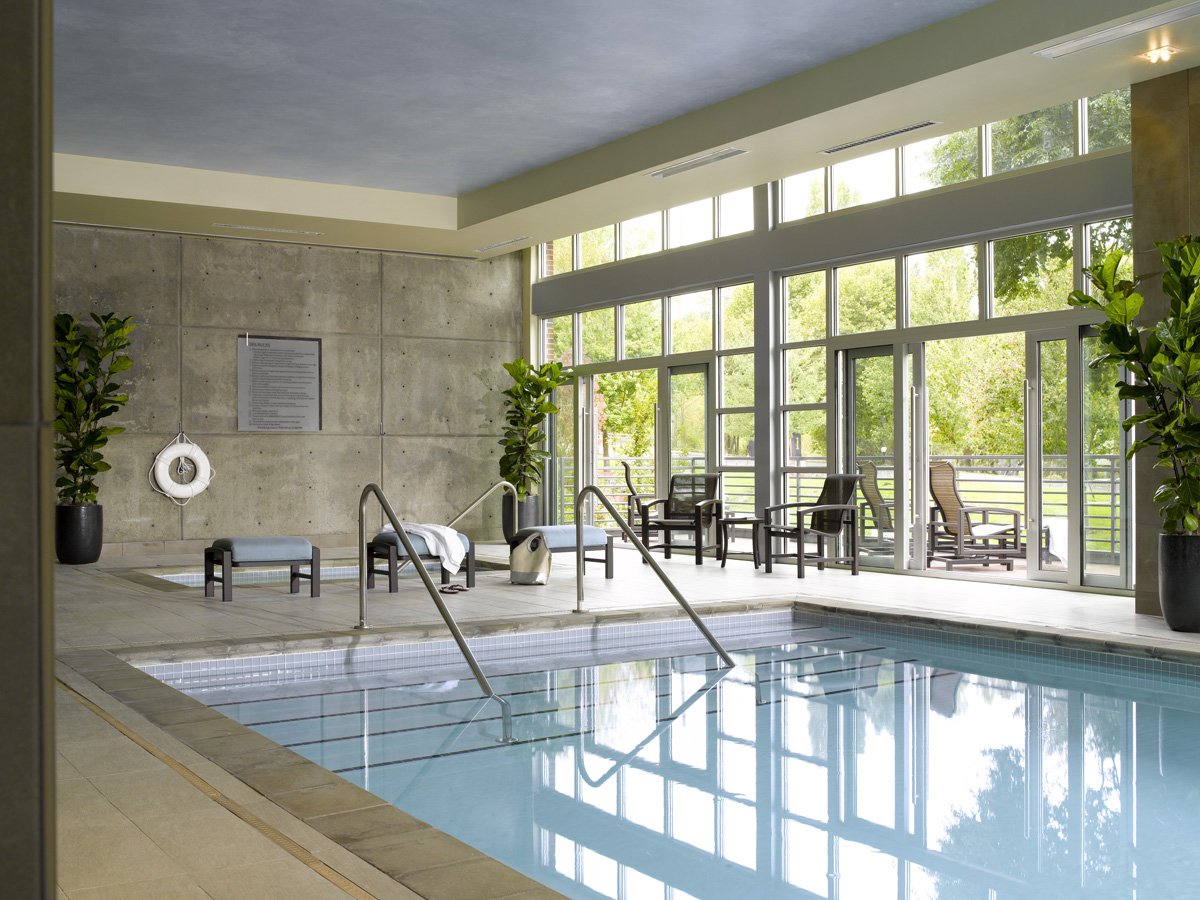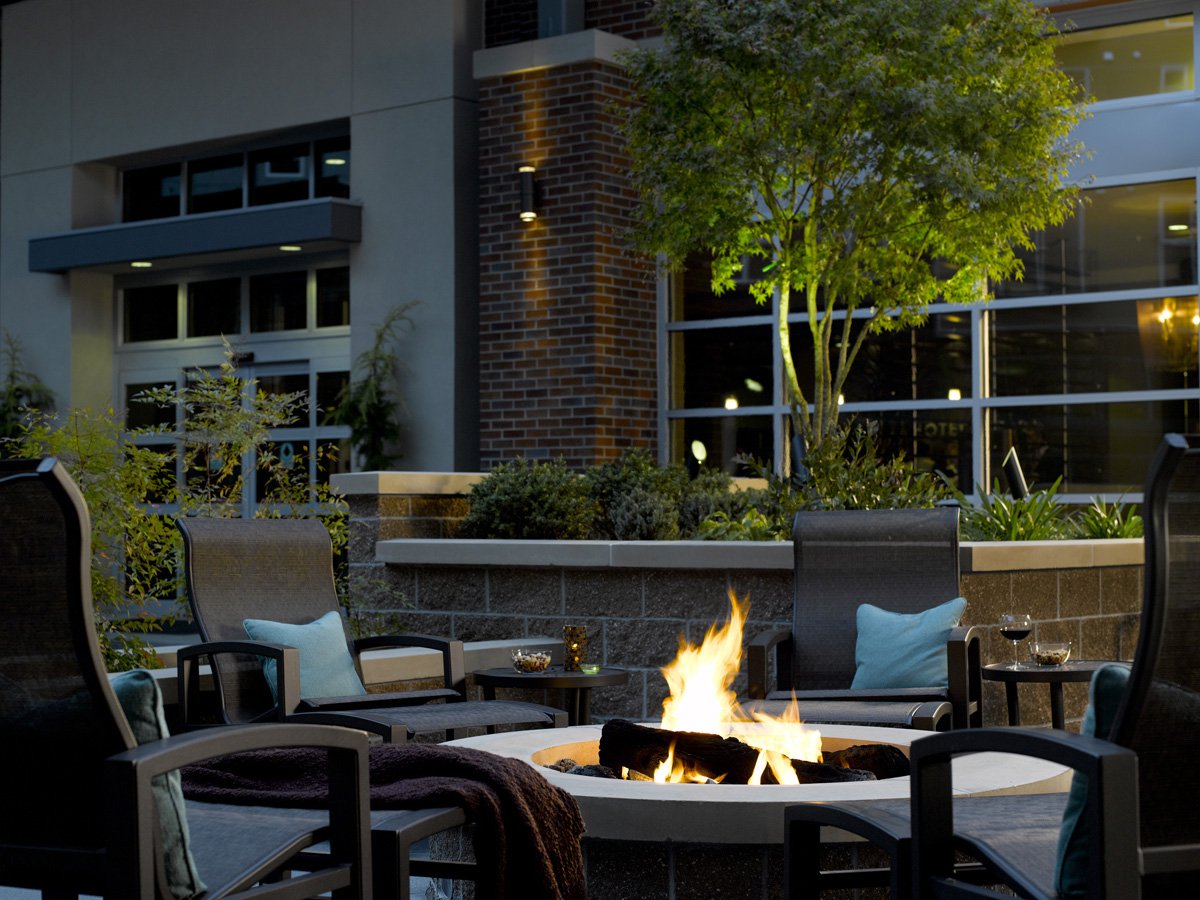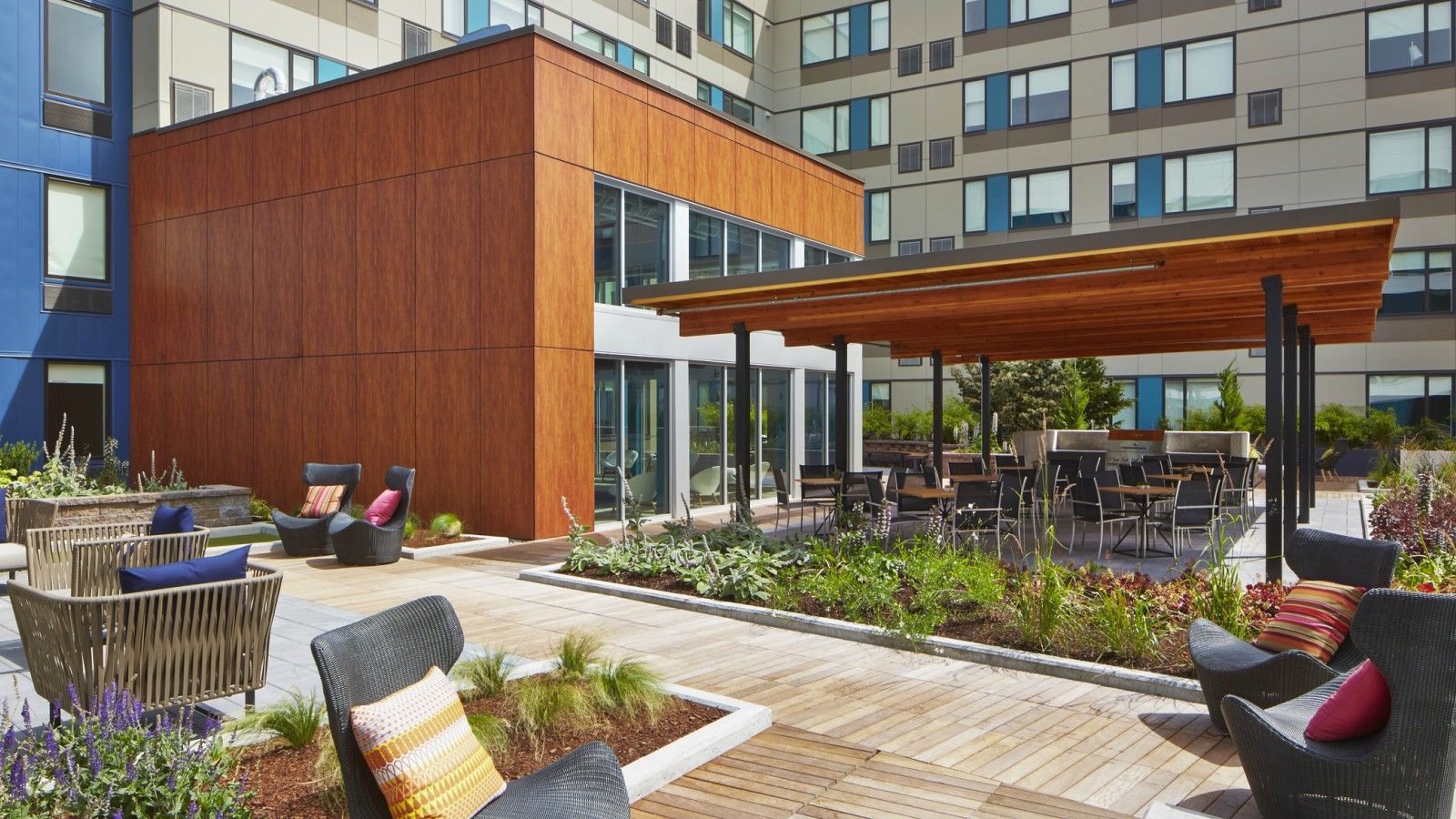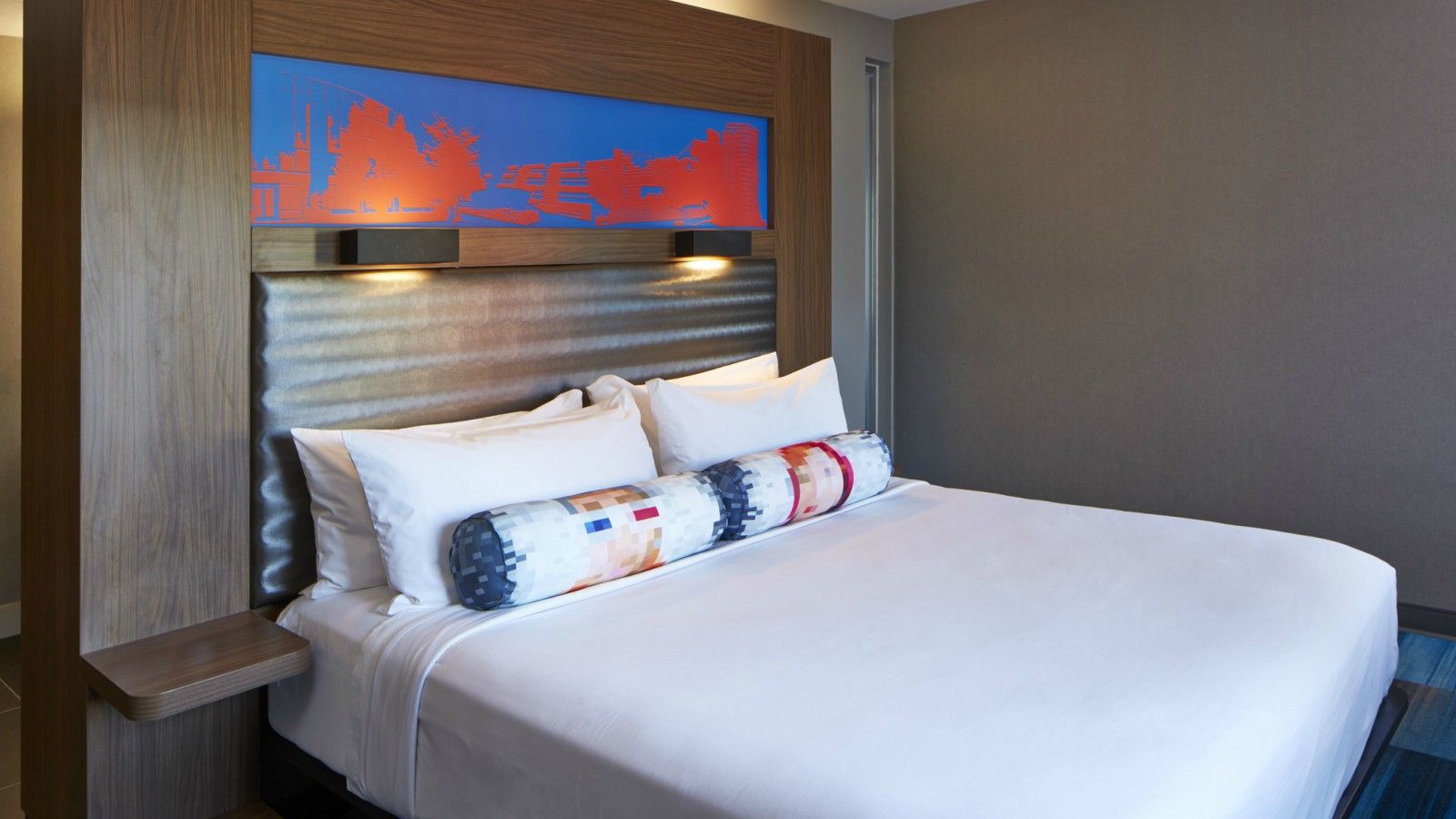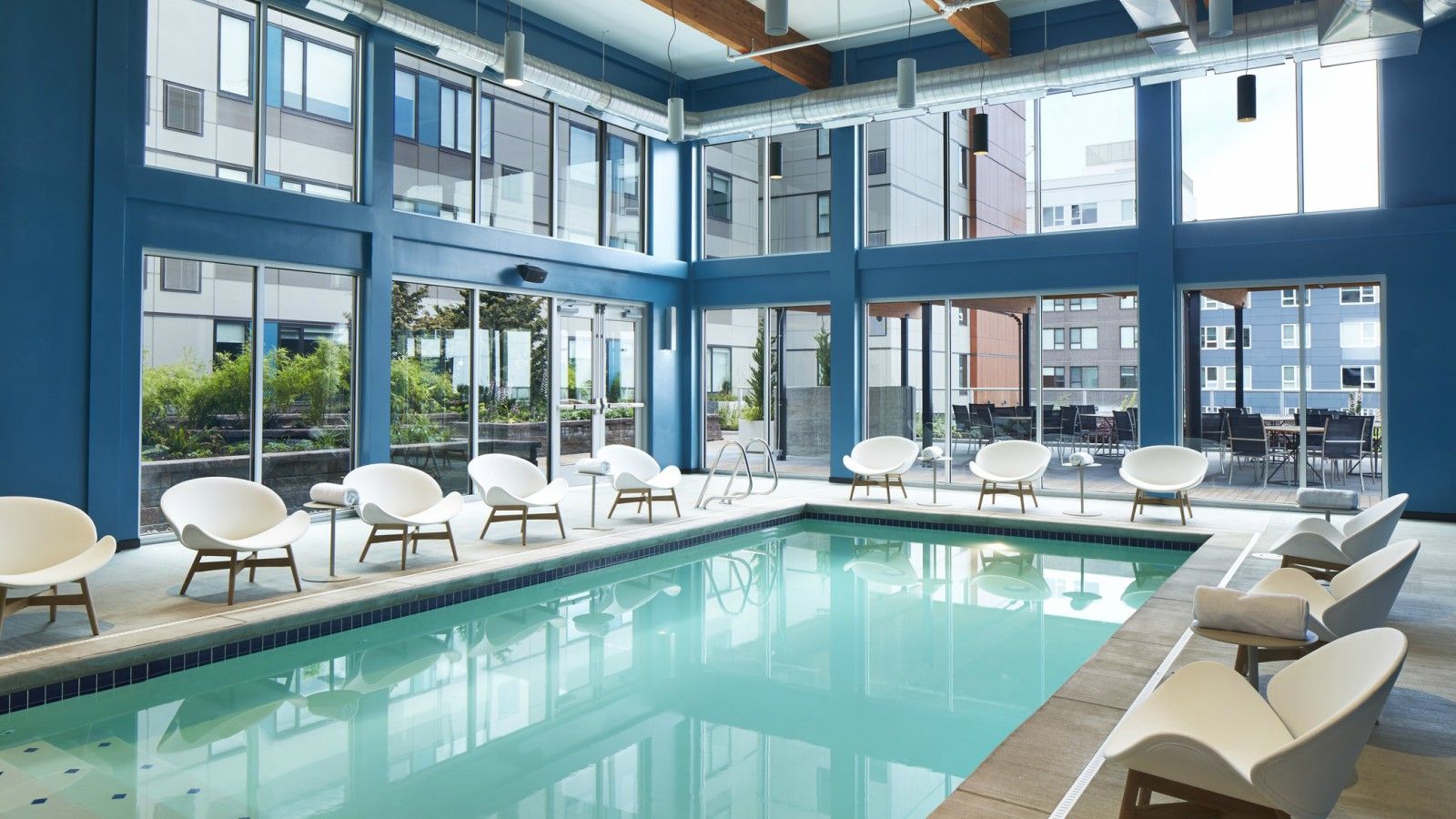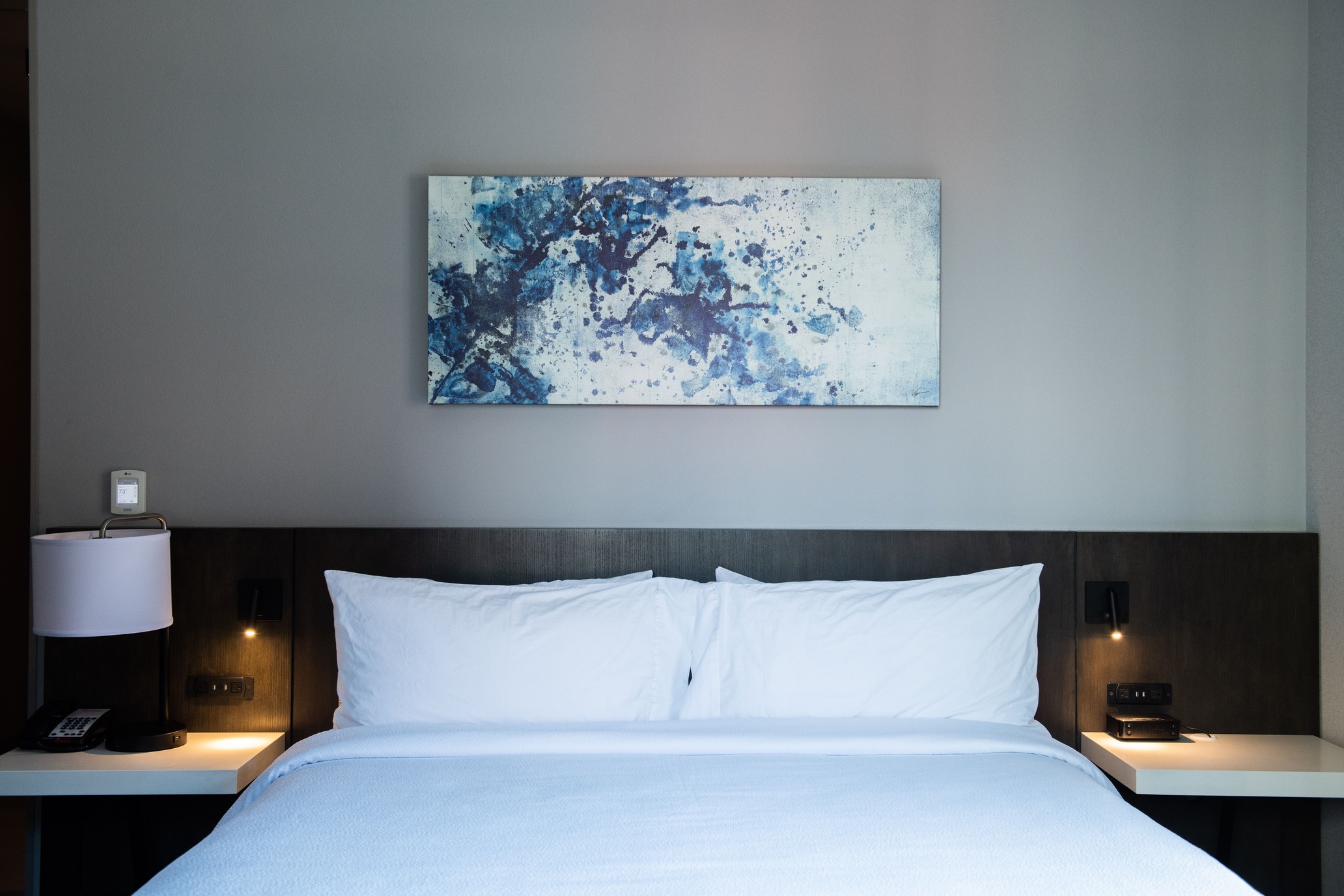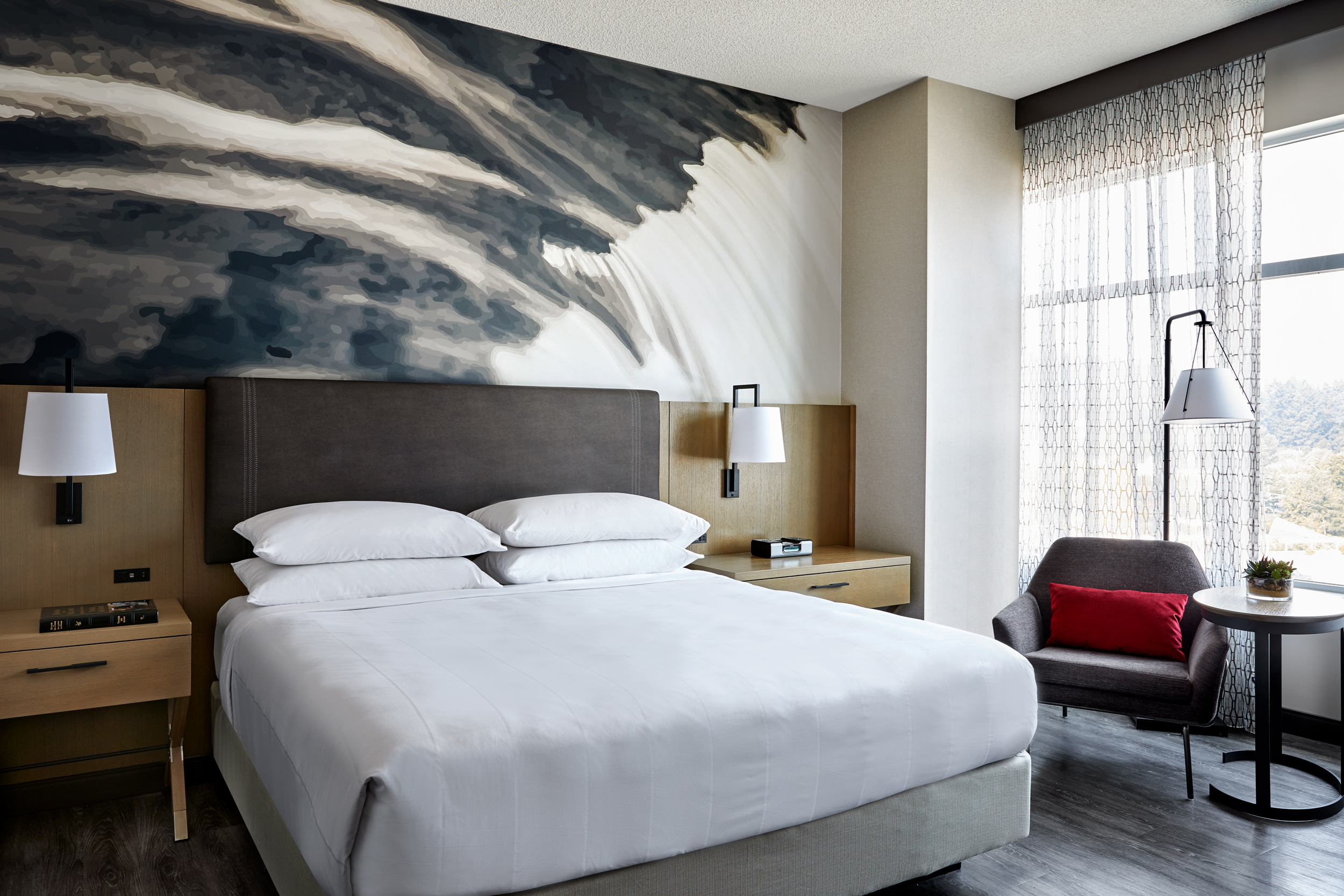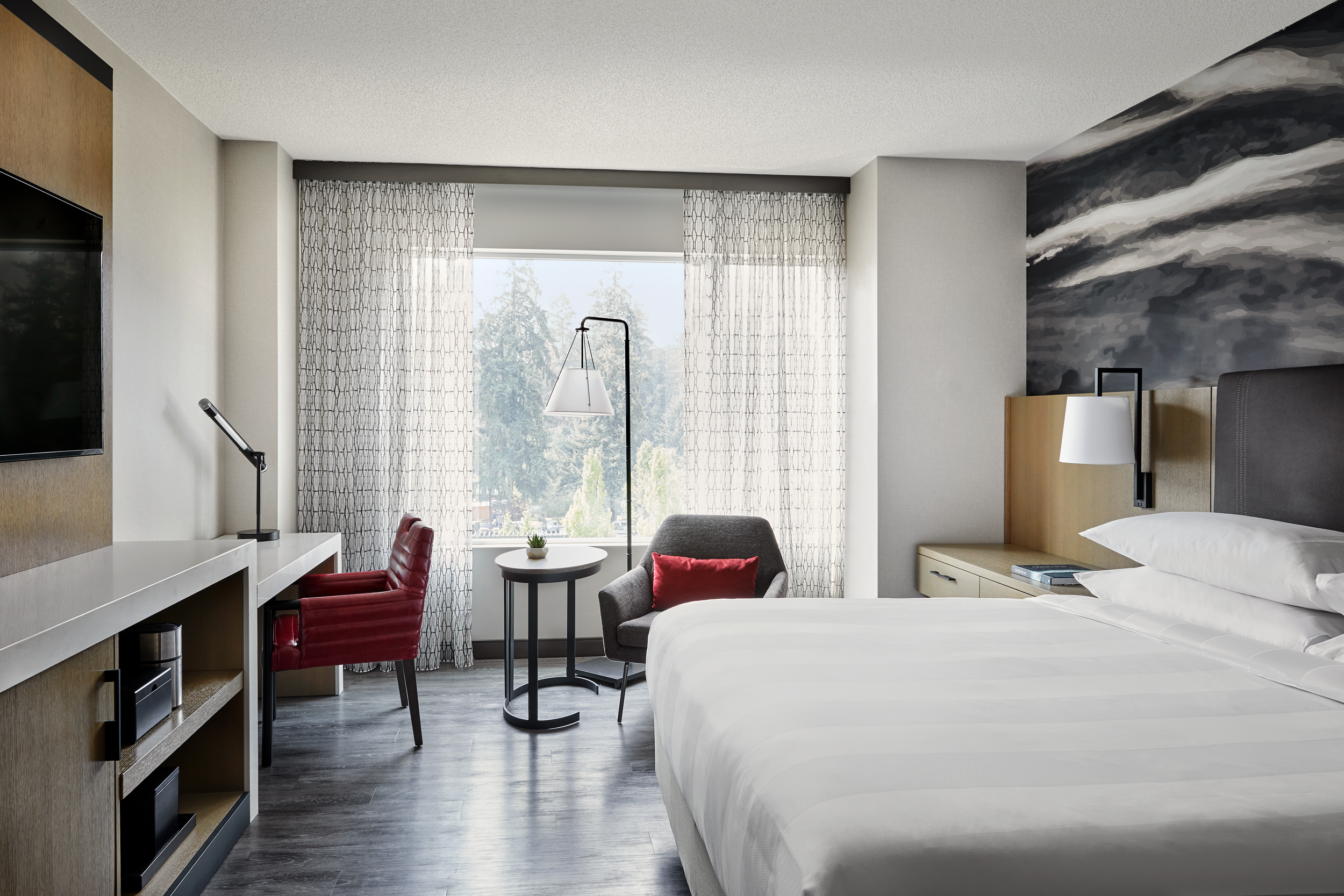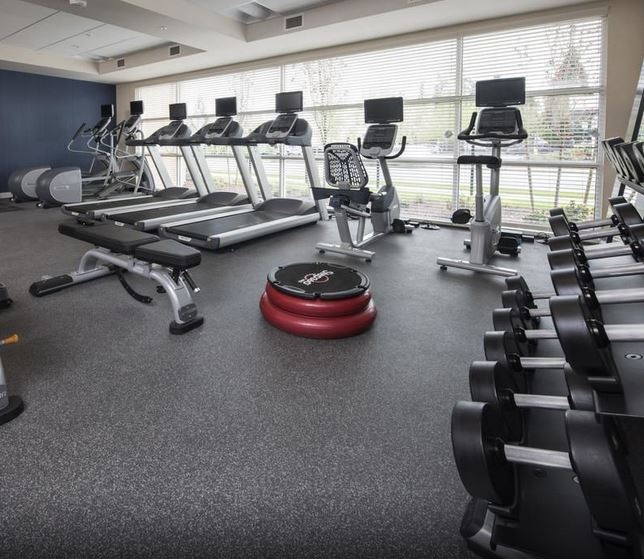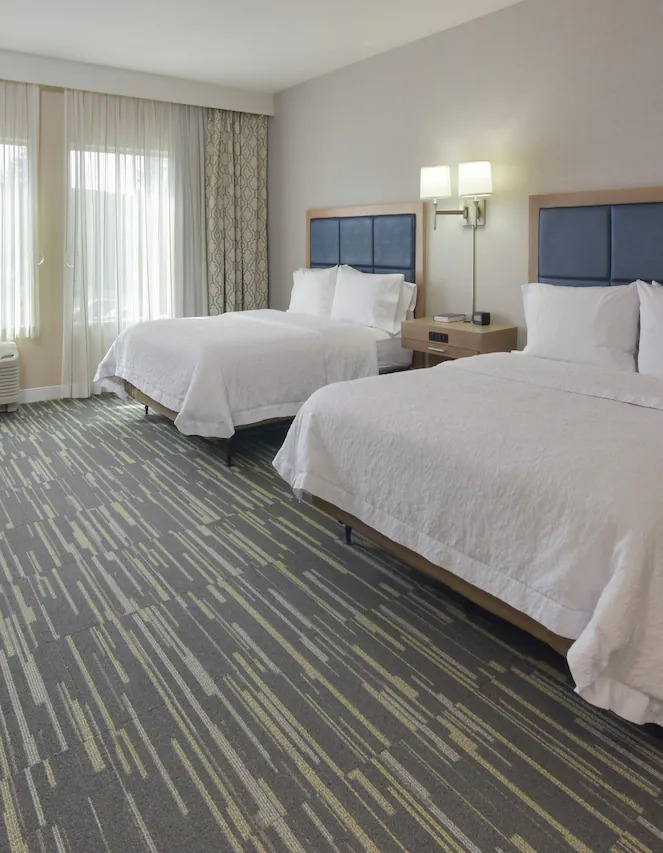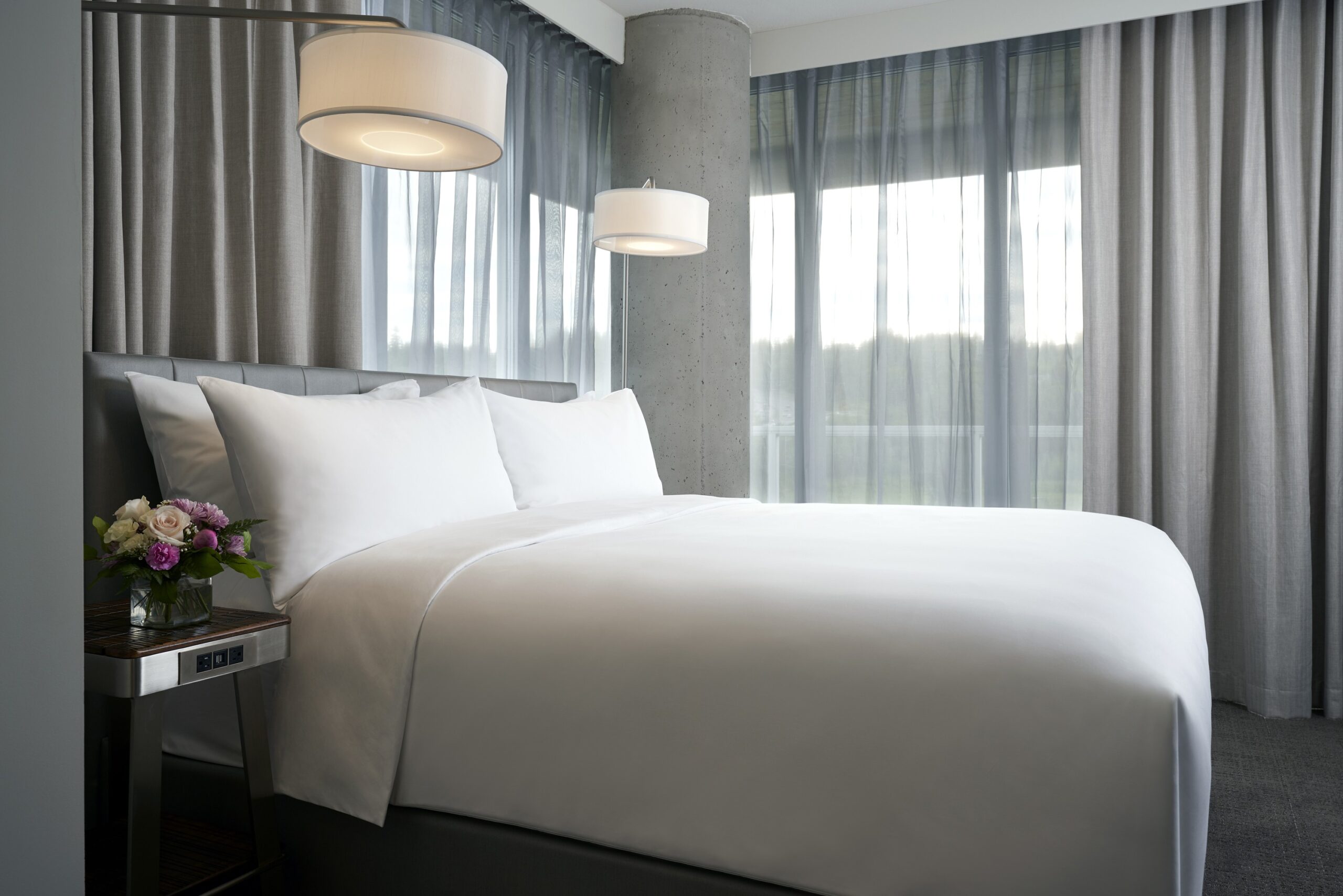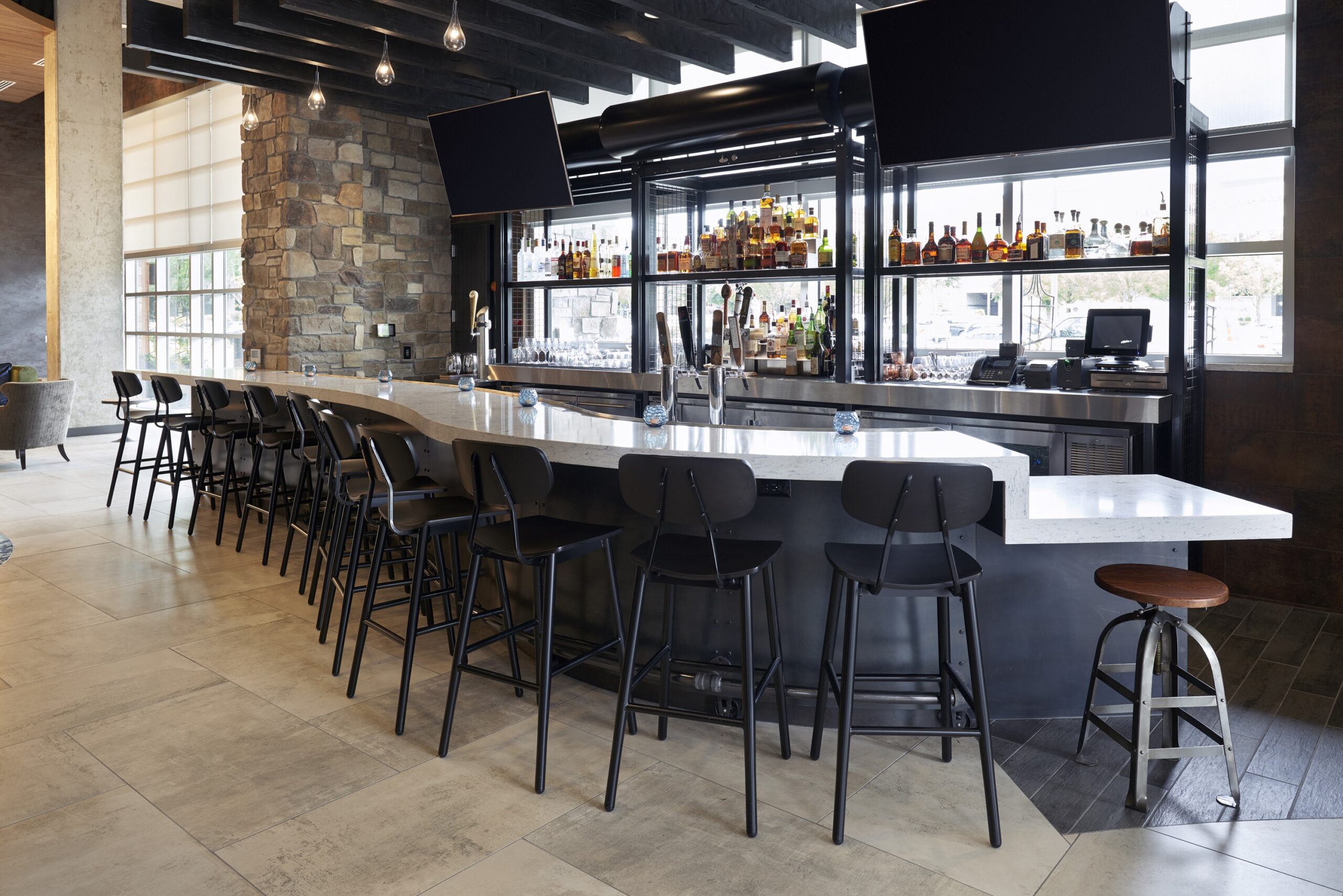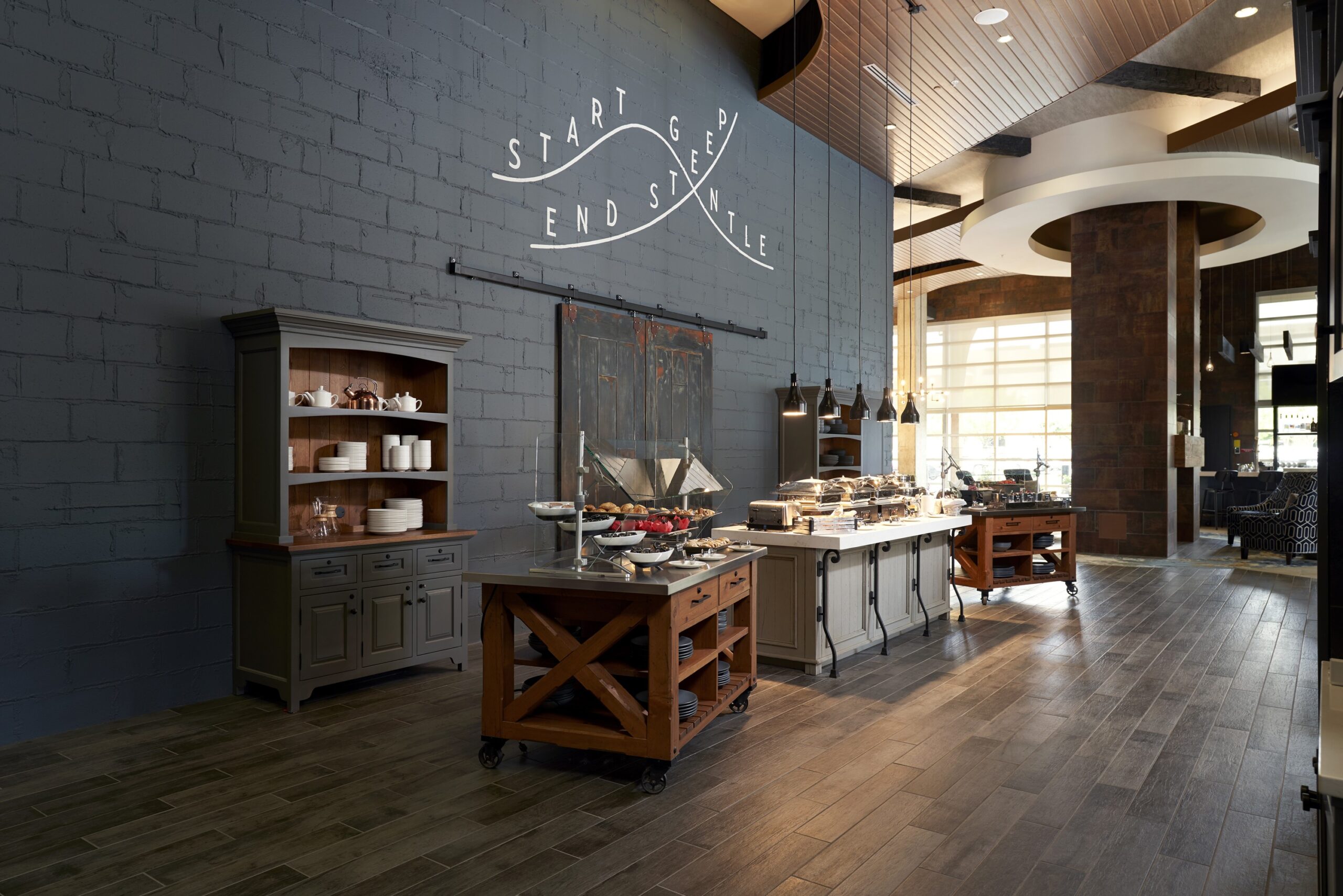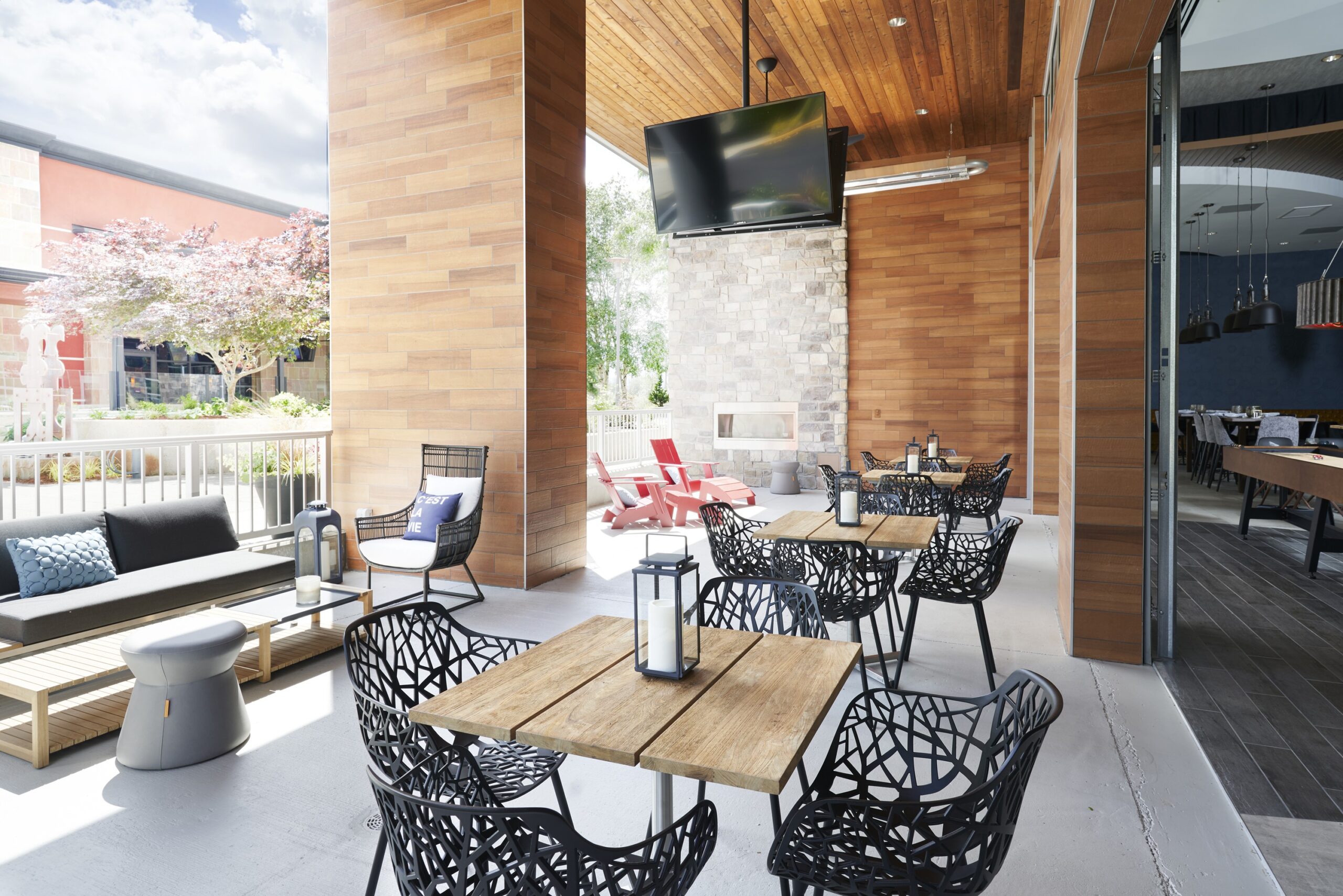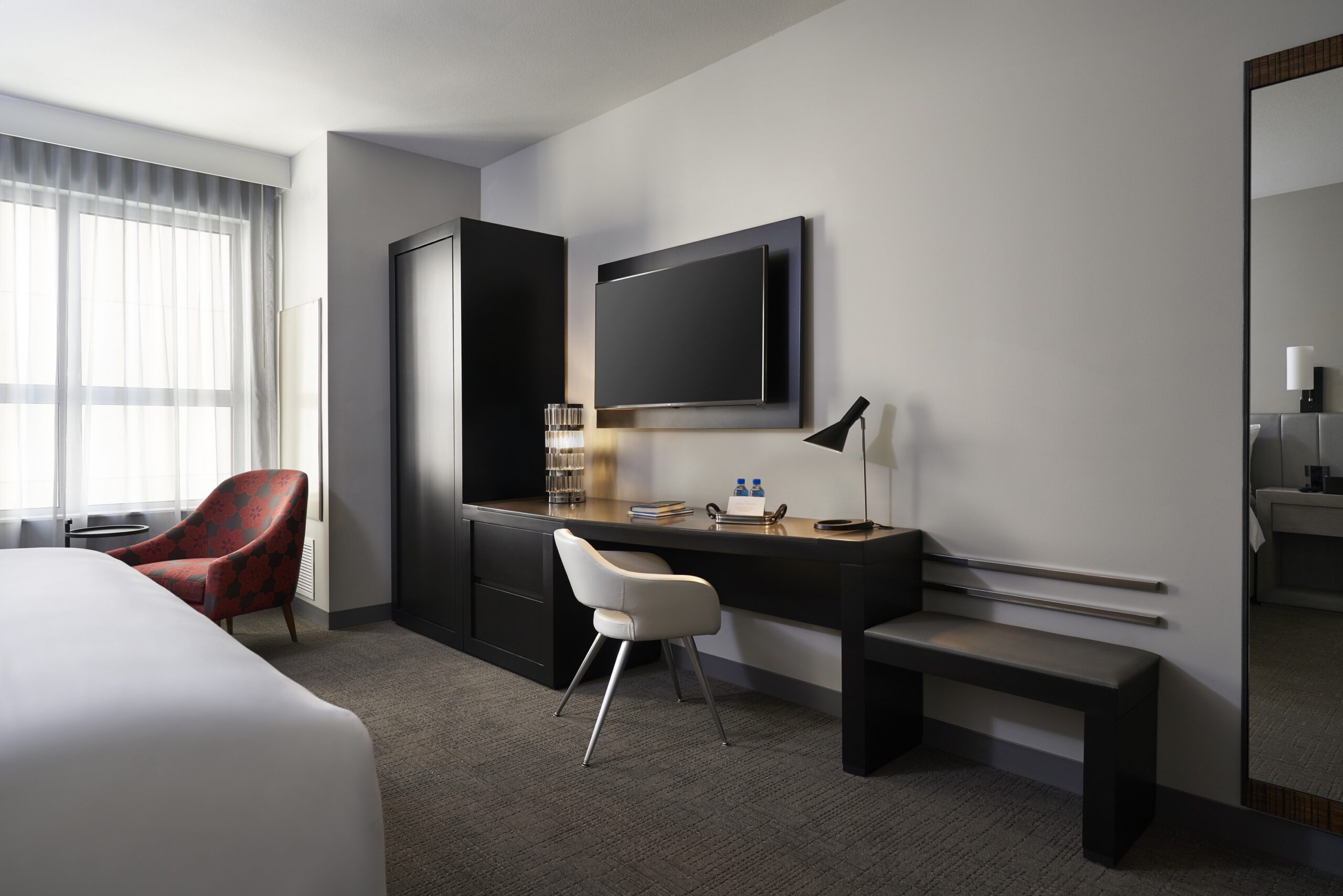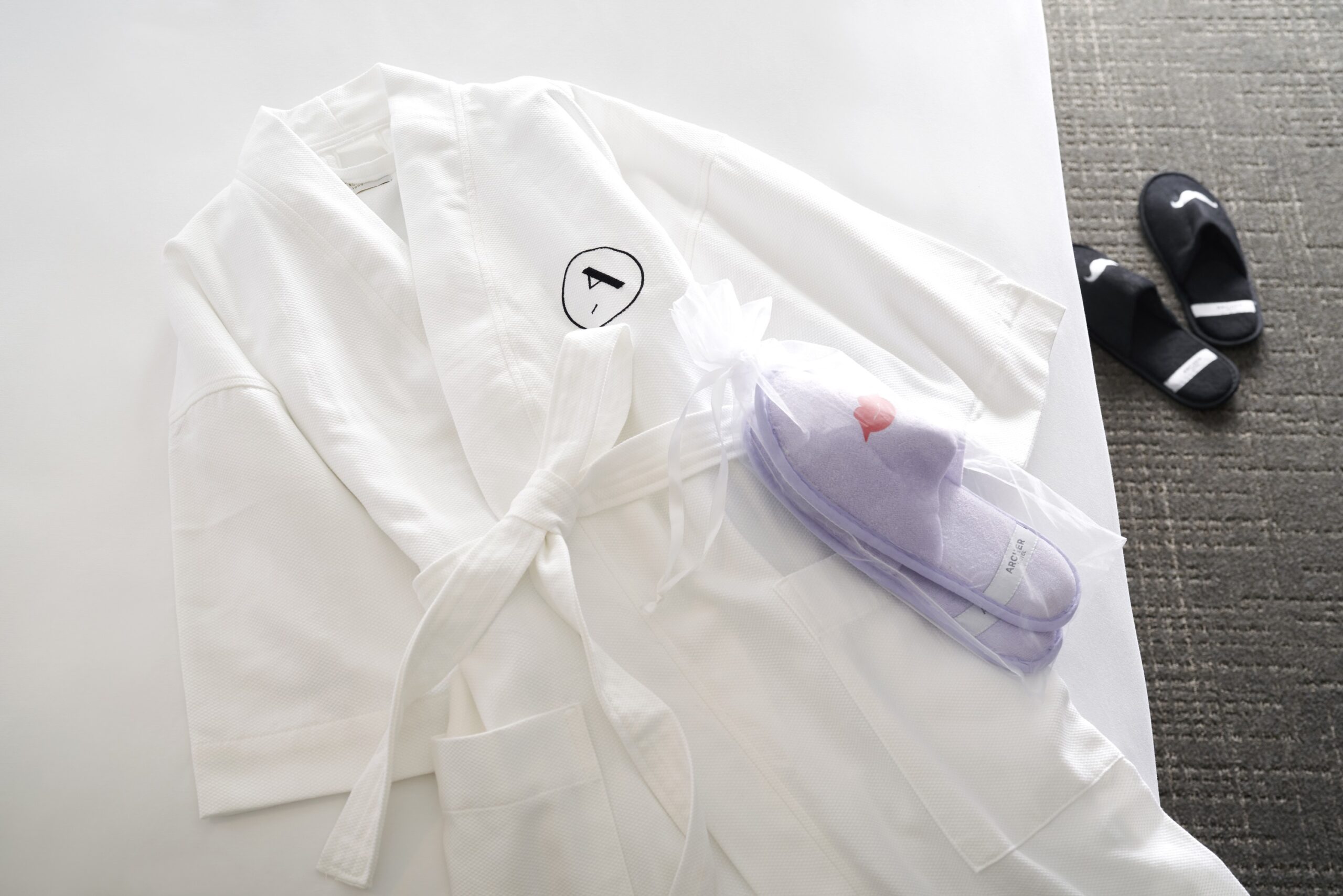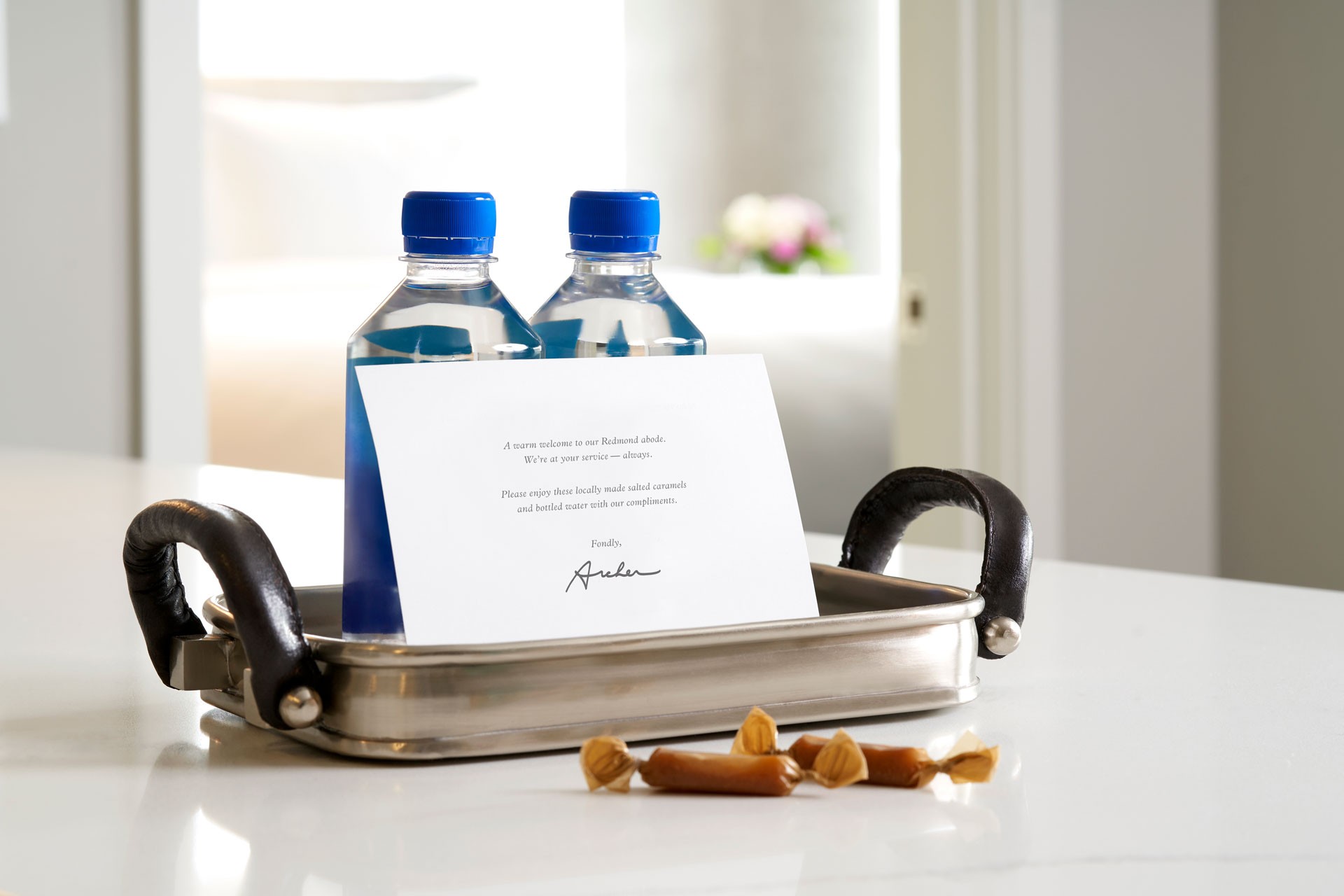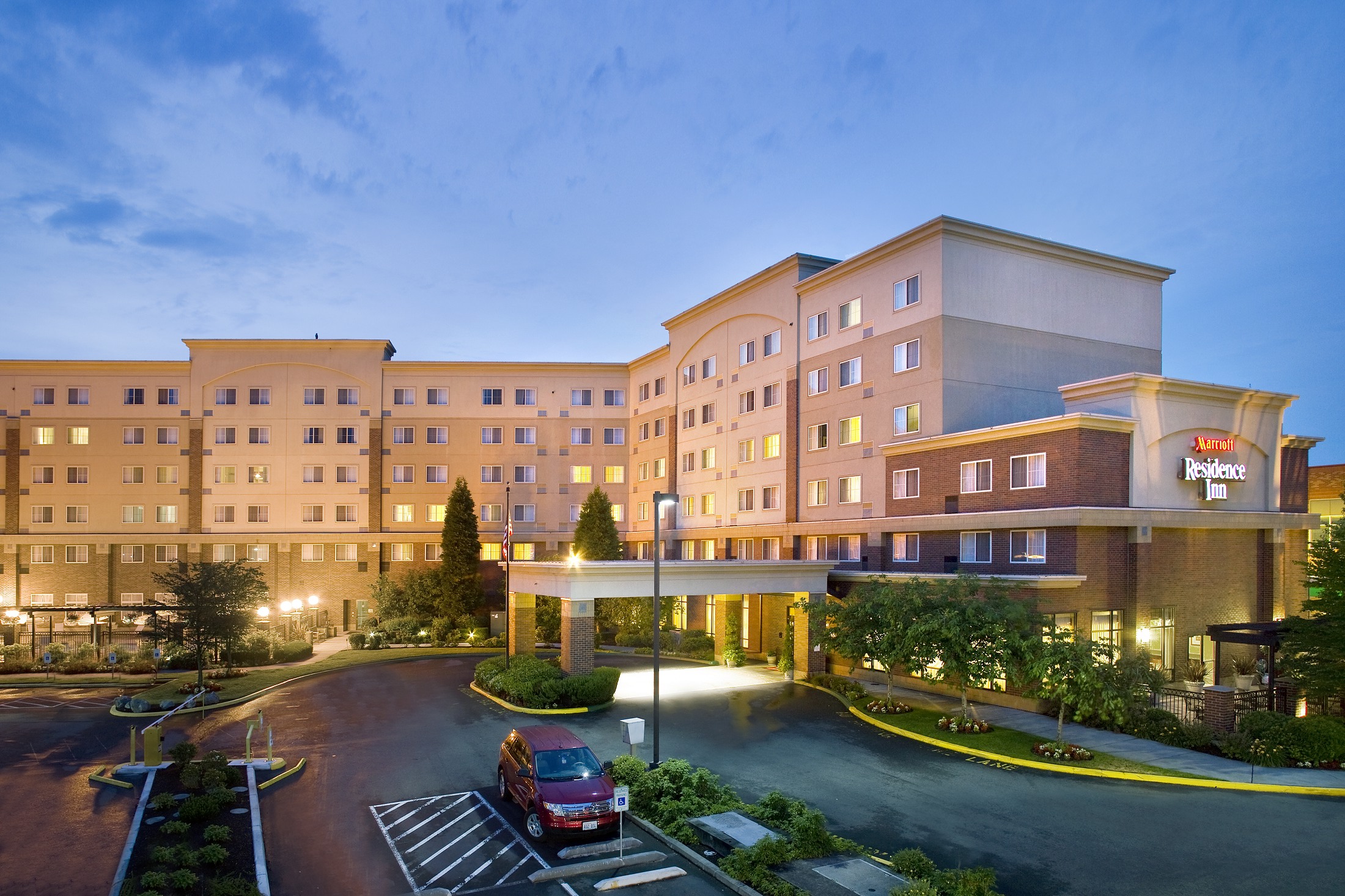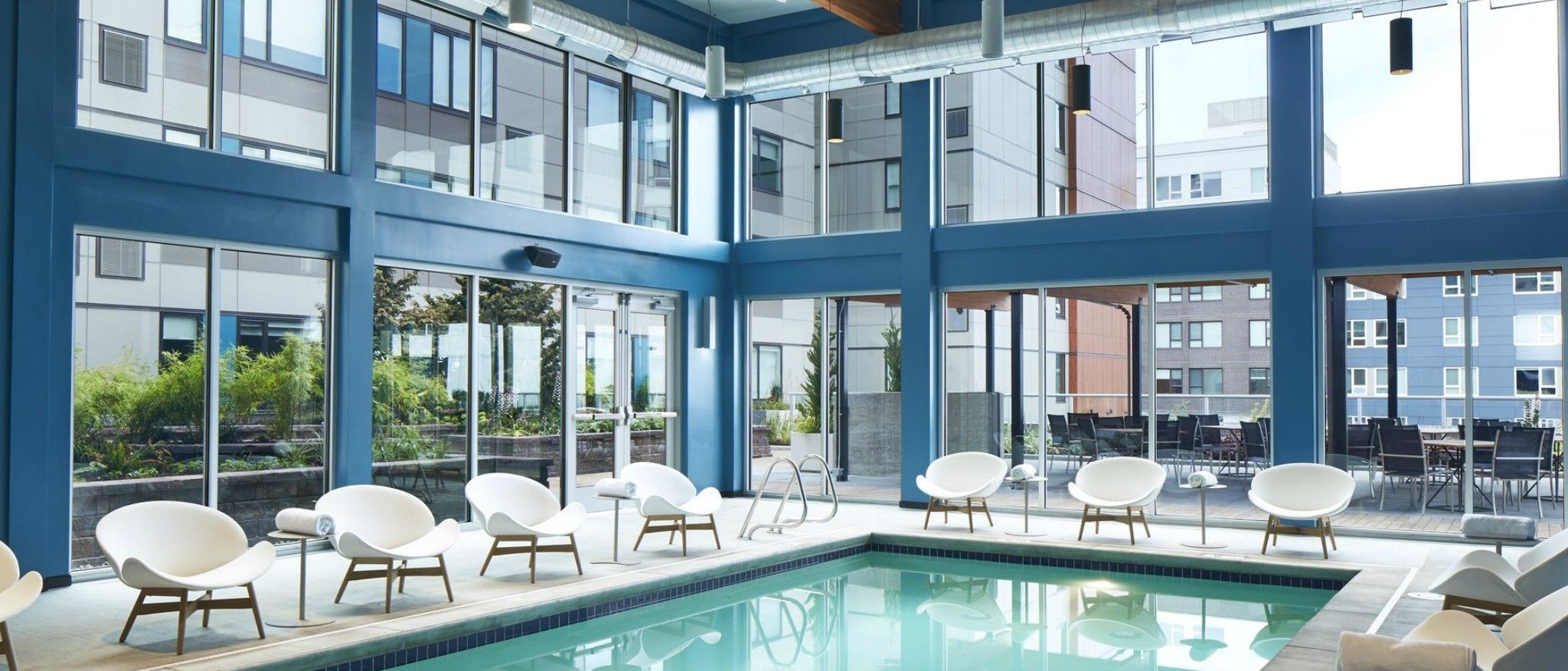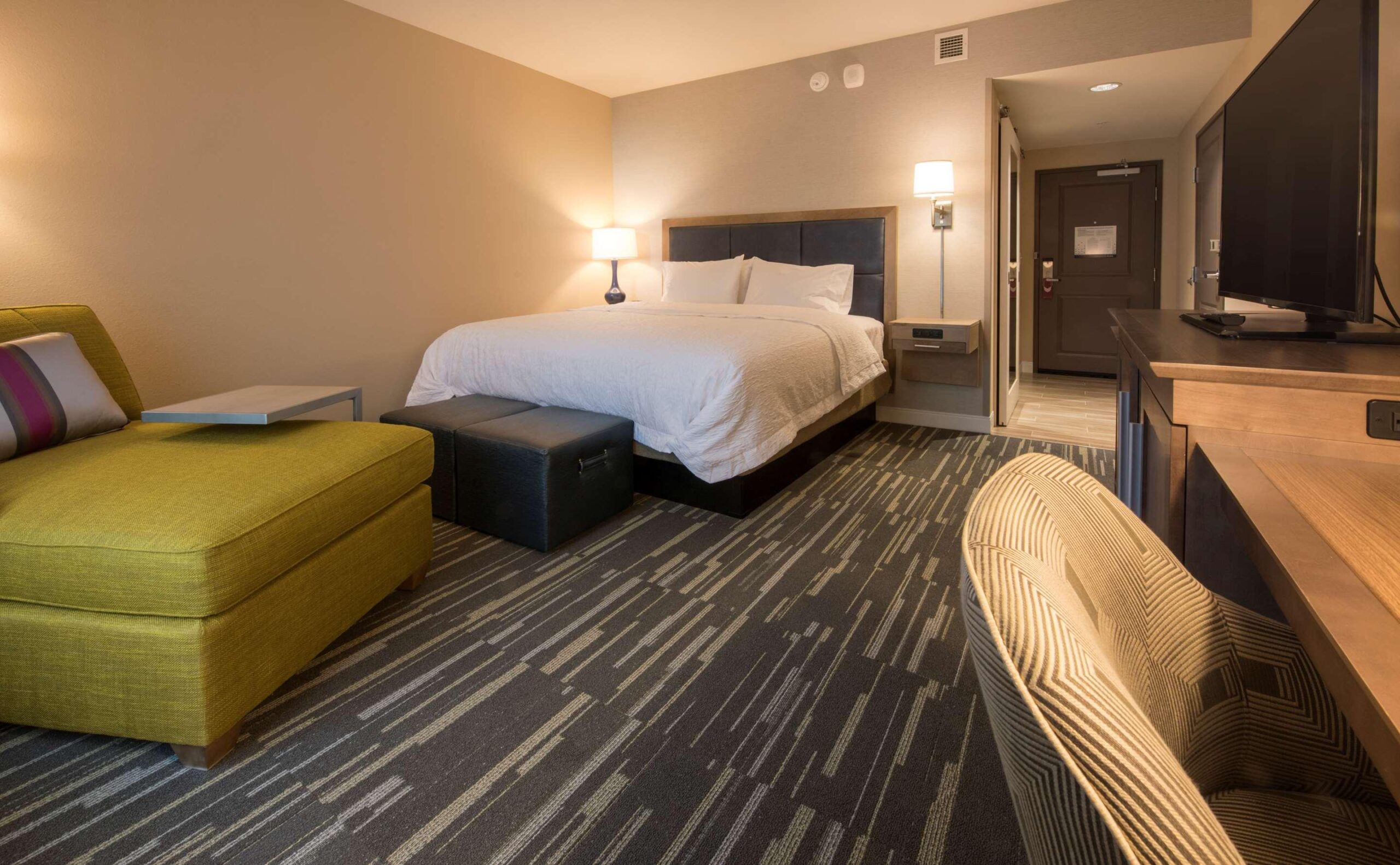
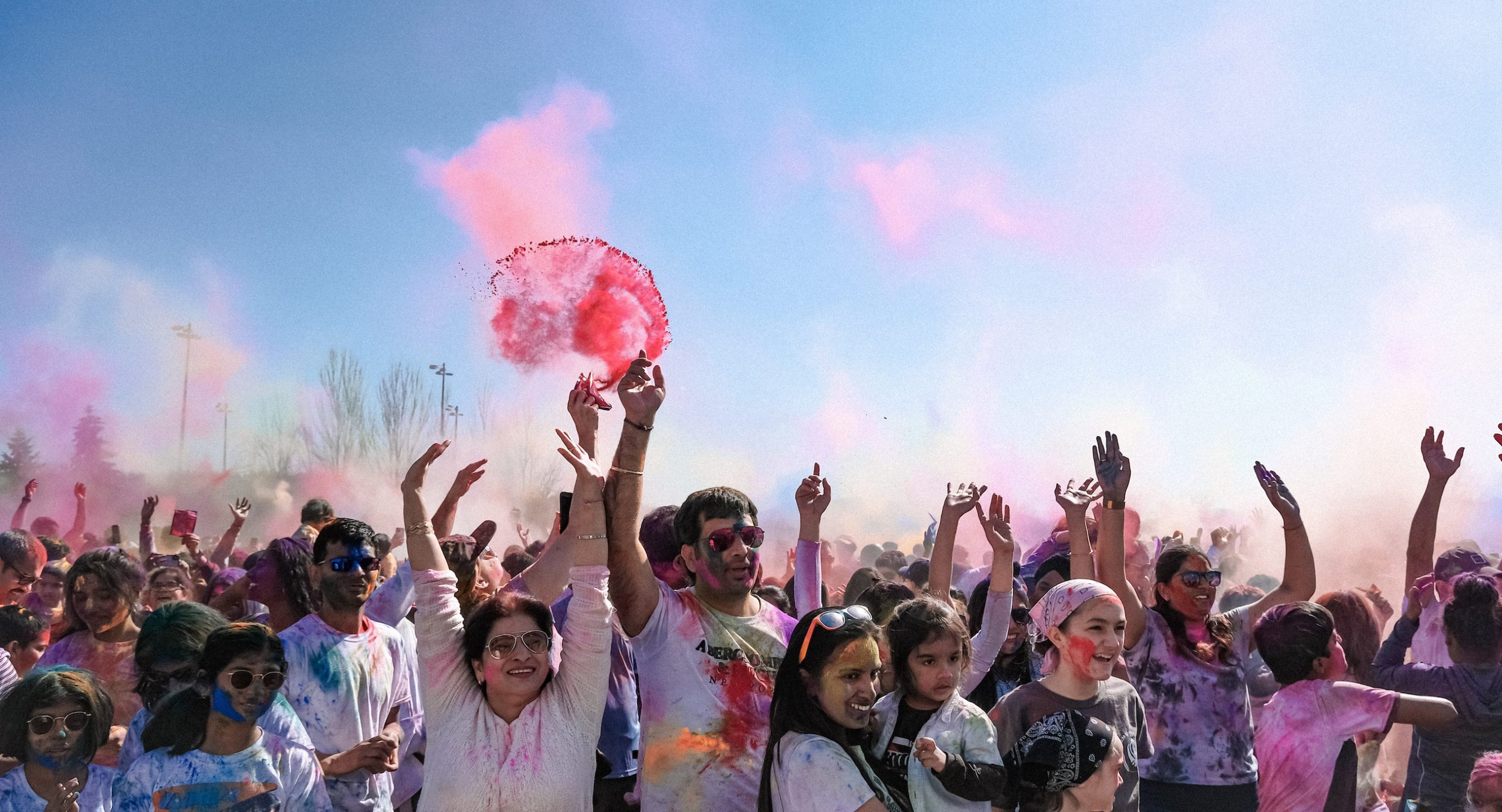
These photos are available for public use and may be downloaded for personal, editorial, or promotional purposes with credit to Experience Redmond. Please include “Photo courtesy of Experience Redmond” whenever images are shared or published.
How to Save an Image
To save a photo, click on the image to open it, then right-click and select “Save Image As…” to download it to your device. On mobile, tap and hold the image, then choose “Save to Photos” or your device’s download option.